Using the 'Enter' Key to Send Messages in WhatsApp on Android
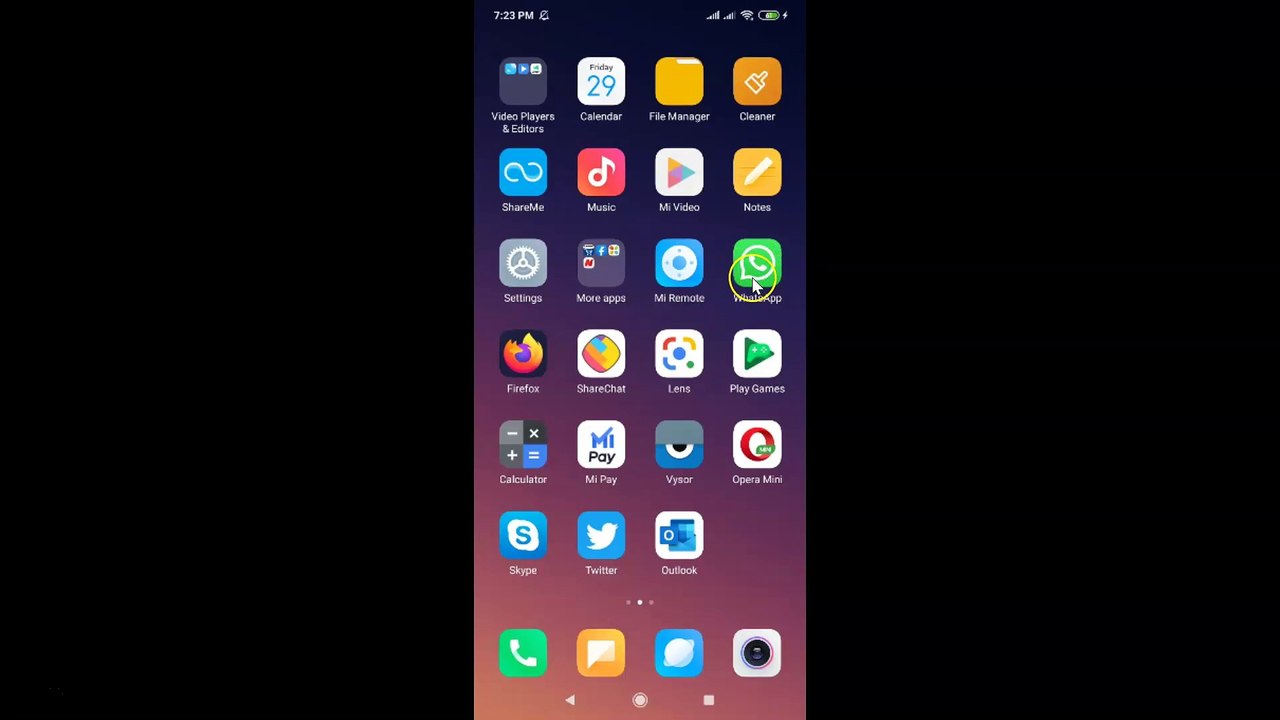
Learn how to configure WhatsApp on your Android device to send messages using the 'Enter' key. Follow these simple steps: Step 1: Open 'WhatsApp.' Step 2: Tap on the 'Three Dots' in the top right corner, then select 'Settings.'
TechTips
6 views • Dec 3, 2019
About this video
How to Use 'Enter' button to Send Messages in WhatsApp on Android?<br /><br />Step 1: Open 'WhatsApp.'<br /><br />Step 2: Tap on 'Three Dots' at the top right, and then tap on 'Settings.'<br /><br />Step 3: Tap on 'Chats.'<br /><br />Step 4: Tap on 'Toggle' next to 'Enter is send' to make it 'On.'<br /><br />Step 5: Now, open a chat, and type a message. After that, tap on 'enter' button. Your message will be sent.<br /><br />It's done.<br /><br />Thanks for watching, please like and subscribe <br /><br />==============================================<br /><br />https://www.facebook.com/HowtoTutorialsByAmit/
Video Information
Views
6
Duration
2:01
Published
Dec 3, 2019
Related Trending Topics
LIVE TRENDSRelated trending topics. Click any trend to explore more videos.
No specific trending topics match this video yet.
Explore All Trends