Transfer WhatsApp from Android to iPhone After Setup 📱
Learn 2 easy methods to transfer WhatsApp chats from Android to iPhone after setup, including free options, for all devices.

Nick S
804.7K views • Dec 19, 2024
About this video
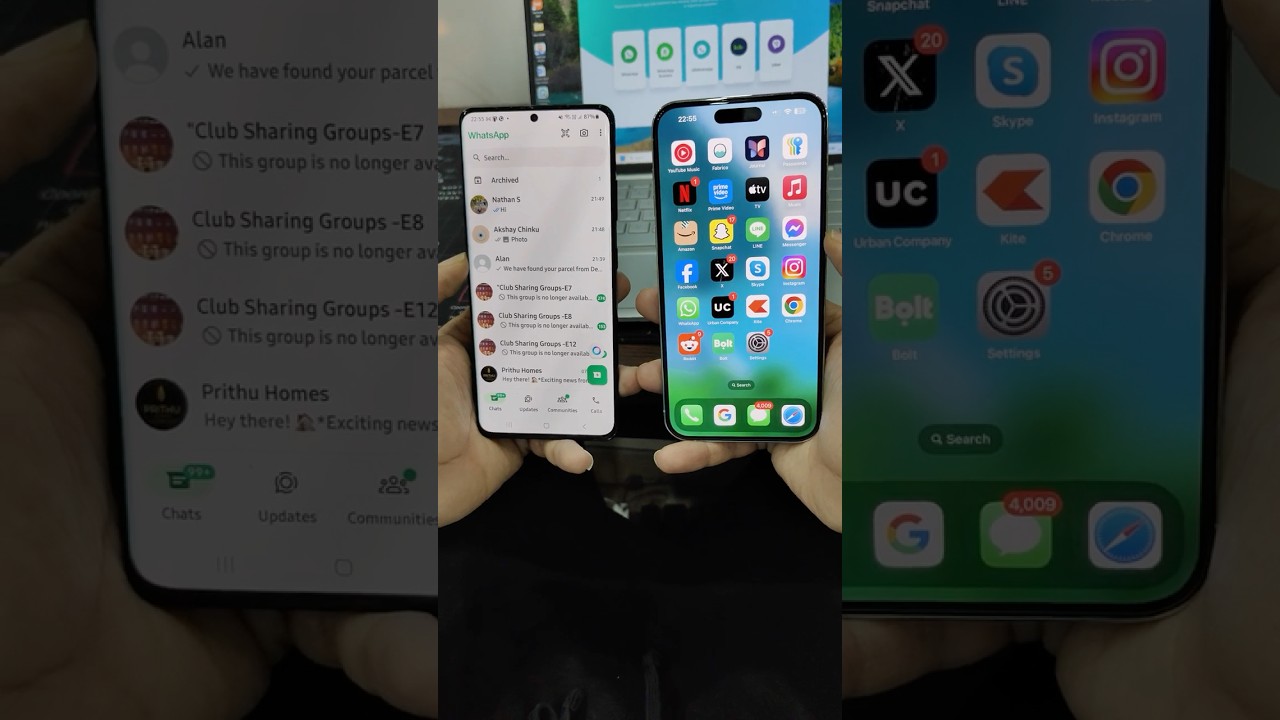
Hey guys, this short video will show you how to transfer WhatsApp from Android to iPhone after setup. These instructions will work all iOS and Android devices.
More details and the app can be found here: https://bit.ly/transfer-whatsapp-android-to-ios-after-setup
When you switch from Android to iPhone, then you can transfer all the data including the WhatsApp chats from your old Android to iPhone using the Move to iOS app during the initial setup. But once you setup your iPhone, you no longer can use the Move to iOS app to transfer WhatsApp from Android to iPhone. So, in this video, I will show you how you can transfer WhatsApp chats from Android to iPhone after the initial setup.
In the first method, I will show how you can factory reset your iPhone and then again use the Move to iOS app to transfer your WhatsApp from Android to iPhone. But if you do not want to factory reset your iPhone and erase all the data to transfer your WhatsApp, then in the next part I will show you how you can use a third-party tool to transfer all the chats and media from android to your iPhone after setup without factory resetting your device.
I hope you will find the video useful, if you have any questions, then feel free to comment on this video.
#shorts #whatsapp
Music source: https://pixabay.com/users/desifreemusic-28163210/
More details and the app can be found here: https://bit.ly/transfer-whatsapp-android-to-ios-after-setup
When you switch from Android to iPhone, then you can transfer all the data including the WhatsApp chats from your old Android to iPhone using the Move to iOS app during the initial setup. But once you setup your iPhone, you no longer can use the Move to iOS app to transfer WhatsApp from Android to iPhone. So, in this video, I will show you how you can transfer WhatsApp chats from Android to iPhone after the initial setup.
In the first method, I will show how you can factory reset your iPhone and then again use the Move to iOS app to transfer your WhatsApp from Android to iPhone. But if you do not want to factory reset your iPhone and erase all the data to transfer your WhatsApp, then in the next part I will show you how you can use a third-party tool to transfer all the chats and media from android to your iPhone after setup without factory resetting your device.
I hope you will find the video useful, if you have any questions, then feel free to comment on this video.
#shorts #whatsapp
Music source: https://pixabay.com/users/desifreemusic-28163210/
Tags and Topics
Browse our collection to discover more content in these categories.
Video Information
Views
804.7K
Likes
9.3K
Duration
0:59
Published
Dec 19, 2024
User Reviews
4.6
(160) Related Trending Topics
LIVE TRENDSRelated trending topics. Click any trend to explore more videos.
No specific trending topics match this video yet.
Explore All Trends