Stop iPhone Dimming: 7 Proven Fixes for All Models
Learn 7 effective ways to prevent your iPhone from dimming automatically. Easy fixes for all iPhone models to keep your screen bright. 📱

Payette Forward
167.5K views • Mar 16, 2022
About this video
David & David explain why your iPhone screen brightness changes by itself and show you how to stop your iPhone from dimming. The first thing to check is Auto-Brightness, which automatically adjusts the brightness of your iPhone's display to help save battery life.
If you have an iPhone 8 or newer, it's possible that True Tone is on, which automatically adjusts your iPhone's display based on ambient lighting conditions.
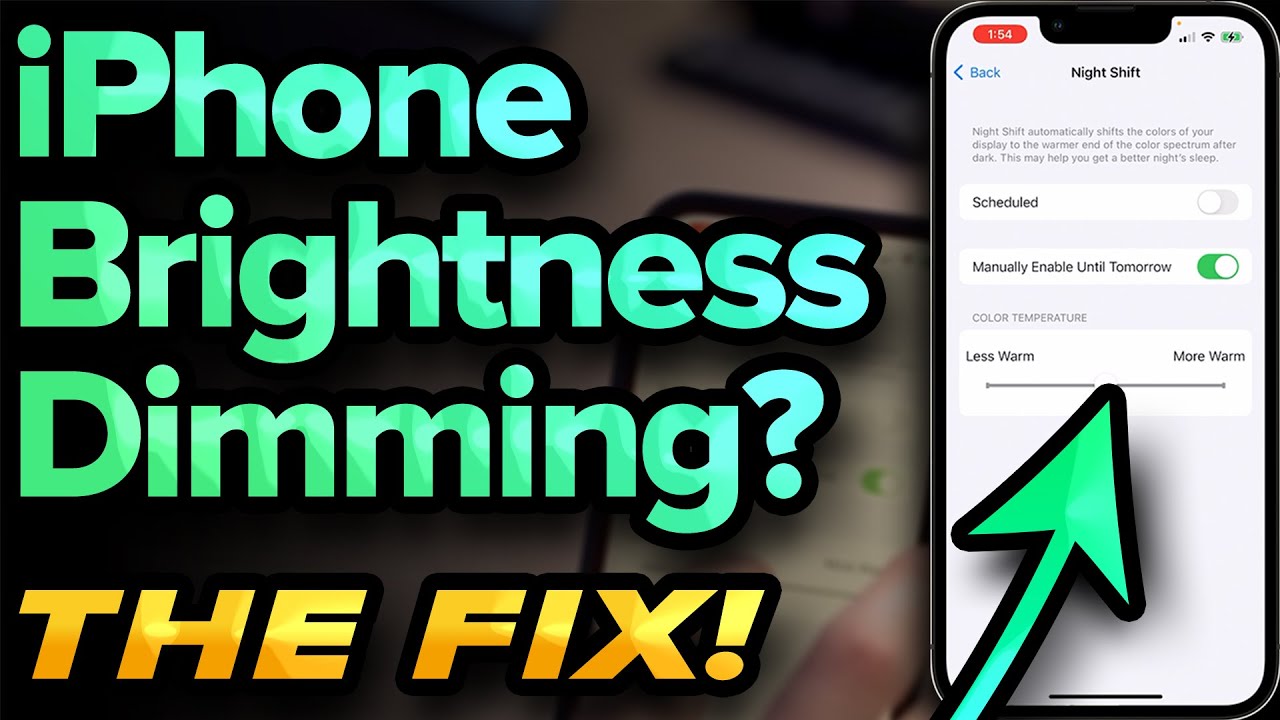
Next, check to see if Night Shift is on, or gets automatically scheduled at night. Night Shift removes blue light, which makes your iPhone display warmer.
Finally, check to see if Low Power Mode is on. When Low Power Mode is on, your iPhone turns off a lot of features to preserve battery life. It's possible your iPhone's display brightness got turned down in an effort to save battery life.
🔋 REAL iPhone battery tips, updated for 2022: https://www.youtube.com/watch?v=SUFZR0EzpWI&list=PLZ6vj1GD_4H7S8kRtJvhA0jUl0K1GqZlM&index=2
Contact Apple support about a possible hardware problem: https://getsupport.apple.com
1. Turn Off Auto-Brightness [0:04]
2. Wipe Off Your iPhone [0:31]
3. Turn Off True Tone [0:51]
4. Turn Off Night Shift [1:14]
5. Turn Off Low Power Mode [1:50]
6. Addressing Potential Hardware Problems [2:33]
7. Turn Off Dark Mode [3:09]
🎁 Join this channel to get access to perks:
https://www.youtube.com/channel/UCiIhoHKPMHm0tpga58IBQNQ/join
📱 For awesome iPhone fixes and tips, check out our website, Payette Forward: https://www.payetteforward.com
📱 Compare every cell phone, every plan, and every carrier on UpPhone: https://www.upphone.com/
👋 Get Social With Payette Forward:
On Facebook: https://www.facebook.com/payetteforwardinc
On Twitter: https://twitter.com/payetteforward
On Instagram: https://www.instagram.com/payetteforward/
#iPhone #Brightness #Fix
If you have an iPhone 8 or newer, it's possible that True Tone is on, which automatically adjusts your iPhone's display based on ambient lighting conditions.
Next, check to see if Night Shift is on, or gets automatically scheduled at night. Night Shift removes blue light, which makes your iPhone display warmer.
Finally, check to see if Low Power Mode is on. When Low Power Mode is on, your iPhone turns off a lot of features to preserve battery life. It's possible your iPhone's display brightness got turned down in an effort to save battery life.
🔋 REAL iPhone battery tips, updated for 2022: https://www.youtube.com/watch?v=SUFZR0EzpWI&list=PLZ6vj1GD_4H7S8kRtJvhA0jUl0K1GqZlM&index=2
Contact Apple support about a possible hardware problem: https://getsupport.apple.com
1. Turn Off Auto-Brightness [0:04]
2. Wipe Off Your iPhone [0:31]
3. Turn Off True Tone [0:51]
4. Turn Off Night Shift [1:14]
5. Turn Off Low Power Mode [1:50]
6. Addressing Potential Hardware Problems [2:33]
7. Turn Off Dark Mode [3:09]
🎁 Join this channel to get access to perks:
https://www.youtube.com/channel/UCiIhoHKPMHm0tpga58IBQNQ/join
📱 For awesome iPhone fixes and tips, check out our website, Payette Forward: https://www.payetteforward.com
📱 Compare every cell phone, every plan, and every carrier on UpPhone: https://www.upphone.com/
👋 Get Social With Payette Forward:
On Facebook: https://www.facebook.com/payetteforwardinc
On Twitter: https://twitter.com/payetteforward
On Instagram: https://www.instagram.com/payetteforward/
#iPhone #Brightness #Fix
Tags and Topics
Browse our collection to discover more content in these categories.
Video Information
Views
167.5K
Likes
3.7K
Duration
3:49
Published
Mar 16, 2022
User Reviews
4.7
(33) Related Trending Topics
LIVE TRENDSRelated trending topics. Click any trend to explore more videos.
No specific trending topics match this video yet.
Explore All Trends