Send WhatsApp Messages to Multiple Contacts 📱
Learn how to efficiently send messages to multiple contacts on WhatsApp and save time with this updated guide.

Smart Fixer
7.3K views • Mar 18, 2025
About this video
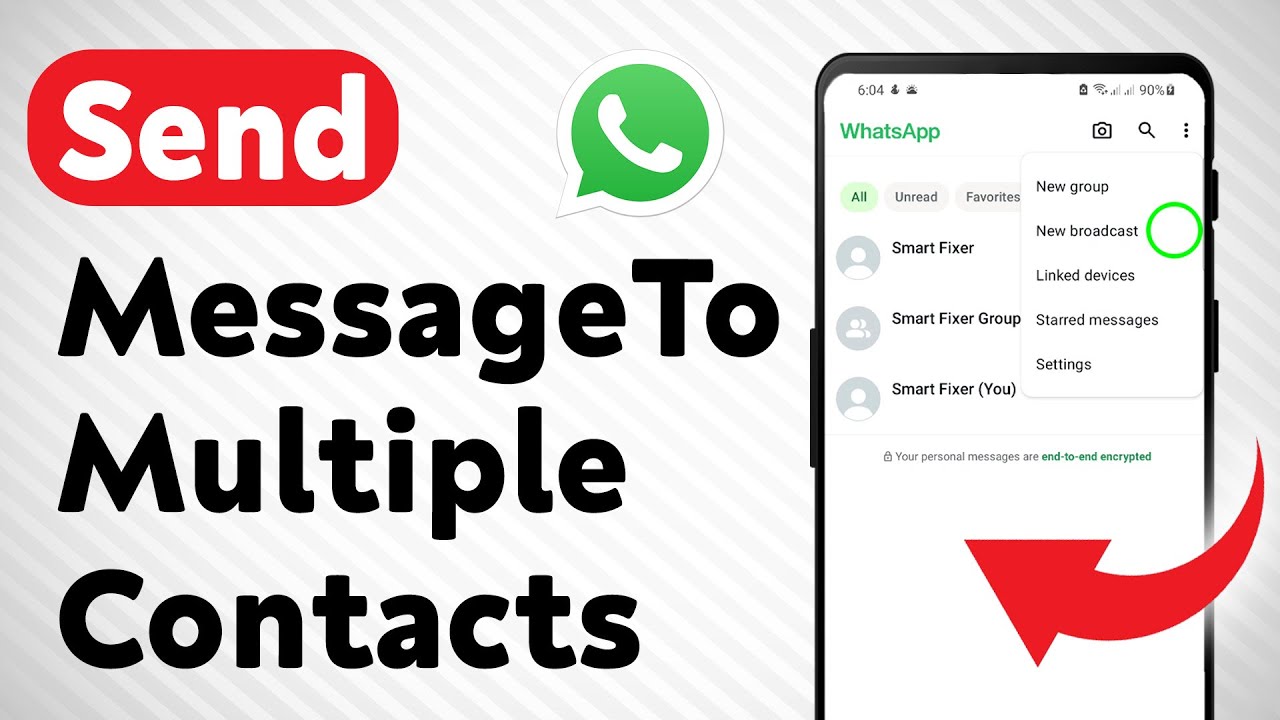
Learn how to send messages to multiple contacts on WhatsApp efficiently, saving you time and effort by avoiding individual messages. This feature is particularly useful for sharing updates or announcements with a large group of people without creating a group chat.
Here are the steps to follow:
1. Open WhatsApp App
2. Tap on the three dots in the top right corner and select "New broadcast"
3. Select all the contacts you want to send the message to
4. Tap the checkmark
5. Type your message and send it
#PWhatsAppTips #SendMultipleMessages #WhatsAppBroadcast
===================
Chapters:
--------------
00:00 Intro
00:12 Soultion
01:05 Outro
===================
For advertiser contact us via email : smart_fixer@protonmail.com
Here are the steps to follow:
1. Open WhatsApp App
2. Tap on the three dots in the top right corner and select "New broadcast"
3. Select all the contacts you want to send the message to
4. Tap the checkmark
5. Type your message and send it
#PWhatsAppTips #SendMultipleMessages #WhatsAppBroadcast
===================
Chapters:
--------------
00:00 Intro
00:12 Soultion
01:05 Outro
===================
For advertiser contact us via email : smart_fixer@protonmail.com
Tags and Topics
Browse our collection to discover more content in these categories.
Video Information
Views
7.3K
Likes
49
Duration
1:51
Published
Mar 18, 2025
User Reviews
4.1
(1)