Send Group Texts on Android Easily 📱
Learn simple steps to send group messages on Android and stay connected with friends and family effortlessly.

How-To Authority
40.2K views • Feb 11, 2024
About this video
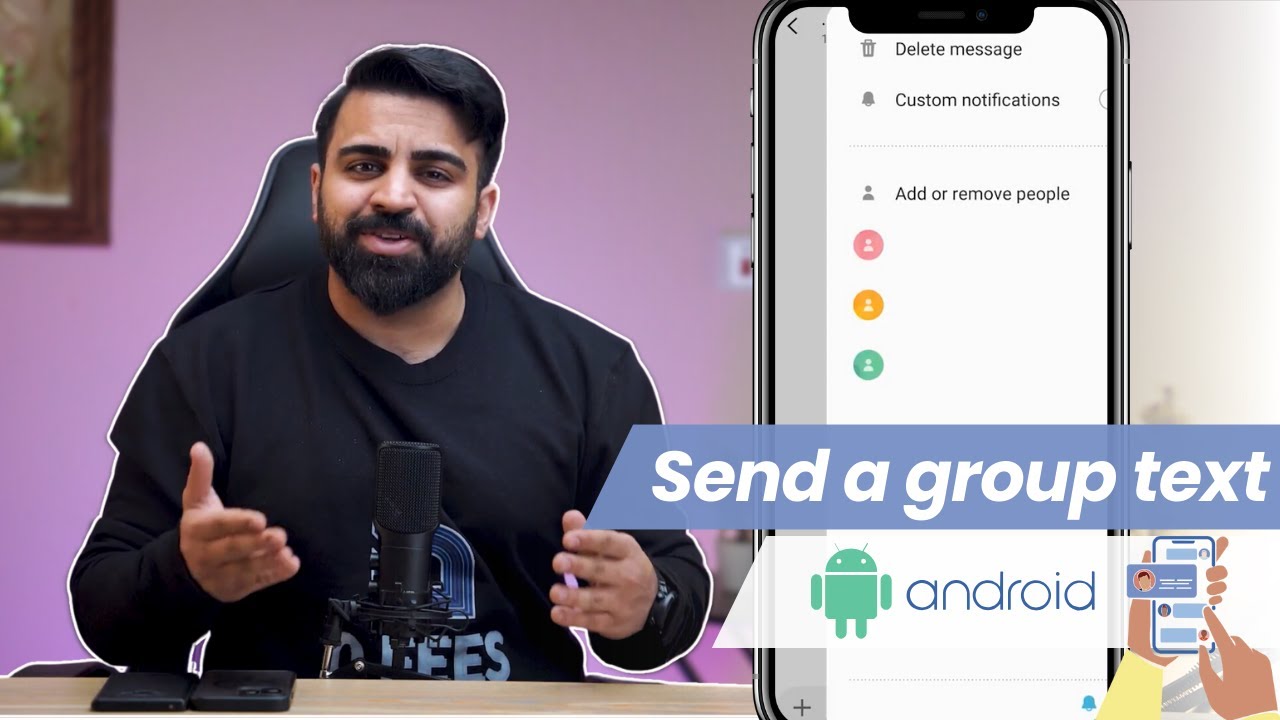
📱📧 Sending Group Texts on Android: Easy Steps to Keep Everyone Connected! 📱📧
Group texts are a convenient way to coordinate plans, catch up with friends, or organize events like surprise parties. If you're wondering how to send a group text on your Android phone, we've got you covered. In this guide, we'll walk you through the simplest method using the messaging app.
Read our full article: https://www.androidauthority.com/how-to-send-group-text-android-3264538/
📌 JUMP TO KEY SECTIONS:
0:00 - Introduction
0:20 - Sending Group Texts on Messaging App
📲 Sending Group Texts on Messaging App:
1️⃣ Open your messaging app on your Android device.
2️⃣ Create a new message.
3️⃣ Add recipients by selecting contacts or typing their names.
4️⃣ Once recipients are added, tap "Done."
5️⃣ Compose your message and send it to the group.
✅ Adding and Removing Recipients:
➡️To add or remove contacts, tap the "Add or remove people."
🗑️ Deleting Messages and Groups:
➡️To delete a message, tap and hold it, then select "Delete."
➡️To delete a group, remove all participants, and the group will be automatically deleted.
🔒 Whether it's for holiday plans or casual conversations, sending group texts on Android keeps everyone connected and engaged in one place!
🔗 For more information, visit our complete article: https://www.androidauthority.com/how-to-send-group-text-android-3264538/
Group texts are a convenient way to coordinate plans, catch up with friends, or organize events like surprise parties. If you're wondering how to send a group text on your Android phone, we've got you covered. In this guide, we'll walk you through the simplest method using the messaging app.
Read our full article: https://www.androidauthority.com/how-to-send-group-text-android-3264538/
📌 JUMP TO KEY SECTIONS:
0:00 - Introduction
0:20 - Sending Group Texts on Messaging App
📲 Sending Group Texts on Messaging App:
1️⃣ Open your messaging app on your Android device.
2️⃣ Create a new message.
3️⃣ Add recipients by selecting contacts or typing their names.
4️⃣ Once recipients are added, tap "Done."
5️⃣ Compose your message and send it to the group.
✅ Adding and Removing Recipients:
➡️To add or remove contacts, tap the "Add or remove people."
🗑️ Deleting Messages and Groups:
➡️To delete a message, tap and hold it, then select "Delete."
➡️To delete a group, remove all participants, and the group will be automatically deleted.
🔒 Whether it's for holiday plans or casual conversations, sending group texts on Android keeps everyone connected and engaged in one place!
🔗 For more information, visit our complete article: https://www.androidauthority.com/how-to-send-group-text-android-3264538/
Video Information
Views
40.2K
Likes
104
Duration
2:01
Published
Feb 11, 2024
User Reviews
4.0
(8) Related Trending Topics
LIVE TRENDSRelated trending topics. Click any trend to explore more videos.
No specific trending topics match this video yet.
Explore All Trends