How to Seamlessly Merge Text and Images in PowerPoint for Stunning Slides ✨
Learn easy tips to combine text and images in PowerPoint and create professional, eye-catching presentations. Perfect for making your slides stand out!
Mr. Devotor
12 views • Oct 18, 2025
About this video
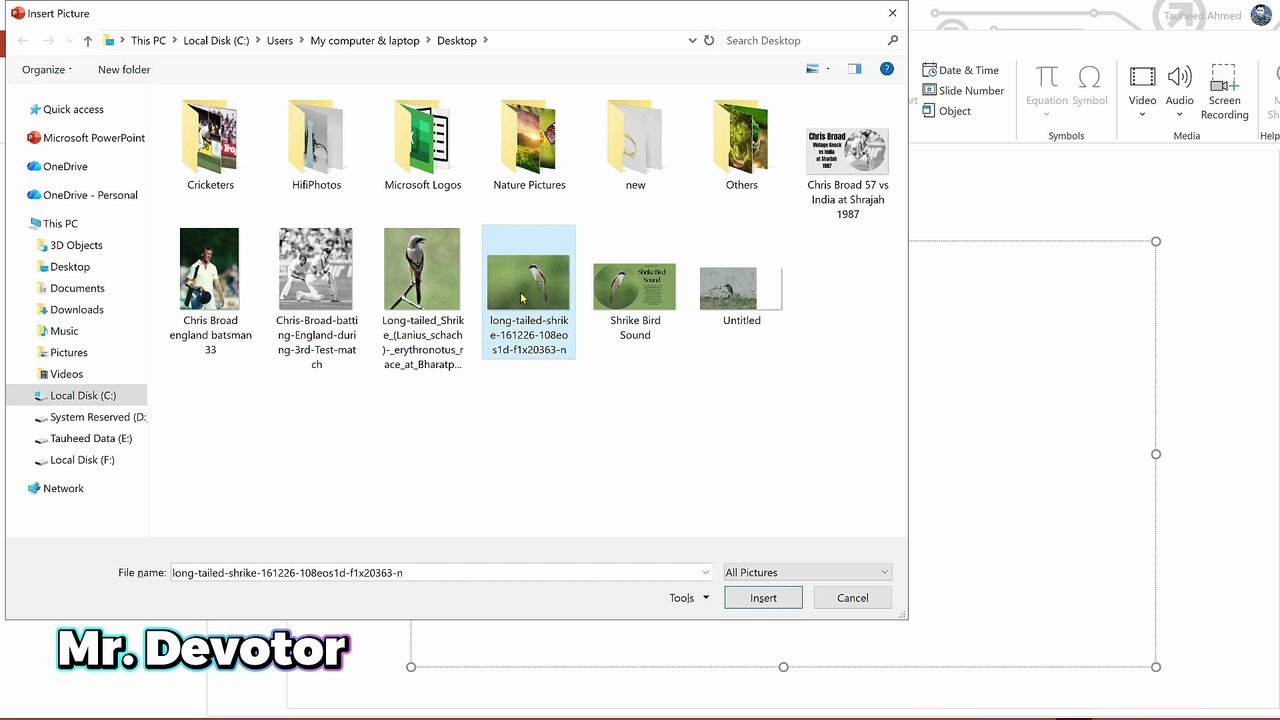
Want to make your PowerPoint slides look more professional and engaging? In this video, you’ll learn how to merge text and image in PowerPoint using simple tools and techniques.<br />We’ll show you how to overlay text on images, adjust transparency, and create a clean, stunning slide design. Perfect for presentations, marketing, or personal projects.<br /><br />📘 Topics Covered:<br /><br />Insert and position images<br /><br />Add and format text<br /><br />Adjust transparency and background<br /><br />Merge and group objects for creative effects<br /><br />🎬 Watch till the end to learn how to design visually stunning slides that grab attention instantly!<br /><br />🔖 Hashtags<br /><br />#PowerPointTutorial #PowerPointTips #PowerPointDesign #PresentationTips #MicrosoftPowerPoint #OfficeTutorial #SlideDesign #TextOnImage #PowerPointEditing #PresentationSkills
Video Information
Views
12
Duration
2:01
Published
Oct 18, 2025
Related Trending Topics
LIVE TRENDSRelated trending topics. Click any trend to explore more videos.
No specific trending topics match this video yet.
Explore All Trends