Merge Image & Text in PowerPoint | Beginner Guide
Learn how to combine images and text in PowerPoint with this easy tutorial for beginners. 📊

gbby gal
280.6K views • Feb 12, 2023
About this video
How to merge image and text in PowerPoint for beginners?
If this is the video tutorial you're looking for, then what are you waiting for?
The following are the steps on how to merge image and text in PowerPoint.
°Insert text box
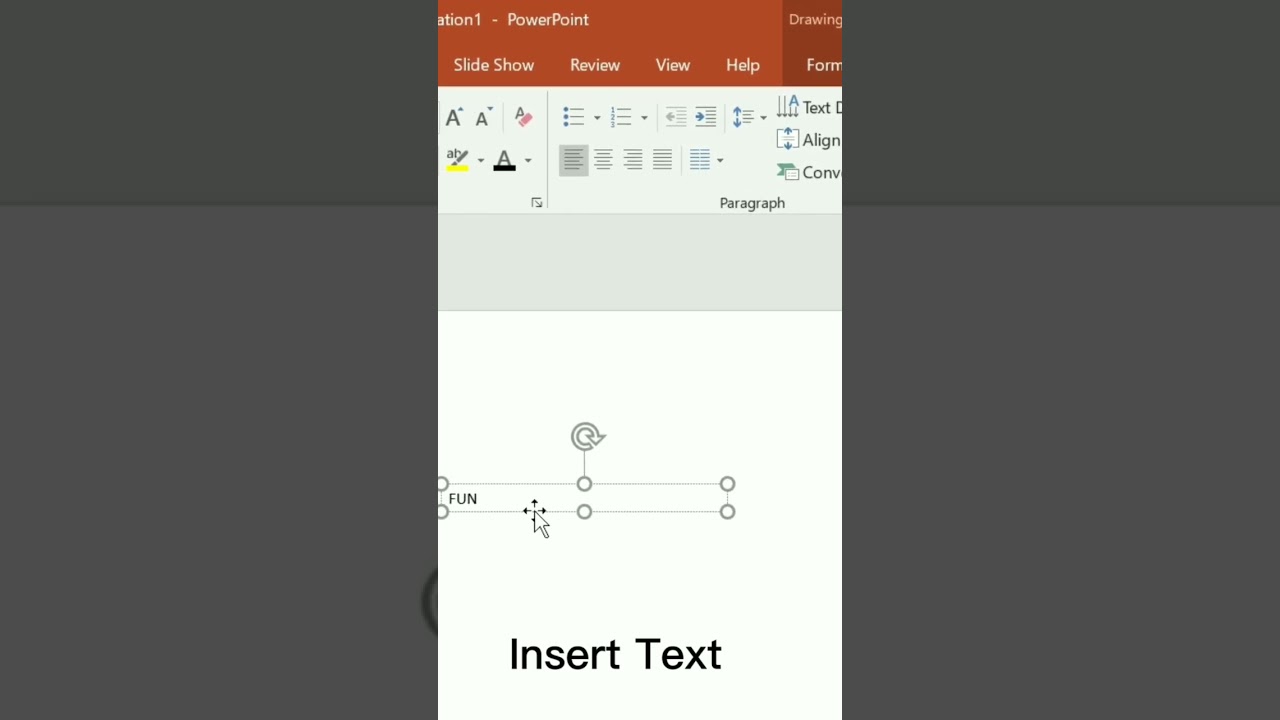
°Insert text
°Change and increase the size of font
°Add image
°Right click image then click send to back
°Click SHIFT BUTTON on keyboard then click both text and image
°Go to format setting, click the edit shape or you can directly go to merge shapes if it works on you.
And it's done, You can also add background image on your merged image to make it more attractive.
The background music in this video is not mine.
If this is the video tutorial you're looking for, then what are you waiting for?
The following are the steps on how to merge image and text in PowerPoint.
°Insert text box
°Insert text
°Change and increase the size of font
°Add image
°Right click image then click send to back
°Click SHIFT BUTTON on keyboard then click both text and image
°Go to format setting, click the edit shape or you can directly go to merge shapes if it works on you.
And it's done, You can also add background image on your merged image to make it more attractive.
The background music in this video is not mine.
Video Information
Views
280.6K
Likes
794
Duration
0:16
Published
Feb 12, 2023
User Reviews
4.1
(56) Related Trending Topics
LIVE TRENDSRelated trending topics. Click any trend to explore more videos.
No specific trending topics match this video yet.
Explore All Trends