How to Save Webpages as PDFs in Chrome 🖥️
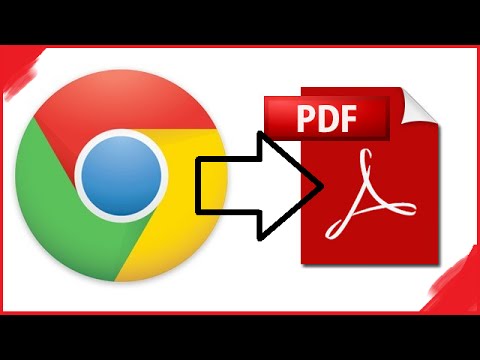
Learn the simple steps to convert any webpage into a PDF file using Google Chrome. Ensure you have a PDF reader like Adobe Acrobat installed for easy access and sharing.
ARTIFEXCAPTUS
5.3K views • May 4, 2015
About this video
(You'll need to have Adobe Acrobat or any other PDF reader program for this.)
To convert your web page to a PDF from the Google Chrome application follow these steps: Open Chrome, go to the web page you want to convert to PDF, click on the Settings button and click Print (or press Ctrl+P)
- from source
( http://www.novapdf.com/kb/convert-a-web-page-to-pdf-100.html )
Thanks for watching
Subscribe for more videos!
To convert your web page to a PDF from the Google Chrome application follow these steps: Open Chrome, go to the web page you want to convert to PDF, click on the Settings button and click Print (or press Ctrl+P)
- from source
( http://www.novapdf.com/kb/convert-a-web-page-to-pdf-100.html )
Thanks for watching
Subscribe for more videos!
Tags and Topics
Browse our collection to discover more content in these categories.
Video Information
Views
5.3K
Likes
11
Duration
2:38
Published
May 4, 2015
User Reviews
3.9
(1) Related Trending Topics
LIVE TRENDSRelated trending topics. Click any trend to explore more videos.
No specific trending topics match this video yet.
Explore All Trends