Save 1 Hour Weekly with Microsoft 365 Copilot ⏱️
Learn how to maximize Microsoft 365 Copilot for meetings. Visit Your 365 Coach for courses, training, and expert tips!

Scott Brant
10.1K views • Nov 10, 2025
About this video
👉 Want to get the most from Microsoft 365 Copilot? Start with Your 365 Coach by visiting https://www.your365coach.co.uk for courses, training, and expert help with Copilot!
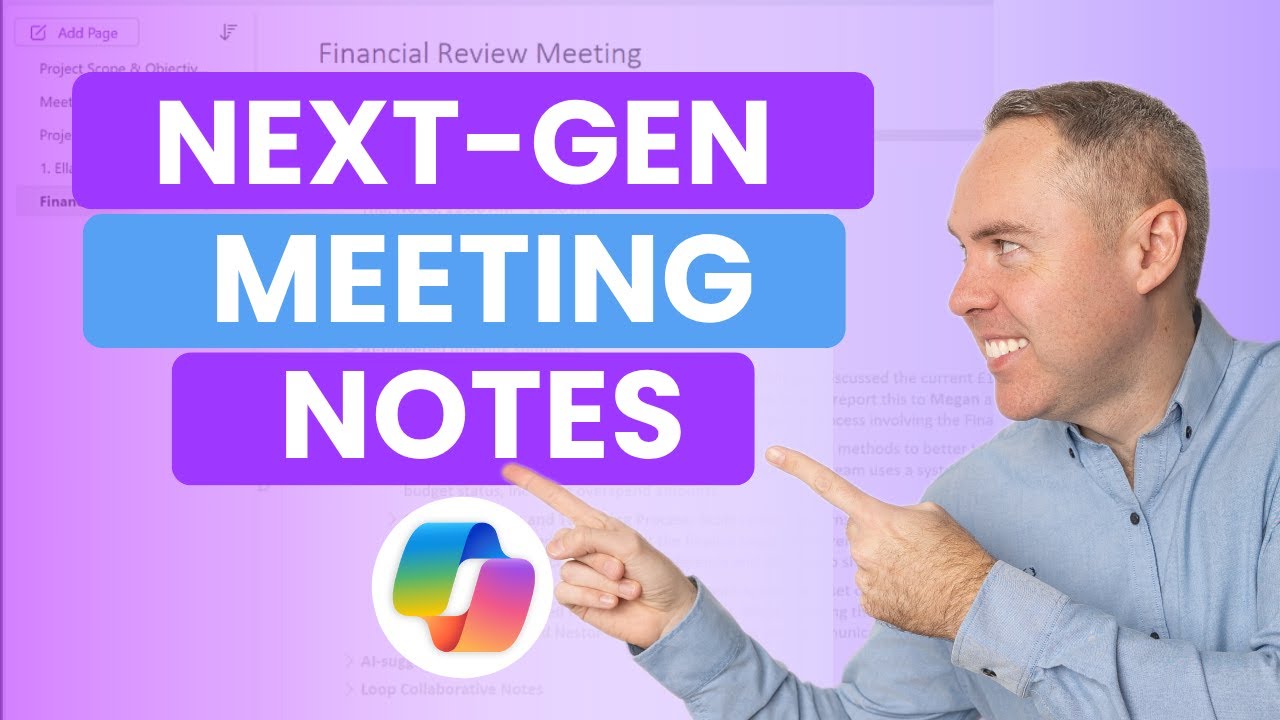
In this tutorial, discover how to save over an hour a week using Microsoft 365 Copilot for Meetings — by transforming how you create agendas, take notes, and track actions across Teams, OneNote, and Word.
Today, we will explore the new Copilot Agenda and Facilitator Notes features, how to share meeting notes directly in Teams, and how to automatically track your meeting actions using Scheduled Prompts in Copilot Chat. Whether you’re a manager running team meetings or just trying to stay on top of your weekly actions, these new features will help you spend less time writing and more time doing.
🔍 What You’ll Learn in This Video
✅ How to use the NEW Copilot Agenda Feature
✅ Setting Up Copilot and Facilitator in Teams Meetings
✅ Reviewing Copilot and Facilitator Meeting Notes
✅ Sharing meeting notes in Microsoft Teams
✅ Saving notes directly to OneNote and Word
✅ Completing and tracking meeting actions with Copilot Chat
✅ How to use Scheduled Prompts to automate follow-ups
✅ Practical ways to reclaim time every single week
⭐ Additional Resources
📘 Download our FREE Microsoft 365 Copilot eBook Collection:
👉 https://www.your365coach.co.uk/ebook
📬 Join our Weekly Microsoft 365 Newsletter (Coach’s Corner):
👉 https://www.your365coach.co.uk/newsletter
🎓 Learn Microsoft 365 Copilot in our Academy:
👉 https://www.your365coach.co.uk/your-365-coach-learning-academy
📰 Stay Connected with Your 365 Coach:
📸 Instagram: www.instagram.com/your365coach
🎵 TikTok: www.tiktok.com/@your365coach
🔗 LinkedIn: https://www.linkedin.com/company/your-365-coach
👍 If you found this video helpful, please give it a LIKE
💬 Comment below: How much time could you save with Copilot taking your meeting notes?
🔔 Subscribe to Your 365 Coach for weekly Microsoft 365 tutorials, tips, and updates
⏱ Video Chapters
00:00 Let’s Save an Hour a Week!
01:02 Using the NEW Copilot Agenda Feature
01:49 Enabling Facilitator and Transcription in your Teams Meeting
03:29 Reviewing Copilot and Facilitator Meeting Notes
05:00 Sharing the Facilitator Meeting Notes in Microsoft Teams
05:57 How Your 365 Coach Can Help You!
07:01 Saving Meeting Notes to OneNote
07:56 Creating Meeting Notes in Microsoft Word
09:18 Completing Actions with Copilot Chat
11:58 Tracking Meeting Actions Automatically with Scheduled Prompts
13:32 Summarising Next-Gen Meeting Notes
Disclaimer:
The instructions and information provided in this video are offered as general guidance only. While every effort has been made to ensure accuracy, Your 365 Coach makes no warranties, guarantees, or representations about the completeness or suitability of this content for your specific environment. Always review your organisation’s policies, permissions, and licensing agreements before implementing any changes.
#MicrosoftCopilot #Microsoft365 #CopilotMeetings #Your365Coach #MicrosoftTeams #OneNote #Word #Productivity #AIinOffice #Microsoft365Copilot #ArtificialIntelligence
In this tutorial, discover how to save over an hour a week using Microsoft 365 Copilot for Meetings — by transforming how you create agendas, take notes, and track actions across Teams, OneNote, and Word.
Today, we will explore the new Copilot Agenda and Facilitator Notes features, how to share meeting notes directly in Teams, and how to automatically track your meeting actions using Scheduled Prompts in Copilot Chat. Whether you’re a manager running team meetings or just trying to stay on top of your weekly actions, these new features will help you spend less time writing and more time doing.
🔍 What You’ll Learn in This Video
✅ How to use the NEW Copilot Agenda Feature
✅ Setting Up Copilot and Facilitator in Teams Meetings
✅ Reviewing Copilot and Facilitator Meeting Notes
✅ Sharing meeting notes in Microsoft Teams
✅ Saving notes directly to OneNote and Word
✅ Completing and tracking meeting actions with Copilot Chat
✅ How to use Scheduled Prompts to automate follow-ups
✅ Practical ways to reclaim time every single week
⭐ Additional Resources
📘 Download our FREE Microsoft 365 Copilot eBook Collection:
👉 https://www.your365coach.co.uk/ebook
📬 Join our Weekly Microsoft 365 Newsletter (Coach’s Corner):
👉 https://www.your365coach.co.uk/newsletter
🎓 Learn Microsoft 365 Copilot in our Academy:
👉 https://www.your365coach.co.uk/your-365-coach-learning-academy
📰 Stay Connected with Your 365 Coach:
📸 Instagram: www.instagram.com/your365coach
🎵 TikTok: www.tiktok.com/@your365coach
🔗 LinkedIn: https://www.linkedin.com/company/your-365-coach
👍 If you found this video helpful, please give it a LIKE
💬 Comment below: How much time could you save with Copilot taking your meeting notes?
🔔 Subscribe to Your 365 Coach for weekly Microsoft 365 tutorials, tips, and updates
⏱ Video Chapters
00:00 Let’s Save an Hour a Week!
01:02 Using the NEW Copilot Agenda Feature
01:49 Enabling Facilitator and Transcription in your Teams Meeting
03:29 Reviewing Copilot and Facilitator Meeting Notes
05:00 Sharing the Facilitator Meeting Notes in Microsoft Teams
05:57 How Your 365 Coach Can Help You!
07:01 Saving Meeting Notes to OneNote
07:56 Creating Meeting Notes in Microsoft Word
09:18 Completing Actions with Copilot Chat
11:58 Tracking Meeting Actions Automatically with Scheduled Prompts
13:32 Summarising Next-Gen Meeting Notes
Disclaimer:
The instructions and information provided in this video are offered as general guidance only. While every effort has been made to ensure accuracy, Your 365 Coach makes no warranties, guarantees, or representations about the completeness or suitability of this content for your specific environment. Always review your organisation’s policies, permissions, and licensing agreements before implementing any changes.
#MicrosoftCopilot #Microsoft365 #CopilotMeetings #Your365Coach #MicrosoftTeams #OneNote #Word #Productivity #AIinOffice #Microsoft365Copilot #ArtificialIntelligence
Tags and Topics
Browse our collection to discover more content in these categories.
Video Information
Views
10.1K
Likes
225
Duration
15:02
Published
Nov 10, 2025
User Reviews
4.6
(2) Related Trending Topics
LIVE TRENDSRelated trending topics. Click any trend to explore more videos.
No specific trending topics match this video yet.
Explore All Trends