How to Remove Adware, Viruses, and Pop-up Ads from Any Browser
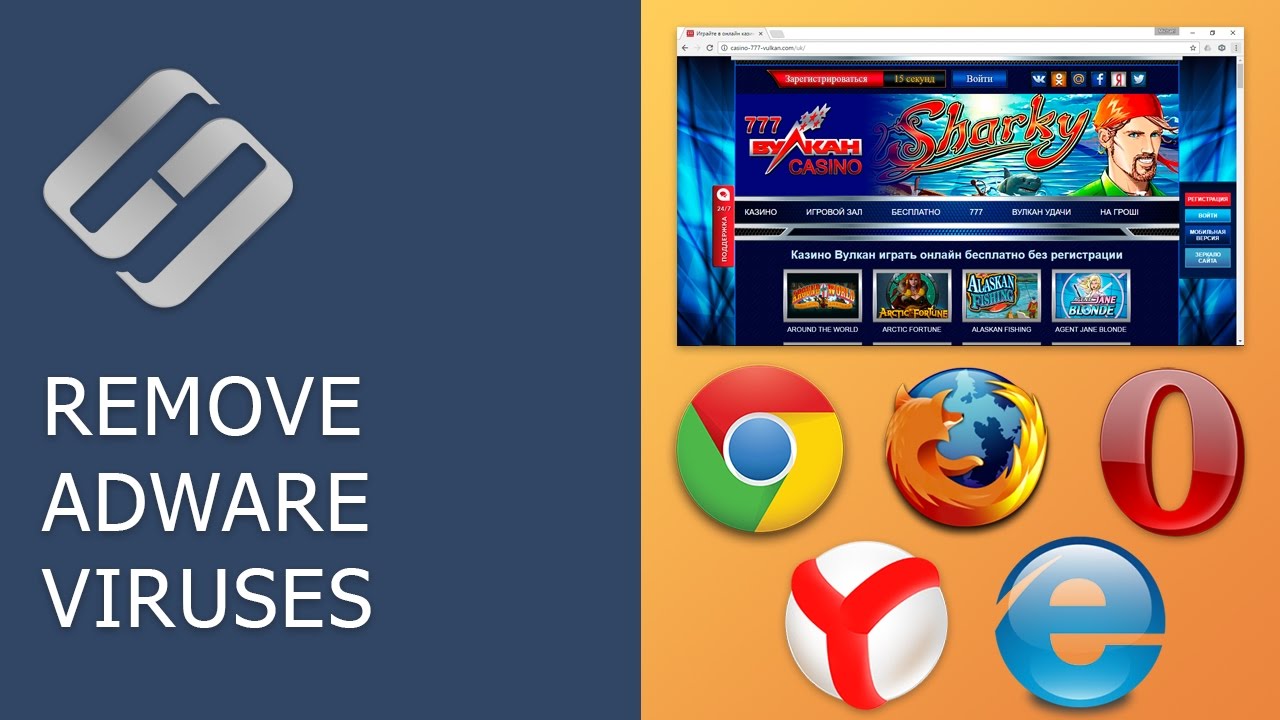
Learn effective methods to eliminate adware, viruses, and unwanted pop-up ads from browsers such as Google Chrome, Mozilla Firefox, Opera, Yandex Browser, Microsoft Edge, and Internet Explorer.

Hetman Software: Data Recovery for Windows
18.0K views • Feb 20, 2017
About this video
👍 Watch how to remove adware viruses from Google Chrome, Mozilla Firefox, Opera, Yandex Browser, Microsoft Edge and Internet Explorer. If your browser suddenly opens tabs containing advertising (for example, Vulcan casino), if tabs with popular websites (Yandex, VK, YouTube, Odnoklassniki) appear to be filled with extra advertising banners, or adverts start flashing as soon as you start the browser, it means your computer is infected with a virus.
AVG antivirus removed files by mistake – how to recover them: https://hetmanrecovery.com/recovery_news/how-to-return-files-deleted-by-avg-by-antivirus.htm
Content:
0:00 - Intro;
2:01 - Cleaning Windows Task Scheduler from viruses;
3:02 - Removing malware from your computer;
3:48 - Cleaning the system startup from the launch of malicious processes;
8:41 - Cleaning the browsers themselves from ad modules.
If you liked this video, click the Like button below and subscribe to our channel to see more. Thank you for watching and good luck!
Values of the Target line for browsers:
Google Chrome:
Windows 32-bit - "C:\Program Files\Google\Chrome\Application\chrome.exe";
Windows 64-bit - "C:\Program Files (x86)\Google\Chrome\Application\chrome.exe".
Mozilla Firefox:
Windows 32-bit - "C:\Program Files\Mozilla Firefox\firefox.exe";
Windows 64-bit - "C:\Program Files (x86)\Mozilla Firefox\firefox.exe".
Opera:
Windows 32-bit - "C:\Program Files\Opera\launcher.exe";
Windows 64-bit - "C:\Program Files (x86)\Opera\launcher.exe".
Internet Explorer:
Windows 32-bit - "C:\Program Files\Internet Explorer\iexplore.exe";
Windows 64-bit - "C:\Program Files (x86)\Internet Explorer\iexplore.exe".
Microsoft Edge:
Windows 64/32-bit - "C:\Windows\SystemApps\Microsoft.MicrosoftEdge_8wekyb3d8bbwe\MicrosoftEdge.exe".
Yandex Browser
Windows 64/32-bit - “C:\Users\AndreyRevchuk\AppData\Local\Yandex\YandexBrowser\Application\browser.exe".
List of malware processes:
Awesomehp;
Babylon;
CodecDefault;
CodecDefaultKernel.exe;
Conduit;
DownloadHelper;
eDeals (eDialsPops);
iWebar;
MiPony;
Mobogenie;
OffersWizard;
Pirrit Suggestor;
Podoweb;
RSTUpdater.exe;
Search Protect;
Sense (AdsBySenses);
ShopperPro;
Webalta;
Websocial;
YouTube Accelerator.
AVG antivirus removed files by mistake – how to recover them: https://hetmanrecovery.com/recovery_news/how-to-return-files-deleted-by-avg-by-antivirus.htm
Content:
0:00 - Intro;
2:01 - Cleaning Windows Task Scheduler from viruses;
3:02 - Removing malware from your computer;
3:48 - Cleaning the system startup from the launch of malicious processes;
8:41 - Cleaning the browsers themselves from ad modules.
If you liked this video, click the Like button below and subscribe to our channel to see more. Thank you for watching and good luck!
Values of the Target line for browsers:
Google Chrome:
Windows 32-bit - "C:\Program Files\Google\Chrome\Application\chrome.exe";
Windows 64-bit - "C:\Program Files (x86)\Google\Chrome\Application\chrome.exe".
Mozilla Firefox:
Windows 32-bit - "C:\Program Files\Mozilla Firefox\firefox.exe";
Windows 64-bit - "C:\Program Files (x86)\Mozilla Firefox\firefox.exe".
Opera:
Windows 32-bit - "C:\Program Files\Opera\launcher.exe";
Windows 64-bit - "C:\Program Files (x86)\Opera\launcher.exe".
Internet Explorer:
Windows 32-bit - "C:\Program Files\Internet Explorer\iexplore.exe";
Windows 64-bit - "C:\Program Files (x86)\Internet Explorer\iexplore.exe".
Microsoft Edge:
Windows 64/32-bit - "C:\Windows\SystemApps\Microsoft.MicrosoftEdge_8wekyb3d8bbwe\MicrosoftEdge.exe".
Yandex Browser
Windows 64/32-bit - “C:\Users\AndreyRevchuk\AppData\Local\Yandex\YandexBrowser\Application\browser.exe".
List of malware processes:
Awesomehp;
Babylon;
CodecDefault;
CodecDefaultKernel.exe;
Conduit;
DownloadHelper;
eDeals (eDialsPops);
iWebar;
MiPony;
Mobogenie;
OffersWizard;
Pirrit Suggestor;
Podoweb;
RSTUpdater.exe;
Search Protect;
Sense (AdsBySenses);
ShopperPro;
Webalta;
Websocial;
YouTube Accelerator.
Tags and Topics
Browse our collection to discover more content in these categories.
Video Information
Views
18.0K
Likes
160
Duration
14:37
Published
Feb 20, 2017
User Reviews
4.3
(3) Related Trending Topics
LIVE TRENDSRelated trending topics. Click any trend to explore more videos.
No specific trending topics match this video yet.
Explore All Trends