Complete Guide to Removing Viruses, Malware, Adware, and Spyware from Your Mac in 2023
Learn how to thoroughly remove viruses, malware, adware, and spyware from your Mac using a comprehensive deep cleaning and maintenance process to optimize your system.

Full Speed Mac & PC
147.7K views • Jan 31, 2023
About this video
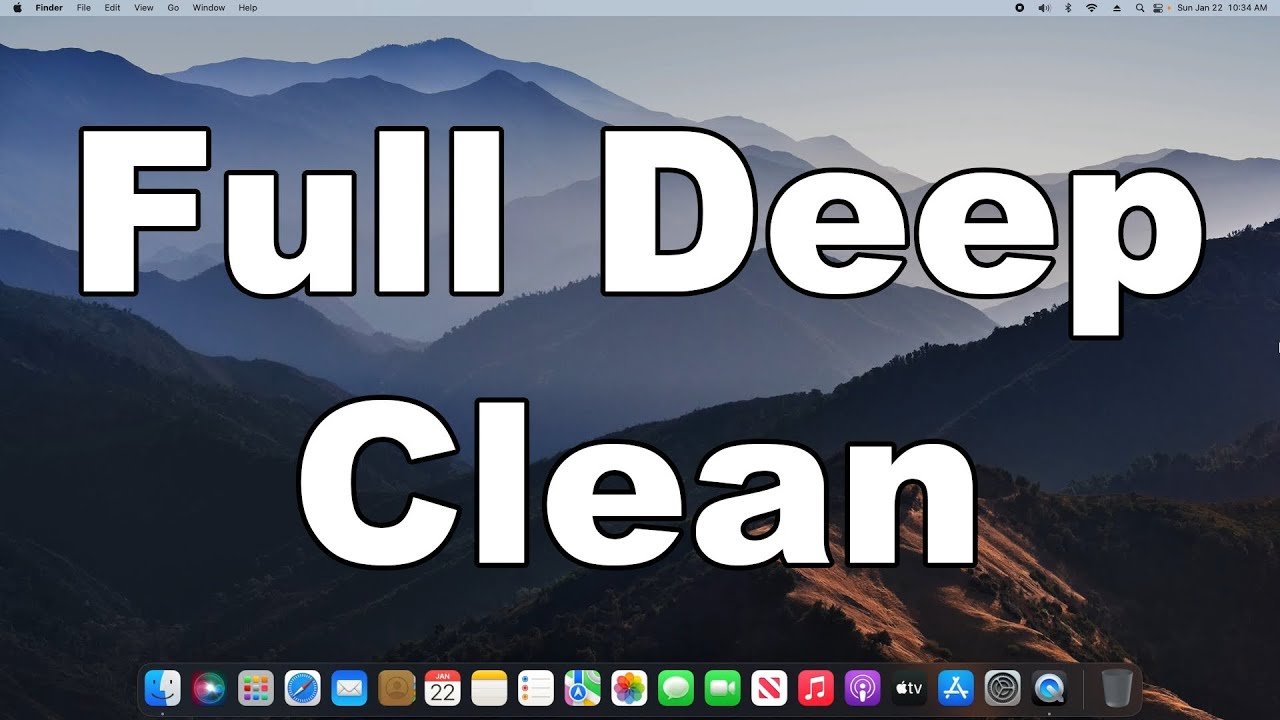
How to remove all viruses, malware, adware, and spyware off of your Mac computer. This is a full deep clean in macOS to help optimize your Mac and make sure it's running at it's peak efficiency. These maintenance steps will also help improve a slow Mac.
UPDATED VERSION FOR 2025: https://youtu.be/oQTtBAU3WeE
Previous Versions Of This Tutorial: https://www.youtube.com/playlist?list=PLqO9l1EbiZbvQhk0L0mfocRKPvTanyZAK
0:00 - Intro
0:23 - 1. Disk Utility First Aid
1:06 - 2. Malware Scan
https://www.malwarebytes.com/mac/
1:52 - 3. Virus Scan
Only Use ONE Of The Free Options Listed Below:
a) Avast: https://www.avast.com/en-us/mac
b) AVG: https://www.avg.com/en-ww/homepage#mac
c) Avira: https://www.avira.com/en/free-antivirus-mac
d) Sophos: https://home.sophos.com/download-mac-anti-virus
2:58 - 4. Malicious Profile Removal
3:22 - 5. Web Browser Clean
3:26 - Google Chrome
5:10 - Mozilla Firefox
6:26 - Safari
7:13 - 6. Apple Updates
7:54 - 7. Login Items Audit
8:33 - 8. Garbage File Removal
9:37 - 9. Removal of all bad applications and programs
11:40 - 10. Restart your Mac
IMPORTANT NOTE: If you continue to have problems AFTER completing ALL of the steps, I would recommend you back up ALL of your important data, and then do a factory reset as shown here: https://youtu.be/FDRFZYImzPQ
Securely back up your data (unlimited): https://www.backblaze.com/cloud-backup.html#af9u36
M2 Mac 2023
Mini: https://amzn.to/3jlgbL5
MacBook Pro: https://amzn.to/3kKIrqI
M2 Mac 2022
Air: https://amzn.to/3ywes9i
Macbook Pro: https://amzn.to/3Ho5yPo
M1 Mac
Mini: https://amzn.to/3f9aJ7t
Air: https://amzn.to/2IK3kiE
Macbook Pro: https://amzn.to/3pExBAP
Macbook Pro: https://amzn.to/32QUjiy
iMac: https://amzn.to/3u3O3eO
#mac #macos #virusremoval
UPDATED VERSION FOR 2025: https://youtu.be/oQTtBAU3WeE
Previous Versions Of This Tutorial: https://www.youtube.com/playlist?list=PLqO9l1EbiZbvQhk0L0mfocRKPvTanyZAK
0:00 - Intro
0:23 - 1. Disk Utility First Aid
1:06 - 2. Malware Scan
https://www.malwarebytes.com/mac/
1:52 - 3. Virus Scan
Only Use ONE Of The Free Options Listed Below:
a) Avast: https://www.avast.com/en-us/mac
b) AVG: https://www.avg.com/en-ww/homepage#mac
c) Avira: https://www.avira.com/en/free-antivirus-mac
d) Sophos: https://home.sophos.com/download-mac-anti-virus
2:58 - 4. Malicious Profile Removal
3:22 - 5. Web Browser Clean
3:26 - Google Chrome
5:10 - Mozilla Firefox
6:26 - Safari
7:13 - 6. Apple Updates
7:54 - 7. Login Items Audit
8:33 - 8. Garbage File Removal
9:37 - 9. Removal of all bad applications and programs
11:40 - 10. Restart your Mac
IMPORTANT NOTE: If you continue to have problems AFTER completing ALL of the steps, I would recommend you back up ALL of your important data, and then do a factory reset as shown here: https://youtu.be/FDRFZYImzPQ
Securely back up your data (unlimited): https://www.backblaze.com/cloud-backup.html#af9u36
M2 Mac 2023
Mini: https://amzn.to/3jlgbL5
MacBook Pro: https://amzn.to/3kKIrqI
M2 Mac 2022
Air: https://amzn.to/3ywes9i
Macbook Pro: https://amzn.to/3Ho5yPo
M1 Mac
Mini: https://amzn.to/3f9aJ7t
Air: https://amzn.to/2IK3kiE
Macbook Pro: https://amzn.to/3pExBAP
Macbook Pro: https://amzn.to/32QUjiy
iMac: https://amzn.to/3u3O3eO
#mac #macos #virusremoval
Tags and Topics
Browse our collection to discover more content in these categories.
Video Information
Views
147.7K
Likes
2.3K
Duration
12:26
Published
Jan 31, 2023
User Reviews
4.7
(29) Related Trending Topics
LIVE TRENDSRelated trending topics. Click any trend to explore more videos.
Trending Now