How to Merge PDF Files into One on Mobile Devices
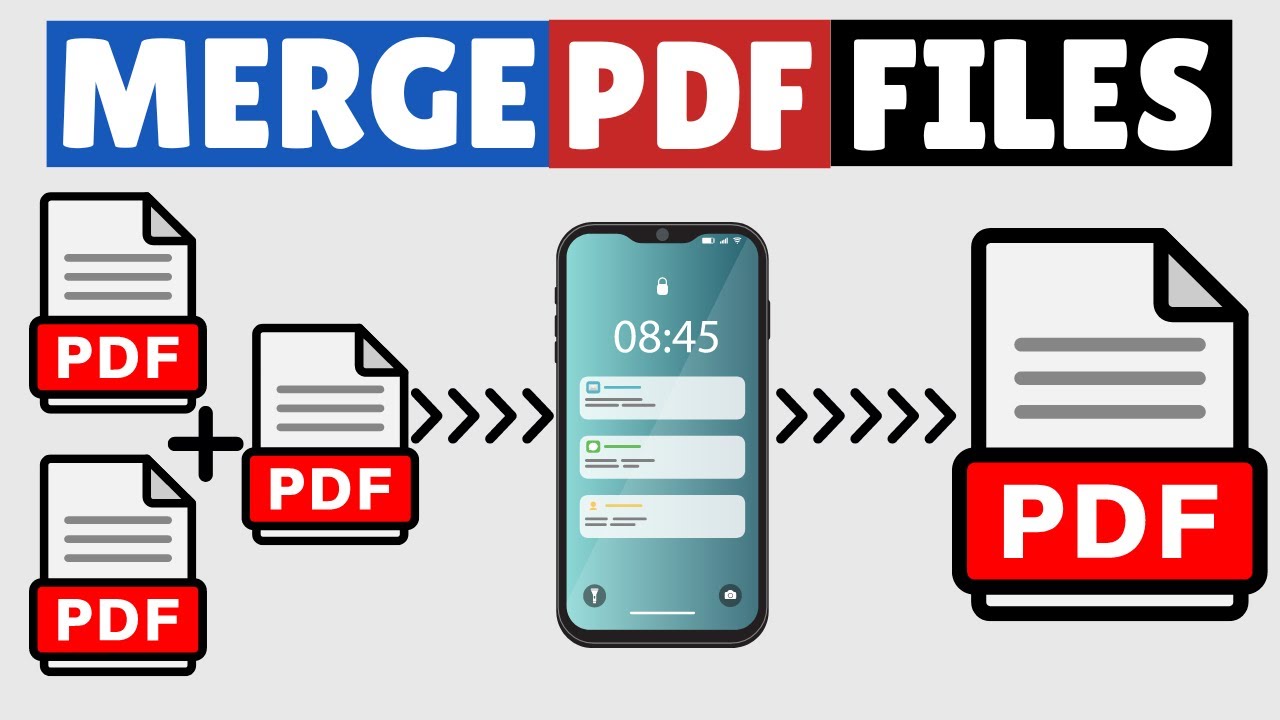
This video demonstrates how to combine multiple PDF files into a single document using a mobile device. Ideal for work, school, or personal projects requiring consolidated PDFs.

Tech Related Tips
99.2K views • Jul 25, 2023
About this video
This video guides about how to merge pdf files into one in mobile.
Whether you need to combine multiple PDFs into one for work, school, or another project, just follow the step-by-step guide.
We're going to use an online pdf merger tool that lets you combine many pdf files on your android and iPhone devices.
Link to Free Online Tool to Merge PDF Files in Mobile
https://www.ilovepdf.com/merge_pdf
Here are the Steps to Combine PDF Files into one in Mobile:
1. Open the link mentioned above.
2. Click on "Select PDF Files" to upload PDF files that you want to merge.
3. After selecting PDF Files click on "Select" button and then click on "Merge PDF".
4. Click on "Download Merged PDF" to download new pdf file.
Merging PDF files on your mobile phone is a straightforward process that can save you time and effort.
I hope you now understand how to merge pdf files into one in mobile. If you face any issue while combining pdf documents, please let me know in the comments section below. I will surely respond.
#mergepdf
#pdf
#techrelatedtips
Whether you need to combine multiple PDFs into one for work, school, or another project, just follow the step-by-step guide.
We're going to use an online pdf merger tool that lets you combine many pdf files on your android and iPhone devices.
Link to Free Online Tool to Merge PDF Files in Mobile
https://www.ilovepdf.com/merge_pdf
Here are the Steps to Combine PDF Files into one in Mobile:
1. Open the link mentioned above.
2. Click on "Select PDF Files" to upload PDF files that you want to merge.
3. After selecting PDF Files click on "Select" button and then click on "Merge PDF".
4. Click on "Download Merged PDF" to download new pdf file.
Merging PDF files on your mobile phone is a straightforward process that can save you time and effort.
I hope you now understand how to merge pdf files into one in mobile. If you face any issue while combining pdf documents, please let me know in the comments section below. I will surely respond.
#mergepdf
#techrelatedtips
Tags and Topics
Browse our collection to discover more content in these categories.
Video Information
Views
99.2K
Likes
939
Duration
1:12
Published
Jul 25, 2023
User Reviews
4.4
(19) Related Trending Topics
LIVE TRENDSRelated trending topics. Click any trend to explore more videos.
No specific trending topics match this video yet.
Explore All Trends