Master Camera Movement in After Effects in 2 Minutes 🎥
Learn smooth, natural camera movement in After Effects quickly. Beginner-friendly, no plugins needed, perfect for cinematic effects.

Marketing Demons
602.9K views • May 19, 2025
About this video
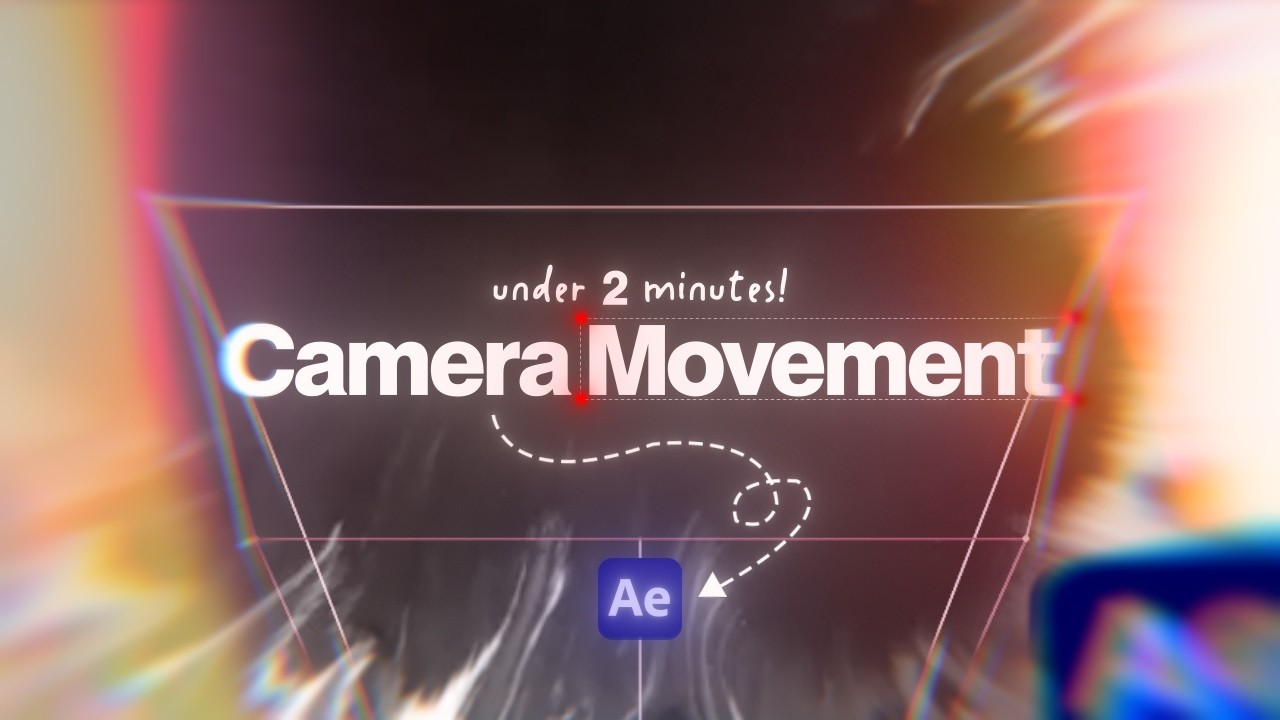
Smooth camera movement in After Effects — under 2 minutes.
This technique’s beginner-friendly, natural-looking, and doesn’t require plugins. Perfect for cinematic edits, reels, or clean motion graphics. No fluff — just the exact steps to get it done fast.
Project File: https://drive.google.com/drive/folders/1IRJQ46eQB9H2puj7SQrtoc8F2fnSTjNi?usp=sharing
▶ Software: Adobe After Effects
▶ Style: Cinematic / clean / minimal
▶ Works with: Any footage, any project
Tags: after effects, camera movement after effects, smooth camera motion, after effects tutorial, cinematic movement, motion design, keyframe animation
#AfterEffects #CameraMovement #MotionDesign #Tutorial
This technique’s beginner-friendly, natural-looking, and doesn’t require plugins. Perfect for cinematic edits, reels, or clean motion graphics. No fluff — just the exact steps to get it done fast.
Project File: https://drive.google.com/drive/folders/1IRJQ46eQB9H2puj7SQrtoc8F2fnSTjNi?usp=sharing
▶ Software: Adobe After Effects
▶ Style: Cinematic / clean / minimal
▶ Works with: Any footage, any project
Tags: after effects, camera movement after effects, smooth camera motion, after effects tutorial, cinematic movement, motion design, keyframe animation
#AfterEffects #CameraMovement #MotionDesign #Tutorial
Tags and Topics
Browse our collection to discover more content in these categories.
Video Information
Views
602.9K
Likes
33.5K
Duration
2:31
Published
May 19, 2025
User Reviews
4.8
(120) Related Trending Topics
LIVE TRENDSRelated trending topics. Click any trend to explore more videos.
Trending Now