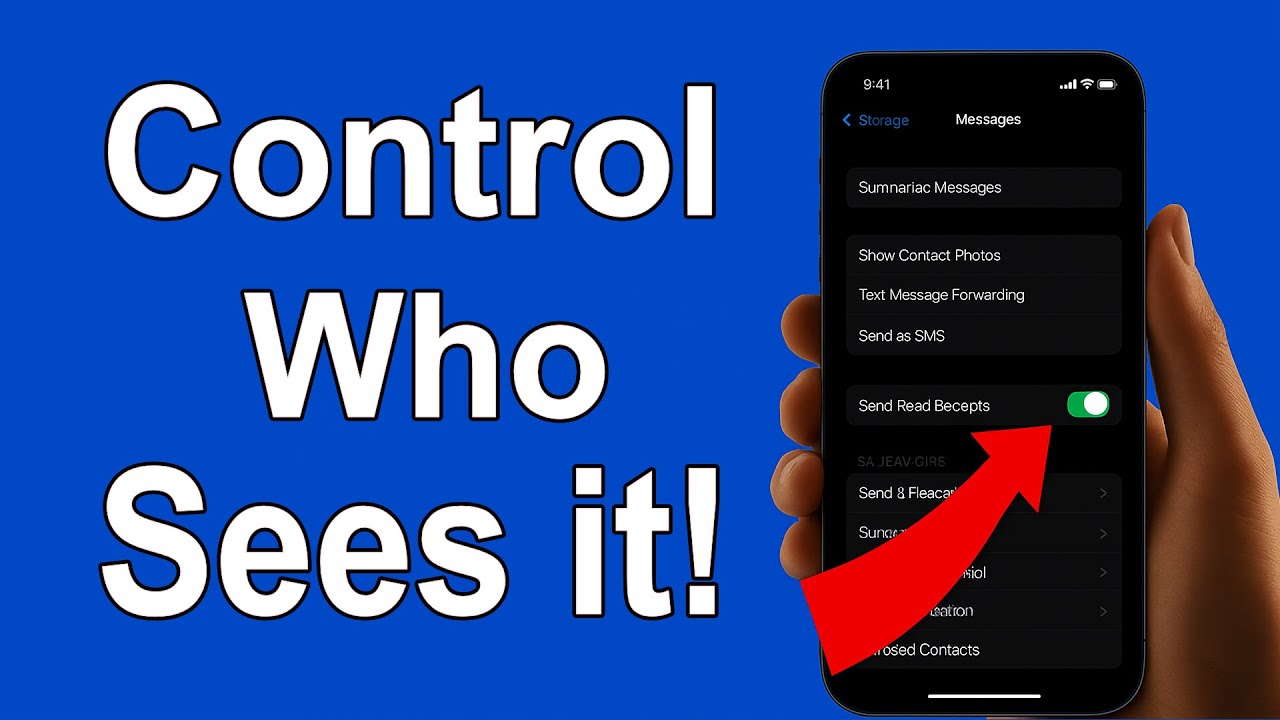
How to Manage Read Receipts on iPhone: Control Who Sees Your Messages 📱
Learn easy steps to enable or disable read receipts on your iPhone and control who can see when you've read their messages. Perfect for maintaining privacy!

HodgeHub
47 views • Feb 8, 2025
About this video
📲 Want to control who sees your read receipts on iPhone?
In this step-by-step tutorial, I’ll show you exactly how to enable or disable read receipts for specific contacts in the Apple Messages app on iOS. Whether you're using an iPhone 16, an iPhone 15, or ANY device running iOS 10 or later, this privacy trick helps you stay in control of your messages without turning off read receipts for everyone.
🔍 In this video, you'll learn:
How to turn off read receipts for one person on iPhone
How to enable read receipts for specific contacts only
Where to find the read receipts setting in iOS Messages
Tips for managing iMessage privacy settings
✅ No third-party apps needed
✅ Works on iOS 10 and newer
📲 Perfect for iPhone users who want more privacy in iMessage.
📌 Don’t forget to like, subscribe, and hit the notification bell for more iPhone tips, iOS tutorials, and mobile privacy hacks.
🗣️ Have a question or want to see more iOS how-tos? Drop it in the comments below!
Show us some ❤️ by using our
AFFILIATES & REFERRAL LINKS
---------------------------------------------------
Amazon Affiliate Store
🛒 https://amzn.to/48eCkid
Get $15 to $45 OFF on YouTube TV: https://tv.youtube.com/referral/r3qj64r467bg11
Audiio.com referral link: https://ref.audiio.com/ftz9b2zt
Create Studio referral link: https://aff.vidello.com/37289/147083
You Need a Budget! (YNAB) free trial: https://ynab.com/referral/?ref=76_ZLZYX2wJinw8e
☕ Buy me a coffee: https://ko-fi.com/
Website - https://hodgehub.com
Twitter / https://twitter.com/hodge_hub
https://www.youtube.com/channel/UCyYmGdcTJW2KsFb4mH4Xwww
Tags:
read receipts iPhone, how to turn off read receipts iPhone, iOS read receipts specific contacts, manage read receipts iOS, iMessage read receipts tutorial, iPhone privacy settings 2025, customize iMessage read receipts, disable read receipts iPhone, Apple Messages settings, iPhone messages privacy tips, iOS hidden messaging features, stop read receipts for one person, iOS 17 messages tips, iMessage tricks 2025, turn off blue ticks iPhone, iOS messages guide, iPhone text message privacy, iOS 17 tutorial, control read receipts iOS, apple iMessage how to, apple messages read receipts, iOS per contact read receipts, iPhone messaging tutorial, hide read receipts iPhone
DISCLAIMER: THERE ARE POSSIBLY REFERRAL & AFFILIATE LINKS I SHARED ABOVE, WHICH I MAY EARN A SMALL COMMISSION. THIS HELPS TO SUPPORT OUR CHANNEL AND DOESN’T COST YOU ANY EXTRA. WE ALSO MAY BE INVESTED IN ASSETS RELATED TO PRODUCTS, SERVICES, LINKS MENTIONED OR LISTED.
THE OPINIONS OR INFORMATION IN THIS VIDEO SHOULD NOT BE TAKEN AS ADVICE IN ANY FORM (MEDICAL, FINANCIAL, LEGAL, DIY, HOME IMPROVEMENT, OR ANY OTHER TYPE OF ADVICE). PLEASE CONSULT YOUR HEALTHCARE PROVIDER BEFORE MAKING ANY DIET, EXERCISE, OR OTHER ACTIVITY CHANGES THAT COULD AFFECT YOUR HEALTH, SAFETY, OR GENERAL WELL-BEING. THIS VIDEO IS FOR INFORMATIONAL PURPOSES ONLY AND JUST OPINION.
THE VIDEO CONTENT IS NOT INTENDED TO BE A SUBSTITUTE FOR PROFESSIONAL MEDICAL ADVICE, DIAGNOSIS, OR TREATMENT. ALWAYS SEEK THE ADVICE OF A QUALIFIED HEALTHCARE PROVIDER WITH ANY QUESTIONS THAT YOU MAY HAVE REGARDING A MEDICAL CONDITION. NEVER DISREGARD PROFESSIONAL MEDICAL ADVICE OR DELAY IN SEEKING IT BECAUSE OF SOMETHING YOU MAY HAVE SEEN, HEARD, OR READ HERE OR ELSEWHERE IN ANY OF OUR CONTENT.
WE HEREBY DISCLAIM ANY AND ALL LIABILITY TO ANY PARTY FOR DIRECT, INDIRECT, IMPLIED, PUNITIVE, SPECIAL, INCIDENTAL, OR OTHER CONSEQUENTIAL DAMAGES ARISING DIRECTLY OR INDIRECTLY FROM ANY USE OF THE VIDEO CONTENT, WHICH IS PROVIDED AS IS, AND WITHOUT WARRANTIES.
In this step-by-step tutorial, I’ll show you exactly how to enable or disable read receipts for specific contacts in the Apple Messages app on iOS. Whether you're using an iPhone 16, an iPhone 15, or ANY device running iOS 10 or later, this privacy trick helps you stay in control of your messages without turning off read receipts for everyone.
🔍 In this video, you'll learn:
How to turn off read receipts for one person on iPhone
How to enable read receipts for specific contacts only
Where to find the read receipts setting in iOS Messages
Tips for managing iMessage privacy settings
✅ No third-party apps needed
✅ Works on iOS 10 and newer
📲 Perfect for iPhone users who want more privacy in iMessage.
📌 Don’t forget to like, subscribe, and hit the notification bell for more iPhone tips, iOS tutorials, and mobile privacy hacks.
🗣️ Have a question or want to see more iOS how-tos? Drop it in the comments below!
Show us some ❤️ by using our
AFFILIATES & REFERRAL LINKS
---------------------------------------------------
Amazon Affiliate Store
🛒 https://amzn.to/48eCkid
Get $15 to $45 OFF on YouTube TV: https://tv.youtube.com/referral/r3qj64r467bg11
Audiio.com referral link: https://ref.audiio.com/ftz9b2zt
Create Studio referral link: https://aff.vidello.com/37289/147083
You Need a Budget! (YNAB) free trial: https://ynab.com/referral/?ref=76_ZLZYX2wJinw8e
☕ Buy me a coffee: https://ko-fi.com/
Website - https://hodgehub.com
Twitter / https://twitter.com/hodge_hub
https://www.youtube.com/channel/UCyYmGdcTJW2KsFb4mH4Xwww
Tags:
read receipts iPhone, how to turn off read receipts iPhone, iOS read receipts specific contacts, manage read receipts iOS, iMessage read receipts tutorial, iPhone privacy settings 2025, customize iMessage read receipts, disable read receipts iPhone, Apple Messages settings, iPhone messages privacy tips, iOS hidden messaging features, stop read receipts for one person, iOS 17 messages tips, iMessage tricks 2025, turn off blue ticks iPhone, iOS messages guide, iPhone text message privacy, iOS 17 tutorial, control read receipts iOS, apple iMessage how to, apple messages read receipts, iOS per contact read receipts, iPhone messaging tutorial, hide read receipts iPhone
DISCLAIMER: THERE ARE POSSIBLY REFERRAL & AFFILIATE LINKS I SHARED ABOVE, WHICH I MAY EARN A SMALL COMMISSION. THIS HELPS TO SUPPORT OUR CHANNEL AND DOESN’T COST YOU ANY EXTRA. WE ALSO MAY BE INVESTED IN ASSETS RELATED TO PRODUCTS, SERVICES, LINKS MENTIONED OR LISTED.
THE OPINIONS OR INFORMATION IN THIS VIDEO SHOULD NOT BE TAKEN AS ADVICE IN ANY FORM (MEDICAL, FINANCIAL, LEGAL, DIY, HOME IMPROVEMENT, OR ANY OTHER TYPE OF ADVICE). PLEASE CONSULT YOUR HEALTHCARE PROVIDER BEFORE MAKING ANY DIET, EXERCISE, OR OTHER ACTIVITY CHANGES THAT COULD AFFECT YOUR HEALTH, SAFETY, OR GENERAL WELL-BEING. THIS VIDEO IS FOR INFORMATIONAL PURPOSES ONLY AND JUST OPINION.
THE VIDEO CONTENT IS NOT INTENDED TO BE A SUBSTITUTE FOR PROFESSIONAL MEDICAL ADVICE, DIAGNOSIS, OR TREATMENT. ALWAYS SEEK THE ADVICE OF A QUALIFIED HEALTHCARE PROVIDER WITH ANY QUESTIONS THAT YOU MAY HAVE REGARDING A MEDICAL CONDITION. NEVER DISREGARD PROFESSIONAL MEDICAL ADVICE OR DELAY IN SEEKING IT BECAUSE OF SOMETHING YOU MAY HAVE SEEN, HEARD, OR READ HERE OR ELSEWHERE IN ANY OF OUR CONTENT.
WE HEREBY DISCLAIM ANY AND ALL LIABILITY TO ANY PARTY FOR DIRECT, INDIRECT, IMPLIED, PUNITIVE, SPECIAL, INCIDENTAL, OR OTHER CONSEQUENTIAL DAMAGES ARISING DIRECTLY OR INDIRECTLY FROM ANY USE OF THE VIDEO CONTENT, WHICH IS PROVIDED AS IS, AND WITHOUT WARRANTIES.
Tags and Topics
Browse our collection to discover more content in these categories.
Video Information
Views
47
Likes
1
Duration
1:19
Published
Feb 8, 2025