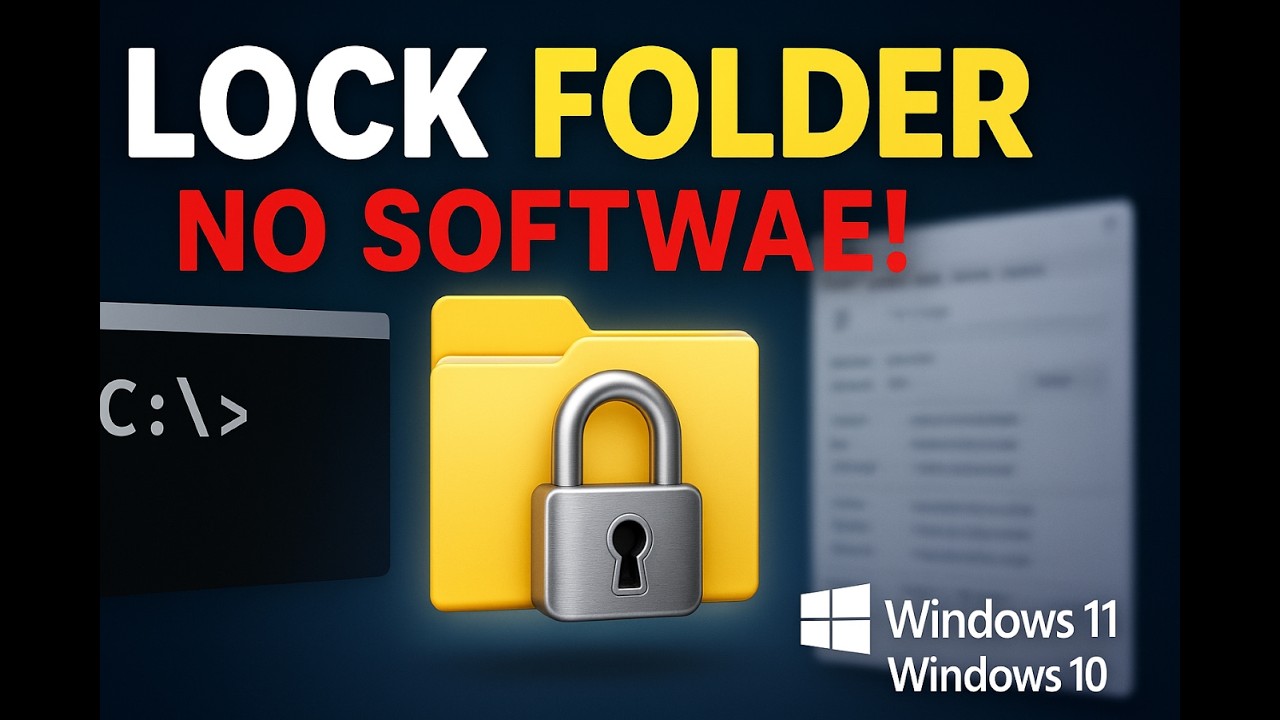
How to lock folder in windows 10/11
Did you know you can lock any folder on your Windows PC without installing any apps? In this step-by-step tutorial, I’ll show you 2 powerful methods to prote...

ULTIMATE THRILLER TV
4.0K views • May 6, 2025
About this video
Did you know you can lock any folder on your Windows PC without installing any apps? In this step-by-step tutorial, I’ll show you 2 powerful methods to protect your private files — one using File Explorer encryption (the easy built-in way) and another with a cool CMD batch file script that lets you add a custom password and hide your folder like a pro!
✔️ Works on both Windows 10 and Windows 11.
👉 What You’ll Learn in This Video:
✅ How to lock a folder using built-in Windows encryption (no password needed)
✅ How to password-protect a folder using Command Prompt (Locker.bat script)
✅ How to easily change the CMD password for extra security
✅ Bonus tip: How to back up your encryption key (important for recovery!)
⏩ Method 1 — Encrypt a Folder (File Explorer):
• Right-click folder → Properties → Advanced → Enable Encrypt contents to secure data
• Protects files from other accounts or anyone copying your folder
• No extra software or passwords needed — tied to your user account
⏩ Method 2 — Password-Protect with CMD (Locker.bat Script):
• Create a batch file to lock, hide, and password-protect any folder
• Works without software — fully customizable password
• Hide/unhide the folder with a simple double-click and password entry
• Perfect for sensitive documents, private videos, photos & more!
💡 Locker.bat Script (Copy & Paste into Notepad)
cls
@echo off
title Folder Locker
:: Check if Locker folder exists (locked state)
if exist "Locker" goto UNLOCK
:: Check if Private folder does not exist, create it
if not exist "Private" goto MDLOCKER
:CONFIRM
echo Are you sure you want to lock the folder? (Y/N)
set /p cho=
if /I "%cho%"=="Y" goto LOCK
if /I "%cho%"=="N" goto END
echo Invalid choice. Please type Y or N.
goto CONFIRM
:LOCK
ren Private Locker
attrib +h +s Locker
echo Folder locked successfully.
goto End
:UNLOCK
echo Enter password to unlock:
set /p pass=
if "%pass%"=="Your-Password-Here" goto PASSOK
echo Incorrect password.
goto End
:PASSOK
attrib -h -s Locker
ren Locker Private
echo Folder unlocked successfully.
goto End
:MDLOCKER
md Private
echo Private folder created.
goto End
:End
👉 Change Your-Password-Here to your password
👉 Save as Locker.bat (choose "All Files")
👉 Double-click to create the Private folder and start locking
💡 Why You Should Watch This Video:
✔️ 100% free methods — No downloads, no third-party tools
✔️ Beginner-friendly guide — Clear instructions with screen demo
✔️ Boost your privacy & protect your sensitive data easily on any PC
⚡ Stay protected & keep your files private!
If you found this tutorial helpful, LIKE, SUBSCRIBE, and TURN ON NOTIFICATIONS for more Windows security tips, CMD hacks, and PC optimization guides!
#LockFolderWindows #PasswordProtectFolder #Windows10 #Windows11 #CMDTricks #WindowsTips #FolderLock #Privacy #WindowsSecurity #TechTutorial
🔗 Tools I Recommend for Your Cybersecurity and Data Analysis Needs:
✅ Advanced System Repair - Boost Your PC’s Performance
Struggling with a slow PC? Advanced System Repair is the all-in-one tool to clean, fix, and optimize your system, including real-time virus removal, driver updates, and more! Keep your PC running at its best.
https://prf.hn/l/vwBVPoJ/
✅ ATLAS.ti - Data Analysis & Research Software
Looking for powerful tools for qualitative research? ATLAS.ti makes analyzing complex data easy and efficient! Perfect for researchers, students, and professionals.
https://prf.hn/l/EJnk8j9/
✅ Malwarebytes - Cybersecurity for Everyone
Protect your devices from malware, ransomware, and hackers with Malwarebytes. It’s my go-to software for keeping my systems secure.
https://prf.hn/l/550qJXo/
✅ AOMEI & MultCloud Performance Solutions
Whether it’s backing up your files or managing cloud storage, AOMEI and MultCloud have you covered. Reliable, fast, and easy to use.
https://prf.hn/l/o3mR0zB/
✅Audials: Perfect for recording and enjoying my favorite streams—it’s simple and reliable.
https://prf.hn/click/camref:1100l4cQ9m
Join this channel to get access to perks:
https://www.youtube.com/channel/UC28BmsfMxInFuwFsrIx68lQ/join
Attribution
https://icon-library.com/icon/user-png-icon-19.html.htmlUser Png Icon # 151945
Folder Dinosoft Flat icon | Freepik : www.freepik.com
✔️ Works on both Windows 10 and Windows 11.
👉 What You’ll Learn in This Video:
✅ How to lock a folder using built-in Windows encryption (no password needed)
✅ How to password-protect a folder using Command Prompt (Locker.bat script)
✅ How to easily change the CMD password for extra security
✅ Bonus tip: How to back up your encryption key (important for recovery!)
⏩ Method 1 — Encrypt a Folder (File Explorer):
• Right-click folder → Properties → Advanced → Enable Encrypt contents to secure data
• Protects files from other accounts or anyone copying your folder
• No extra software or passwords needed — tied to your user account
⏩ Method 2 — Password-Protect with CMD (Locker.bat Script):
• Create a batch file to lock, hide, and password-protect any folder
• Works without software — fully customizable password
• Hide/unhide the folder with a simple double-click and password entry
• Perfect for sensitive documents, private videos, photos & more!
💡 Locker.bat Script (Copy & Paste into Notepad)
cls
@echo off
title Folder Locker
:: Check if Locker folder exists (locked state)
if exist "Locker" goto UNLOCK
:: Check if Private folder does not exist, create it
if not exist "Private" goto MDLOCKER
:CONFIRM
echo Are you sure you want to lock the folder? (Y/N)
set /p cho=
if /I "%cho%"=="Y" goto LOCK
if /I "%cho%"=="N" goto END
echo Invalid choice. Please type Y or N.
goto CONFIRM
:LOCK
ren Private Locker
attrib +h +s Locker
echo Folder locked successfully.
goto End
:UNLOCK
echo Enter password to unlock:
set /p pass=
if "%pass%"=="Your-Password-Here" goto PASSOK
echo Incorrect password.
goto End
:PASSOK
attrib -h -s Locker
ren Locker Private
echo Folder unlocked successfully.
goto End
:MDLOCKER
md Private
echo Private folder created.
goto End
:End
👉 Change Your-Password-Here to your password
👉 Save as Locker.bat (choose "All Files")
👉 Double-click to create the Private folder and start locking
💡 Why You Should Watch This Video:
✔️ 100% free methods — No downloads, no third-party tools
✔️ Beginner-friendly guide — Clear instructions with screen demo
✔️ Boost your privacy & protect your sensitive data easily on any PC
⚡ Stay protected & keep your files private!
If you found this tutorial helpful, LIKE, SUBSCRIBE, and TURN ON NOTIFICATIONS for more Windows security tips, CMD hacks, and PC optimization guides!
#LockFolderWindows #PasswordProtectFolder #Windows10 #Windows11 #CMDTricks #WindowsTips #FolderLock #Privacy #WindowsSecurity #TechTutorial
🔗 Tools I Recommend for Your Cybersecurity and Data Analysis Needs:
✅ Advanced System Repair - Boost Your PC’s Performance
Struggling with a slow PC? Advanced System Repair is the all-in-one tool to clean, fix, and optimize your system, including real-time virus removal, driver updates, and more! Keep your PC running at its best.
https://prf.hn/l/vwBVPoJ/
✅ ATLAS.ti - Data Analysis & Research Software
Looking for powerful tools for qualitative research? ATLAS.ti makes analyzing complex data easy and efficient! Perfect for researchers, students, and professionals.
https://prf.hn/l/EJnk8j9/
✅ Malwarebytes - Cybersecurity for Everyone
Protect your devices from malware, ransomware, and hackers with Malwarebytes. It’s my go-to software for keeping my systems secure.
https://prf.hn/l/550qJXo/
✅ AOMEI & MultCloud Performance Solutions
Whether it’s backing up your files or managing cloud storage, AOMEI and MultCloud have you covered. Reliable, fast, and easy to use.
https://prf.hn/l/o3mR0zB/
✅Audials: Perfect for recording and enjoying my favorite streams—it’s simple and reliable.
https://prf.hn/click/camref:1100l4cQ9m
Join this channel to get access to perks:
https://www.youtube.com/channel/UC28BmsfMxInFuwFsrIx68lQ/join
Attribution
https://icon-library.com/icon/user-png-icon-19.html.htmlUser Png Icon # 151945
Folder Dinosoft Flat icon | Freepik : www.freepik.com
Tags and Topics
Browse our collection to discover more content in these categories.
Video Information
Views
4.0K
Likes
42
Duration
4:45
Published
May 6, 2025
User Reviews
4.3
(4) Related Trending Topics
LIVE TRENDSRelated trending topics. Click any trend to explore more videos.