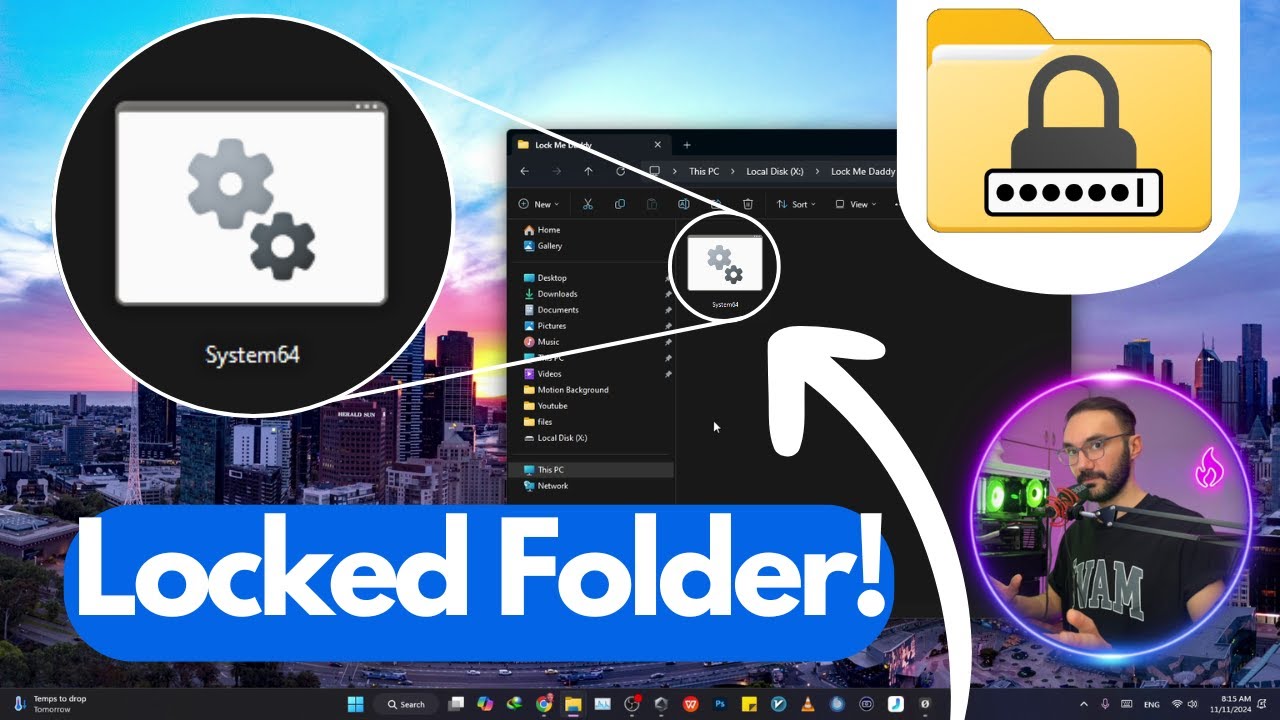
Lock and Password Protect a Folder on Windows 11 🔒
Learn how to secure your folders on Windows 11 with password protection. Follow the steps and copy the code from the link.

Levine Tech Talks
126.7K views • Nov 16, 2024
About this video
👇Follow Link for Code To Copy :👇
https://levine-tech-talks.com/how-to-password-protect-and-lock-a-folder-on-windows-11/
Are you wondering how to password protect and lock a folder on Windows 11? 🔒 Look no further! In this step-by-step tutorial, I’ll show you the easiest way to secure your personal and sensitive files by creating a password-protected folder without needing third-party software. Whether you’re safeguarding important documents, private photos, or work files, this guide has you covered!
In this video, you’ll learn:
✅ How to use built-in features in Windows 11 to lock a folder.
✅ Simple methods to add a password to any folder.
✅ Best practices for securing your data against unauthorized access.
With cybersecurity becoming more important than ever, knowing how to protect your files is essential. This guide is perfect for beginners and anyone looking for a quick, efficient way to improve file security on their PC.
Why You Should Watch This Video:
🔹 No need to install additional apps – we use features already available in Windows 11.
🔹 Clear, easy-to-follow instructions suitable for all users.
🔹 Tips for ensuring your locked folder remains secure even after updates or crashes.
👉 Keywords to Help You Find This Video:
- How to lock a folder in Windows 11
- Password protect folder Windows 11
- Secure folder without software
- File protection tips for Windows
- How to secure files on PC
- Windows 11 file encryption
- Lock and hide a folder tutorial
Protected:
Don’t let your sensitive files remain vulnerable! Protect your privacy with this easy tutorial. If you found this video helpful, don’t forget to **like, comment, and subscribe** for more tech tips and tricks. 💻✨
🎯 Don’t forget to hit the notification bell so you don’t miss future videos on Windows 11 tips, tricks, and hacks. Got questions or need help? Drop them in the comments section, and I’ll be happy to assist. 🙌
---
With these **powerful SEO keywords** and a comprehensive description, this video will stand out and rank higher on YouTube searches! 🚀
Thanks for watching this educational video, please leave a comment if you had any questions!
Subscribe to my Channel to stay tuned for upcoming videos: https://bit.ly/3pK7zxA
https://levine-tech-talks.com/how-to-password-protect-and-lock-a-folder-on-windows-11/
Are you wondering how to password protect and lock a folder on Windows 11? 🔒 Look no further! In this step-by-step tutorial, I’ll show you the easiest way to secure your personal and sensitive files by creating a password-protected folder without needing third-party software. Whether you’re safeguarding important documents, private photos, or work files, this guide has you covered!
In this video, you’ll learn:
✅ How to use built-in features in Windows 11 to lock a folder.
✅ Simple methods to add a password to any folder.
✅ Best practices for securing your data against unauthorized access.
With cybersecurity becoming more important than ever, knowing how to protect your files is essential. This guide is perfect for beginners and anyone looking for a quick, efficient way to improve file security on their PC.
Why You Should Watch This Video:
🔹 No need to install additional apps – we use features already available in Windows 11.
🔹 Clear, easy-to-follow instructions suitable for all users.
🔹 Tips for ensuring your locked folder remains secure even after updates or crashes.
👉 Keywords to Help You Find This Video:
- How to lock a folder in Windows 11
- Password protect folder Windows 11
- Secure folder without software
- File protection tips for Windows
- How to secure files on PC
- Windows 11 file encryption
- Lock and hide a folder tutorial
Protected:
Don’t let your sensitive files remain vulnerable! Protect your privacy with this easy tutorial. If you found this video helpful, don’t forget to **like, comment, and subscribe** for more tech tips and tricks. 💻✨
🎯 Don’t forget to hit the notification bell so you don’t miss future videos on Windows 11 tips, tricks, and hacks. Got questions or need help? Drop them in the comments section, and I’ll be happy to assist. 🙌
---
With these **powerful SEO keywords** and a comprehensive description, this video will stand out and rank higher on YouTube searches! 🚀
Thanks for watching this educational video, please leave a comment if you had any questions!
Subscribe to my Channel to stay tuned for upcoming videos: https://bit.ly/3pK7zxA
Tags and Topics
Browse our collection to discover more content in these categories.
Video Information
Views
126.7K
Likes
2.7K
Duration
3:03
Published
Nov 16, 2024
User Reviews
4.7
(25) Related Trending Topics
LIVE TRENDSRelated trending topics. Click any trend to explore more videos.
No specific trending topics match this video yet.
Explore All Trends