How to Join Mikogo Free Online Meetings Easily 📹
Learn step-by-step how to participate in Mikogo's free online meetings effortlessly—no registration or downloads needed! Watch our quick tutorial now.
mikogomeetings
86 views • Jul 25, 2008
About this video
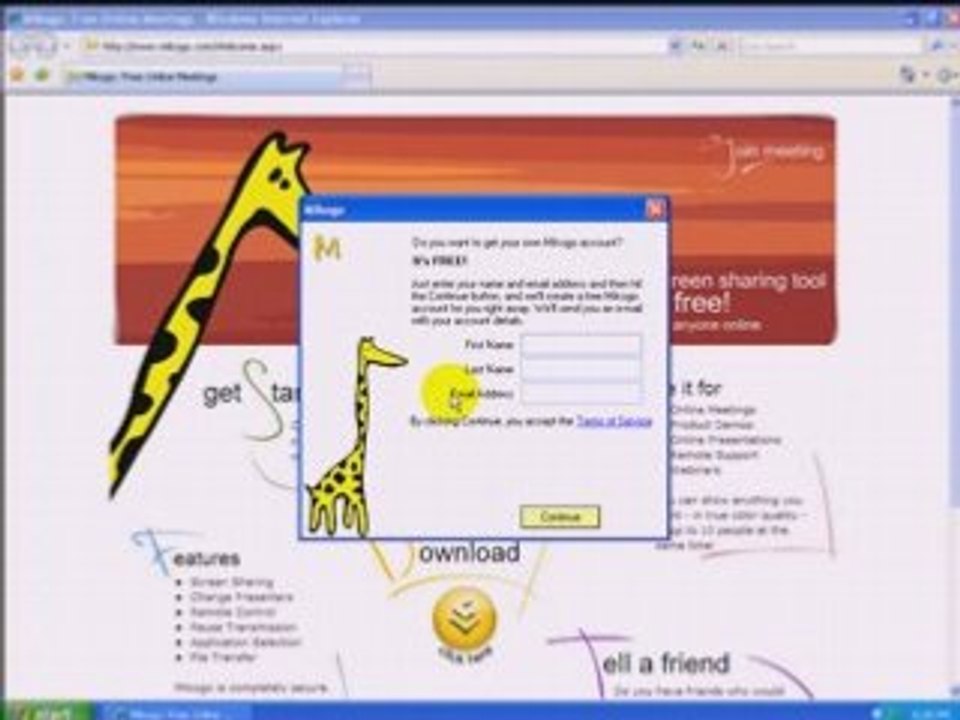
Homepage: http://www.mikogo.com <br /><br />Watch this video to learn how you can join a Mikogo free online meeting without any registrations or installations required. Also, it is completely free for everyone. <br /><br />Mikogo is an easy-to-use free screen sharing tool full of features for you to host online meetings at no cost. Take advantage of the opportunity to share your desktop in true color quality across the world with up to 10 participants simultaneously. <br /><br />With Mikogo you can share any screen content in real time and in true color quality. This makes it perfect for professional, academic, or personal uses, including online meetings, product demonstrations, online presentations, or remote support. <br /><br />Furthermore, Mikogo is rich in built-in features in order to empower the users as much as possible during their Mikogo experience. During a meeting, users are able to: <br />- share each others' screens <br />- change presenters <br />- access remote control <br />- pause transmission <br />- select only certain applications for sharing <br />- and transfer files <br /><br />Needless to say, security is of a high standard, employing an industry-leading 256-AES end-to-end encryption.
Video Information
Views
86
Duration
1:59
Published
Jul 25, 2008