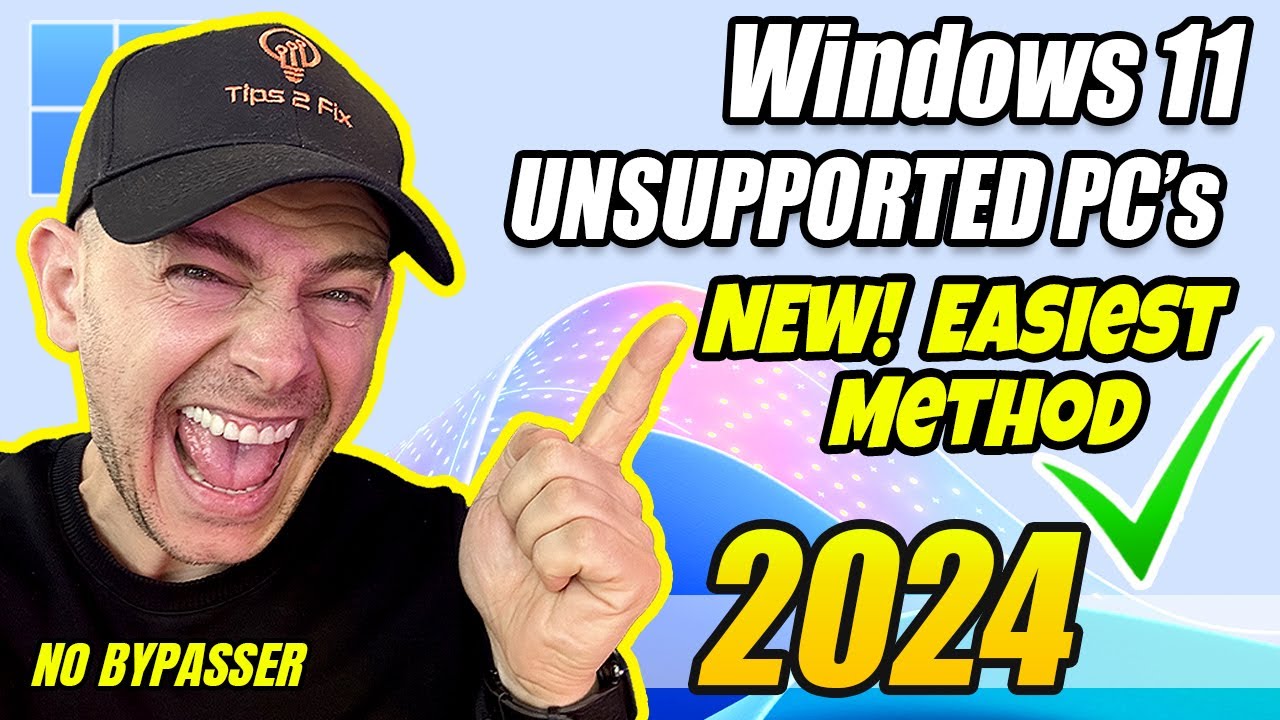
How to Install Windows 11 on Unsupported PCs (New Easiest Method 2024)
This is the easiest method ever to install windows 11 on unsupported pc hardwares in 2024. In this step-by-step tutorial, I'll guide you through the officia...

Tips 2 Fix
1.1M views • Jan 26, 2024
About this video
This is the easiest method ever to install windows 11 on unsupported pc hardwares in 2024.
In this step-by-step tutorial, I'll guide you through the official installation or upgrade process from Windows 10 to Windows 11 – no bypassers or additional software needed!
👉 See CMD Command Here: https://tips2fix.com/how-to-install-windows-11-on-unsupported-pcs-new-easiest-method-2024
Discover the easiest method of 2024 that empowers your older laptops to smoothly transition from Windows 10 to Windows 11, eliminating the need for specific hardware requirements. This trick is not only effective now but could potentially carry over to future releases like Windows 12. Don't miss out on this game-changing method upgrade your system now 💻🔧
⏰ Chapters
0:00 intro
0:30 The processor isn't currently supported for windows 11
1:00 How to Download Windows 11 iso
2:00 Mount Windows 11 iso
3:00 CMD Command without bypasser
4:00 Other Methods to install windows 11
4:50 New Method with CMD Repeated
6:16 How to Speed Up Windows 11
📌 Important Note for Everyone 📌
Thank you for your interest in this method! 😊
- This approach works because it leverages Microsoft's own setup process—it’s simply a way to bypass certain compatibility checks using official installation parameters.
- Since Windows Server and Windows 11 share the same core, using "/product server" in setup.exe allows installation on some unsupported hardware.
✅ Is this method official?
While Microsoft doesn’t officially promote this method, it remains a valid way to install Windows 11 as long as you’re using a genuine ISO and license.
Microsoft designs multiple installation paths for different scenarios, and this is one of them.
💡 This is not an unauthorized modification—it is an advanced installation method used by IT professionals and power users to enable Windows installation in more flexible ways.
👉 Must Watch Next:
~~~
🚀 15 Tricks How to Speed up Windows 11 (Best Settings)
https://www.youtube.com/watch?v=4Frhz7qNm_M
🔧 If you see the error : "Keep personal files and apps greyed out" check this post:
https://tips2fix.com/fix-why-is-keep-personal-files-and-apps-greyed-out-windows-11-and-10/
If you are not satisfy with Windows 11:
👉 How to Go Back to Windows 10 from Windows 11 (Before & After 10 Days)
https://youtu.be/2v9_-4JCh_U
How to Extend 10 Days Period to go back to Windows 10 from 11
👉 https://www.youtube.com/watch?v=CARjvJHwZhc&t=79s
💻 3 Methods to Install Windows 11 on Unsupported PC on 2022 [Officially]
https://youtu.be/G4ZkxXACdWs
Other Methods to install windows 11
~~~
👉Visit this Post to download the tools bypasser:
https://tips2fix.com/how-to-install-windows-11-23h2-on-unsupported-pc-new-method-2023
Enjoy Windows 11 and don't forget to subscribe tips2fix
#windows11 #windows11installation #tutorial #howto
In this step-by-step tutorial, I'll guide you through the official installation or upgrade process from Windows 10 to Windows 11 – no bypassers or additional software needed!
👉 See CMD Command Here: https://tips2fix.com/how-to-install-windows-11-on-unsupported-pcs-new-easiest-method-2024
Discover the easiest method of 2024 that empowers your older laptops to smoothly transition from Windows 10 to Windows 11, eliminating the need for specific hardware requirements. This trick is not only effective now but could potentially carry over to future releases like Windows 12. Don't miss out on this game-changing method upgrade your system now 💻🔧
⏰ Chapters
0:00 intro
0:30 The processor isn't currently supported for windows 11
1:00 How to Download Windows 11 iso
2:00 Mount Windows 11 iso
3:00 CMD Command without bypasser
4:00 Other Methods to install windows 11
4:50 New Method with CMD Repeated
6:16 How to Speed Up Windows 11
📌 Important Note for Everyone 📌
Thank you for your interest in this method! 😊
- This approach works because it leverages Microsoft's own setup process—it’s simply a way to bypass certain compatibility checks using official installation parameters.
- Since Windows Server and Windows 11 share the same core, using "/product server" in setup.exe allows installation on some unsupported hardware.
✅ Is this method official?
While Microsoft doesn’t officially promote this method, it remains a valid way to install Windows 11 as long as you’re using a genuine ISO and license.
Microsoft designs multiple installation paths for different scenarios, and this is one of them.
💡 This is not an unauthorized modification—it is an advanced installation method used by IT professionals and power users to enable Windows installation in more flexible ways.
👉 Must Watch Next:
~~~
🚀 15 Tricks How to Speed up Windows 11 (Best Settings)
https://www.youtube.com/watch?v=4Frhz7qNm_M
🔧 If you see the error : "Keep personal files and apps greyed out" check this post:
https://tips2fix.com/fix-why-is-keep-personal-files-and-apps-greyed-out-windows-11-and-10/
If you are not satisfy with Windows 11:
👉 How to Go Back to Windows 10 from Windows 11 (Before & After 10 Days)
https://youtu.be/2v9_-4JCh_U
How to Extend 10 Days Period to go back to Windows 10 from 11
👉 https://www.youtube.com/watch?v=CARjvJHwZhc&t=79s
💻 3 Methods to Install Windows 11 on Unsupported PC on 2022 [Officially]
https://youtu.be/G4ZkxXACdWs
Other Methods to install windows 11
~~~
👉Visit this Post to download the tools bypasser:
https://tips2fix.com/how-to-install-windows-11-23h2-on-unsupported-pc-new-method-2023
Enjoy Windows 11 and don't forget to subscribe tips2fix
#windows11 #windows11installation #tutorial #howto
Tags and Topics
Browse our collection to discover more content in these categories.
Video Information
Views
1.1M
Likes
21.5K
Duration
6:43
Published
Jan 26, 2024
User Reviews
4.8
(220) Related Trending Topics
LIVE TRENDSRelated trending topics. Click any trend to explore more videos.
No specific trending topics match this video yet.
Explore All Trends