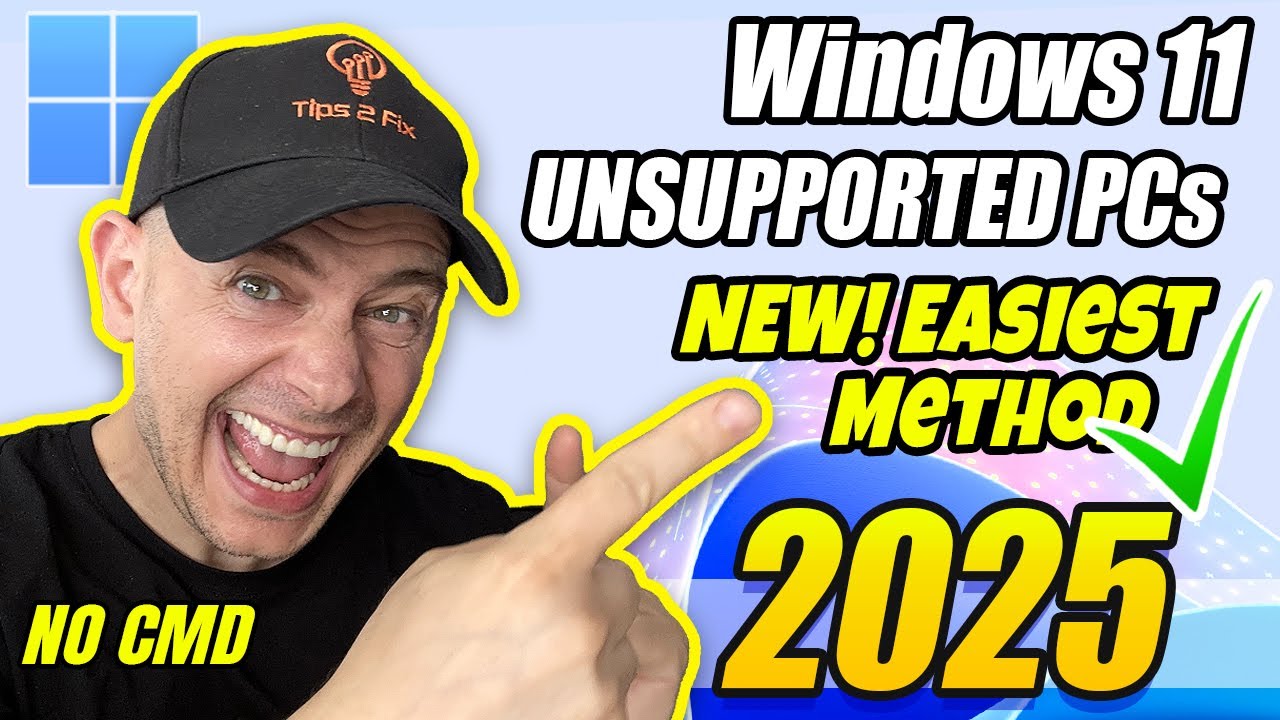
How to Install Windows 11 on Unsupported PCs (2025) – Easiest Updated Method!
In this step-by-step tutoria, I'll show you How to install Windows 11 on unsupported PCs in 2025 using the easiest updated method – no CMD, no registry hacks...

Tips 2 Fix
195.2K views • Jun 25, 2025
About this video
In this step-by-step tutoria, I'll show you How to install Windows 11 on unsupported PCs in 2025 using the easiest updated method – no CMD, no registry hacks, just a few simple clicks.
✅ Get All Tools Here:👉 https://tips2fix.com/how-to-install-windows-11-on-unsupported-pcs-2025-easiest-updated-method/
You'll use an updated and beginner-friendly tool that makes the process as easy as a few clicks.
I also explain how to check if your CPU supports SSE4.2, a new requirement for Windows 11 24H2+.
You’ll learn how to download the official ISO, choose the correct language, and upgrade without losing files. Plus, I cover common problems, update limitations, and how to stay secure on an unsupported system.
💡 Why Upgrade to Windows 11?
Upgrading to Windows 11 gives your PC the latest features, enhanced security, and a more modern interface.
It’s optimized for performance on newer hardware but still works great on many older unsupported PCs — if done right.
Windows 10 support ends soon, so switching ensures you keep getting critical updates and protection.
With tools like FlyBy11, you can now upgrade easily without needing CMD or registry hacks.
This video shows you how to do it safely, step-by-step — even if your device isn’t officially supported.
⏰ Chapters:
0:00 - Intro & Purpose of This Video
0:30 - Should You Upgrade to Windows 11?
1:13 - System Specs Used in This Video
2:22 - Using PC Health Check Tool
3:03 - Introducing FlyBy11 Script Tool
4:01 - Check CPU for SSE4.2 & POPCNT Support
5:20 - When to Avoid Windows 11 24H2
6:18 - Microsoft's New Hardware Block Explained
7:19 - Start the Windows 11 Upgrade with FlyBy11
8:05 - Download the Official Windows 11 ISO
9:18 - Choose the Correct Language for Your ISO
10:07 - Start the Upgrade Process (Drag & Drop ISO)
10:52 - Optional Driver Downloads and Updates
11:18 - Check If File & App Retention Works
11:56 - Fix Setup Stuck Issues During Install
12:55 - Common Errors and Future Fixes
13:38 - RAM, 64-bit CPUs, and Upgrade Limitations
14:39 - Upgrade Complete – Verifying Windows 11
15:14 - Windows Update Works – But Not Major Upgrades
17:08 - Bonus: Help the Community with Poll Vote
17:40 - More Videos, Tutorials, and Final Words
📌 Suggested videos During this Tutorial
~~~~
🎬How to Install Zorin OS – Best Linux for Windows Users (Dual Boot on Older PCs) ➤ https://youtu.be/hNyLvb_WHPA
🎬NEW! How to Extend Windows 10 Security Updates for Free (Until 2026)
https://youtu.be/SAVDKcgoEK0
🎬NEW! Windows 10 ESU Enrollment Not Showing? Here’s the Quick Fix!
https://youtu.be/1DREHzUmxPE
🎬How to Run Windows 11 on Older PCs Without SSE 4.2 & POPCNT Support!
https://youtu.be/Eb4ibVTOjgw
🎬 How to Upgrade Windows 10 to LTSC Without Losing ANY Data
https://youtu.be/rhmrgUGZ5qg
🎬 How to Install Windows 11 24h2 on Unsupported PC (Official Release)
https://youtu.be/3R2gQQ_nb8g
🎬 How to Enable TPM 2.0 | Secure Boot | Convert to UEFI | Prepare for Windows 11
https://youtu.be/DEieycANIc4
🎬 How to Clone Windows from SSD to NVMe M2 using Clonezilla for Free - Full Tutorial 2024
https://youtu.be/tfWmUuWRM8I
🎬 15 Tricks How to Speed up Windows 11 (Best Settings)
https://youtu.be/4Frhz7qNm_M
🎬 How to Clean Install Windows 11 from USB (Media Creation Tool)
https://youtu.be/9V3x1Hk291I
🎬 How to Go Back to Windows 10 from Windows 11 (Before & After 10 Days)
https://youtu.be/XWnPi-5MNqM
#windows11 #unsupportedpc #24h2 #tips2fix #NoCMD #windows11upgrade #FlyBy11
✅ Get All Tools Here:👉 https://tips2fix.com/how-to-install-windows-11-on-unsupported-pcs-2025-easiest-updated-method/
You'll use an updated and beginner-friendly tool that makes the process as easy as a few clicks.
I also explain how to check if your CPU supports SSE4.2, a new requirement for Windows 11 24H2+.
You’ll learn how to download the official ISO, choose the correct language, and upgrade without losing files. Plus, I cover common problems, update limitations, and how to stay secure on an unsupported system.
💡 Why Upgrade to Windows 11?
Upgrading to Windows 11 gives your PC the latest features, enhanced security, and a more modern interface.
It’s optimized for performance on newer hardware but still works great on many older unsupported PCs — if done right.
Windows 10 support ends soon, so switching ensures you keep getting critical updates and protection.
With tools like FlyBy11, you can now upgrade easily without needing CMD or registry hacks.
This video shows you how to do it safely, step-by-step — even if your device isn’t officially supported.
⏰ Chapters:
0:00 - Intro & Purpose of This Video
0:30 - Should You Upgrade to Windows 11?
1:13 - System Specs Used in This Video
2:22 - Using PC Health Check Tool
3:03 - Introducing FlyBy11 Script Tool
4:01 - Check CPU for SSE4.2 & POPCNT Support
5:20 - When to Avoid Windows 11 24H2
6:18 - Microsoft's New Hardware Block Explained
7:19 - Start the Windows 11 Upgrade with FlyBy11
8:05 - Download the Official Windows 11 ISO
9:18 - Choose the Correct Language for Your ISO
10:07 - Start the Upgrade Process (Drag & Drop ISO)
10:52 - Optional Driver Downloads and Updates
11:18 - Check If File & App Retention Works
11:56 - Fix Setup Stuck Issues During Install
12:55 - Common Errors and Future Fixes
13:38 - RAM, 64-bit CPUs, and Upgrade Limitations
14:39 - Upgrade Complete – Verifying Windows 11
15:14 - Windows Update Works – But Not Major Upgrades
17:08 - Bonus: Help the Community with Poll Vote
17:40 - More Videos, Tutorials, and Final Words
📌 Suggested videos During this Tutorial
~~~~
🎬How to Install Zorin OS – Best Linux for Windows Users (Dual Boot on Older PCs) ➤ https://youtu.be/hNyLvb_WHPA
🎬NEW! How to Extend Windows 10 Security Updates for Free (Until 2026)
https://youtu.be/SAVDKcgoEK0
🎬NEW! Windows 10 ESU Enrollment Not Showing? Here’s the Quick Fix!
https://youtu.be/1DREHzUmxPE
🎬How to Run Windows 11 on Older PCs Without SSE 4.2 & POPCNT Support!
https://youtu.be/Eb4ibVTOjgw
🎬 How to Upgrade Windows 10 to LTSC Without Losing ANY Data
https://youtu.be/rhmrgUGZ5qg
🎬 How to Install Windows 11 24h2 on Unsupported PC (Official Release)
https://youtu.be/3R2gQQ_nb8g
🎬 How to Enable TPM 2.0 | Secure Boot | Convert to UEFI | Prepare for Windows 11
https://youtu.be/DEieycANIc4
🎬 How to Clone Windows from SSD to NVMe M2 using Clonezilla for Free - Full Tutorial 2024
https://youtu.be/tfWmUuWRM8I
🎬 15 Tricks How to Speed up Windows 11 (Best Settings)
https://youtu.be/4Frhz7qNm_M
🎬 How to Clean Install Windows 11 from USB (Media Creation Tool)
https://youtu.be/9V3x1Hk291I
🎬 How to Go Back to Windows 10 from Windows 11 (Before & After 10 Days)
https://youtu.be/XWnPi-5MNqM
#windows11 #unsupportedpc #24h2 #tips2fix #NoCMD #windows11upgrade #FlyBy11
Tags and Topics
Browse our collection to discover more content in these categories.
Video Information
Views
195.2K
Likes
3.0K
Duration
18:14
Published
Jun 25, 2025
User Reviews
4.7
(39) Related Trending Topics
LIVE TRENDSRelated trending topics. Click any trend to explore more videos.
No specific trending topics match this video yet.
Explore All Trends