Install Windows 11 on New PC: Step-by-Step Guide
Learn how to install Windows 11 on a new or existing PC quickly with this complete, easy-to-follow tutorial. 🖥️

ECPU
410.5K views • Jul 12, 2024
About this video
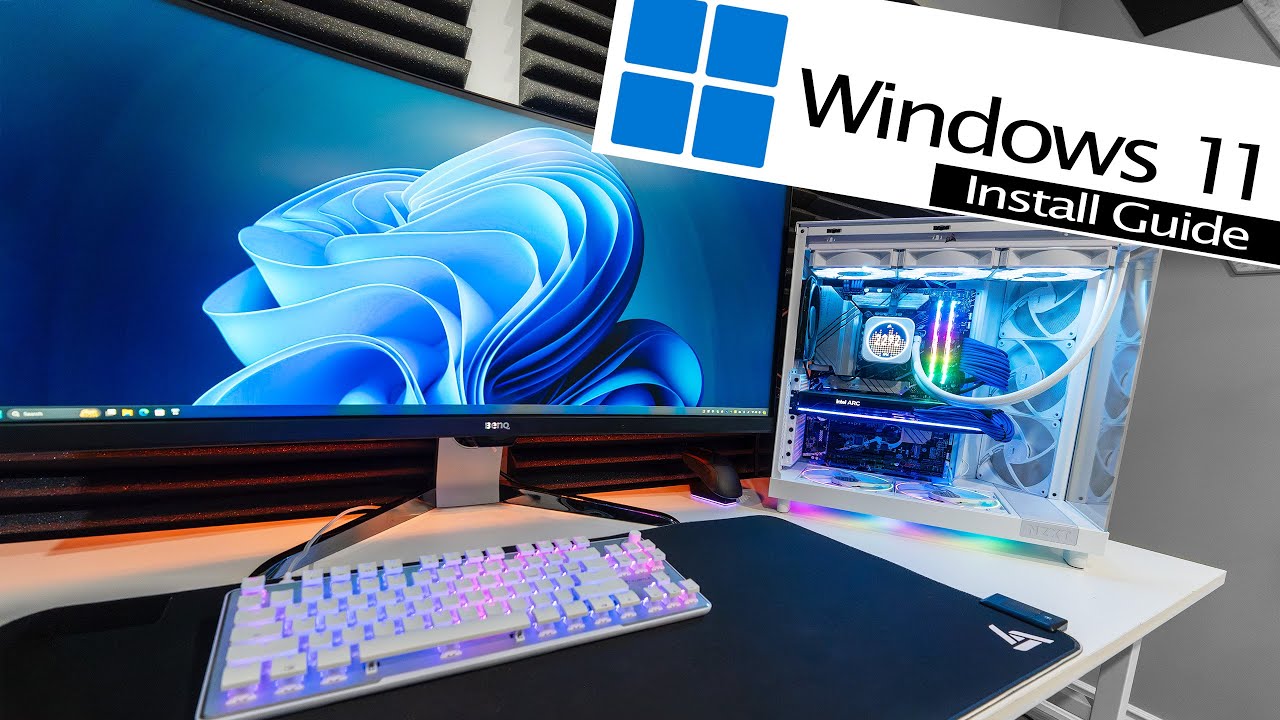
This video will show you everything you need to know to get Windows 11 installed on a new PC or onto a new drive in an existing PC. In just five minutes, you'll learn to create a bootable USB drive, configure BIOS settings, run through the Windows setup and installation process, and initialize new hard drives or SSD's.
Shop PC Components on Amazon: https://amzn.to/3VYUH5W
Need help with other PC building stuff? Check out this helpful playlist: https://www.youtube.com/watch?v=NXIrV70AxJk&list=PLmKivU7OpGMDpQZq_lrZeGSTs5524BWSg
If you're having trouble connecting to the internet during the Windows 11 installation process, try this:
- Navigate to your motherboard manufacturer's website. Find your motherboard model and search for the network drivers.
- Download the drivers and extract the file to a USB flash drive.
- Connect the USB flash drive to the PC where you're installing Windows 11.
- On the Windows 11 setup screen where it's trying to connect to the internet, press Shift + F10 to open the Command Prompt Window.
- In the Command Prompt, type "C:\Windows\Explorer.exe & exit" (without quotes) and press Enter.
- A file explorer Window will open. Locate the network driver on the USB flash drive and install it.
Purchasing links are affiliated. If you click on them and make a purchase, the channel may earn a small commission. It doesn't cost you anything, and helps support the channel. Thank you for your support!
Credits:
www.flaticon.com/free-icons/finger
www.flaticon.com/free-icons/computer
www.flaticon.com/free-icons/usb
Shop PC Components on Amazon: https://amzn.to/3VYUH5W
Need help with other PC building stuff? Check out this helpful playlist: https://www.youtube.com/watch?v=NXIrV70AxJk&list=PLmKivU7OpGMDpQZq_lrZeGSTs5524BWSg
If you're having trouble connecting to the internet during the Windows 11 installation process, try this:
- Navigate to your motherboard manufacturer's website. Find your motherboard model and search for the network drivers.
- Download the drivers and extract the file to a USB flash drive.
- Connect the USB flash drive to the PC where you're installing Windows 11.
- On the Windows 11 setup screen where it's trying to connect to the internet, press Shift + F10 to open the Command Prompt Window.
- In the Command Prompt, type "C:\Windows\Explorer.exe & exit" (without quotes) and press Enter.
- A file explorer Window will open. Locate the network driver on the USB flash drive and install it.
Purchasing links are affiliated. If you click on them and make a purchase, the channel may earn a small commission. It doesn't cost you anything, and helps support the channel. Thank you for your support!
Credits:
www.flaticon.com/free-icons/finger
www.flaticon.com/free-icons/computer
www.flaticon.com/free-icons/usb
Tags and Topics
Browse our collection to discover more content in these categories.
Video Information
Views
410.5K
Likes
6.2K
Duration
5:06
Published
Jul 12, 2024
User Reviews
4.7
(82) Related Trending Topics
LIVE TRENDSRelated trending topics. Click any trend to explore more videos.
No specific trending topics match this video yet.
Explore All Trends