Install Windows 10 on HP Notebook 15 via USB
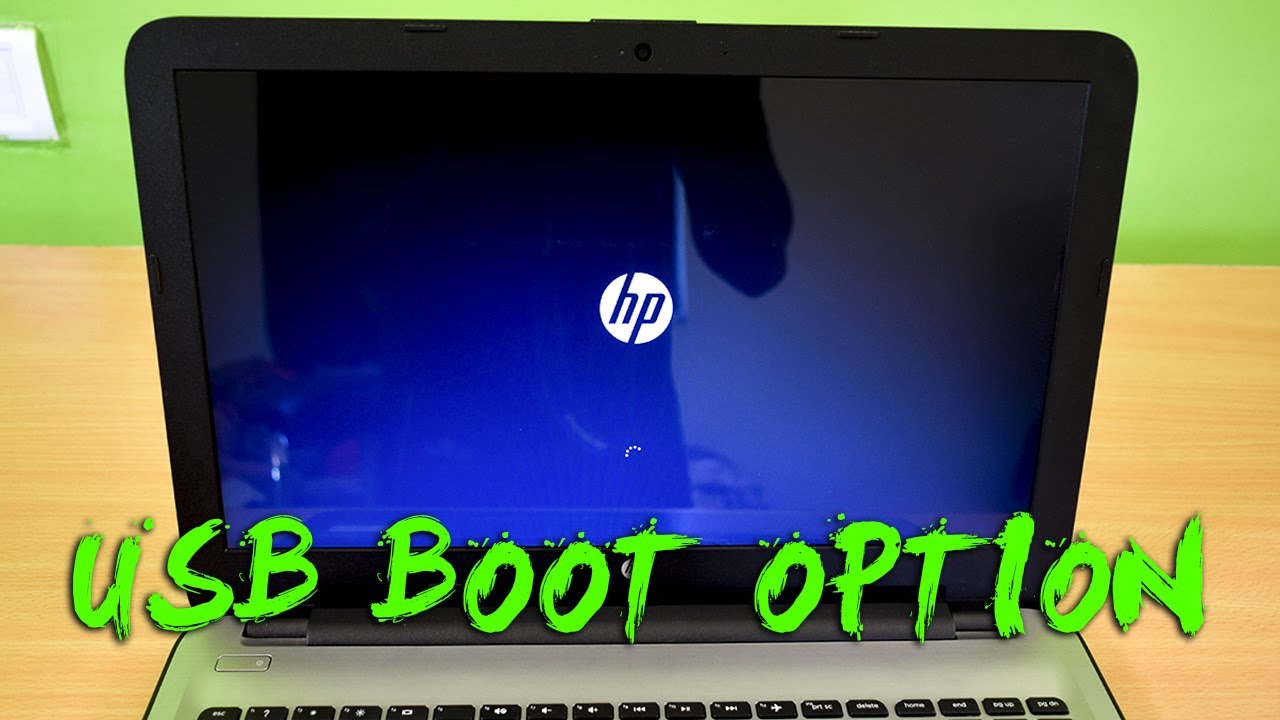
Learn how to enable USB boot and install Windows 10 on HP Notebook 15. Step-by-step guide to boot from USB successfully. 💻

TricK i Know
2.6M views • Jul 3, 2017
About this video
How To Install Windows 10 on HP Notebook 15 from USB (Enable HP Laptop Boot Option)
In this video you will learn, how to enable the USB boot option in HP 15 Series Notebook Laptops to install windows 10, 7, 8.1 from a bootable USB drive or DVD drive.
Easily create a Windows bootable USB drive with EaseUS OS2Go - https://bit.ly/3MqVW8T
In the order to boot from USB or DVD media first you have to enable the boot options from the bios setup, then you will need a bootable USB drive to perform the windows installation. Watch my full video to perform the windows installation in 2 minutes.
Extra Benefits: By using this process you can able to install more OS like Kali Linux, Ubuntu, MAC, etc on your HP Notebooks.
In case you need an article Version: https://trickiknow.com/how-install-windows-10-hp-notebook-15-usb/
▶▶ If you Like my video plz SUBSCRIBE: http://bit.ly/SubscribeTrickiKnow ❤
---------------: Related Video:-----------------
________________________________________________________________
How to Make a Bootable USB Drive / Pendrive :)
▶▶ https://youtu.be/mXbIrX-leOg
Upgrade your HP 15 Notebook RAM - Quick and Easily :)
▶▶ https://www.youtube.com/watch?v=AYSCixzCGyg&t
Watch How to install Windows in HP 2000 Series Laptop :)
▶▶ https://www.youtube.com/watch?v=AB7-n9H93Cg&t
________________________________________________________________
►► Follow Me on Social Media and Website ❤
________________________________________________________________
◉ Facebook : https://www.facebook.com/TrickIKnow
◉ Google+ : https://plus.google.com/+TrickiKnow
◉ Twitter : https://twitter.com/TrickiKnow
◉ Website: http://trickiknow.com
________________________________________________________________
►► The Gadgets I Used to Make this Video ❤
________________________________________________________________
◉ Camera - Nikon DSLR D3300: http://bit.ly/2uUPUYP
◉ Lens - AF-P NIKKOR 18-55mm Lens : http://bit.ly/2uyW6mD
◉ Tripod - Photron Steady Pro 560: http://bit.ly/2tHLHHW
◉ Lights - Umbrella Video Light: http://bit.ly/2uUPlOP
◉ Mic - Electret Condenser Omnidirectional Mic: http://bit.ly/2uVexog
◉ Memory Card - SanDisk 32GB Ultra SDHC : http://bit.ly/2vGUNSW
________________________________________________________________
Thank you !! for watching my video hope you liked and enjoyed my video, I will try to provide this type of High-Quality Video Tutorials on my YouTube Channel. Thank you again, See you in my next video :)
In this video you will learn, how to enable the USB boot option in HP 15 Series Notebook Laptops to install windows 10, 7, 8.1 from a bootable USB drive or DVD drive.
Easily create a Windows bootable USB drive with EaseUS OS2Go - https://bit.ly/3MqVW8T
In the order to boot from USB or DVD media first you have to enable the boot options from the bios setup, then you will need a bootable USB drive to perform the windows installation. Watch my full video to perform the windows installation in 2 minutes.
Extra Benefits: By using this process you can able to install more OS like Kali Linux, Ubuntu, MAC, etc on your HP Notebooks.
In case you need an article Version: https://trickiknow.com/how-install-windows-10-hp-notebook-15-usb/
▶▶ If you Like my video plz SUBSCRIBE: http://bit.ly/SubscribeTrickiKnow ❤
---------------: Related Video:-----------------
________________________________________________________________
How to Make a Bootable USB Drive / Pendrive :)
▶▶ https://youtu.be/mXbIrX-leOg
Upgrade your HP 15 Notebook RAM - Quick and Easily :)
▶▶ https://www.youtube.com/watch?v=AYSCixzCGyg&t
Watch How to install Windows in HP 2000 Series Laptop :)
▶▶ https://www.youtube.com/watch?v=AB7-n9H93Cg&t
________________________________________________________________
►► Follow Me on Social Media and Website ❤
________________________________________________________________
◉ Facebook : https://www.facebook.com/TrickIKnow
◉ Google+ : https://plus.google.com/+TrickiKnow
◉ Twitter : https://twitter.com/TrickiKnow
◉ Website: http://trickiknow.com
________________________________________________________________
►► The Gadgets I Used to Make this Video ❤
________________________________________________________________
◉ Camera - Nikon DSLR D3300: http://bit.ly/2uUPUYP
◉ Lens - AF-P NIKKOR 18-55mm Lens : http://bit.ly/2uyW6mD
◉ Tripod - Photron Steady Pro 560: http://bit.ly/2tHLHHW
◉ Lights - Umbrella Video Light: http://bit.ly/2uUPlOP
◉ Mic - Electret Condenser Omnidirectional Mic: http://bit.ly/2uVexog
◉ Memory Card - SanDisk 32GB Ultra SDHC : http://bit.ly/2vGUNSW
________________________________________________________________
Thank you !! for watching my video hope you liked and enjoyed my video, I will try to provide this type of High-Quality Video Tutorials on my YouTube Channel. Thank you again, See you in my next video :)
Tags and Topics
Browse our collection to discover more content in these categories.
Video Information
Views
2.6M
Likes
21.9K
Duration
2:59
Published
Jul 3, 2017
User Reviews
4.5
(510) Related Trending Topics
LIVE TRENDSRelated trending topics. Click any trend to explore more videos.
No specific trending topics match this video yet.
Explore All Trends