Hack Screen Time on iPhone/iPad (2025 Guide) 🔓
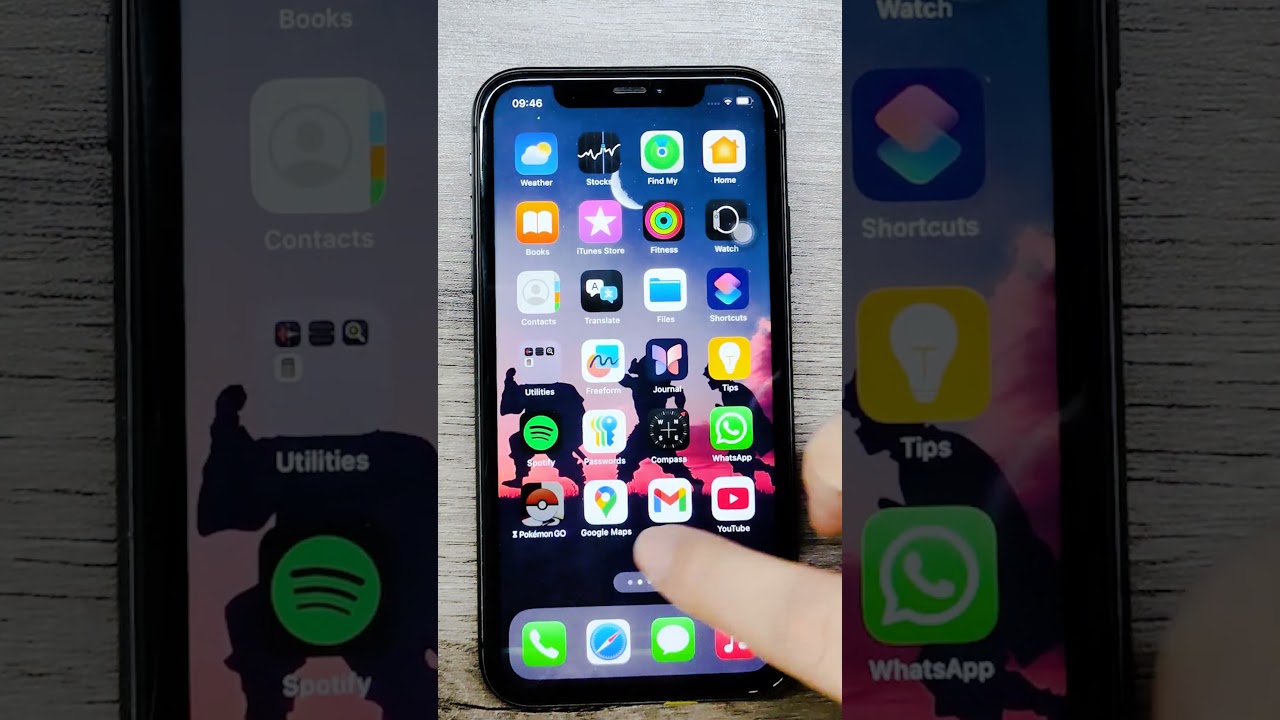
Learn how to bypass Screen Time on iOS 18 and below using Assistive features. Exit Assistive Access with three power presses for quick access.

MagFone Official
240.8K views • Feb 13, 2025
About this video
Using the Assistive Function Hack Screen Time works for iOS 18 and below. If you need to exit Assistive Access, simply press the power button three times.
Use MagFone iPhone Unlock to remove Screen Time WITHOUT passcode and data loss: https://www.magfone.com/iphone-unlocker/?utm_source=hackscreentimeYT0213
Join the MagFone Community
📱 Follow MagFone on TikTok: https://www.tiktok.com/@magfone_official
🐤 Follow MagFone on Twitter: https://twitter.com/magfone
👍 Follow MagFone on Facebook: https://www.facebook.com/magfone
#magfone #screentime #hackscreentime #bypassscreentime #iphoneunlock #apple #ios
Use MagFone iPhone Unlock to remove Screen Time WITHOUT passcode and data loss: https://www.magfone.com/iphone-unlocker/?utm_source=hackscreentimeYT0213
Join the MagFone Community
📱 Follow MagFone on TikTok: https://www.tiktok.com/@magfone_official
🐤 Follow MagFone on Twitter: https://twitter.com/magfone
👍 Follow MagFone on Facebook: https://www.facebook.com/magfone
#magfone #screentime #hackscreentime #bypassscreentime #iphoneunlock #apple #ios
Tags and Topics
Browse our collection to discover more content in these categories.
Video Information
Views
240.8K
Likes
2.3K
Duration
0:44
Published
Feb 13, 2025
User Reviews
4.4
(48) Related Trending Topics
LIVE TRENDSRelated trending topics. Click any trend to explore more videos.
No specific trending topics match this video yet.
Explore All Trends