Quick Tips to Free Up iPhone Space 📱
Learn simple ways to free up space on your iPhone quickly without deleting everything. Check storage and optimize easily.

Howfinity
9.7K views • Oct 15, 2025
About this video
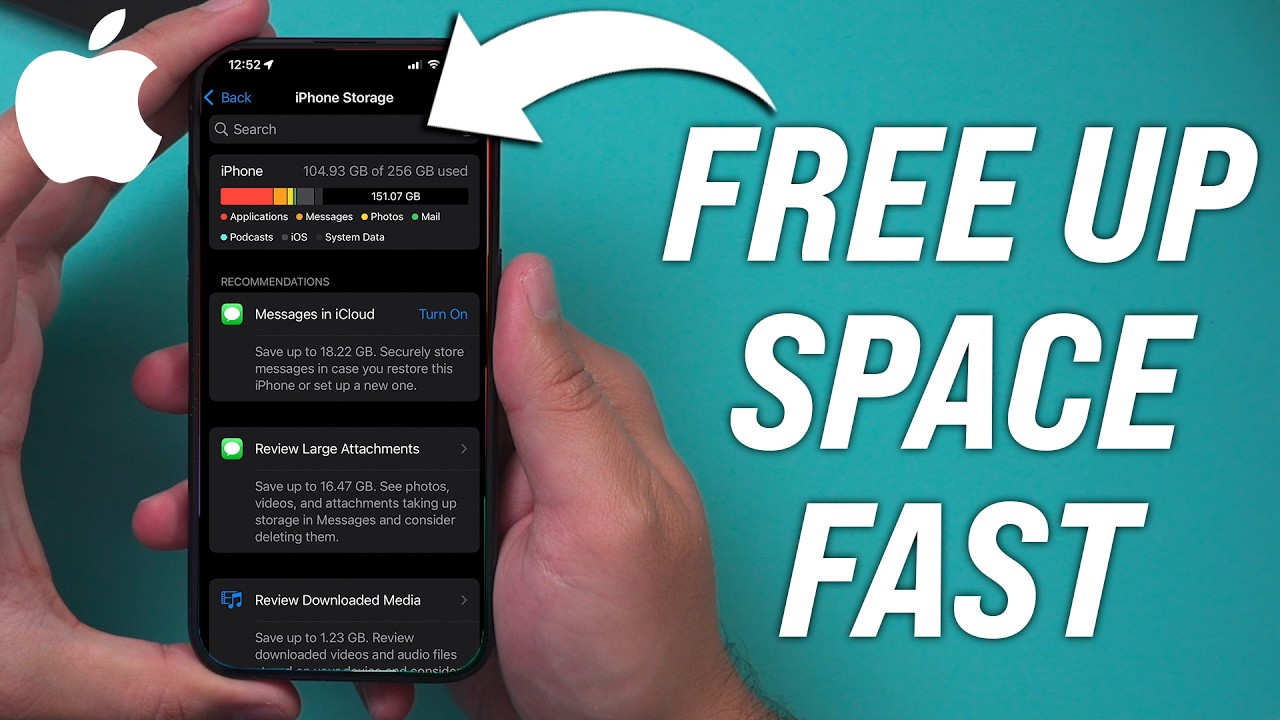
This is my simple way to free up space on my iPhone fast without deleting everything
I walk through how I check what’s taking up space and show a quick way to get storage back using the iPhone’s offload app feature. I go into settings, check iPhone storage, and look at what’s using the most space—like photos, apps, and messages.
Then I show how to offload apps you don’t use often so you can free up space without losing data. This helps me keep my iPhone running better without deleting stuff I want to keep.
I walk through how I check what’s taking up space and show a quick way to get storage back using the iPhone’s offload app feature. I go into settings, check iPhone storage, and look at what’s using the most space—like photos, apps, and messages.
Then I show how to offload apps you don’t use often so you can free up space without losing data. This helps me keep my iPhone running better without deleting stuff I want to keep.
Tags and Topics
Browse our collection to discover more content in these categories.
Video Information
Views
9.7K
Likes
102
Duration
2:56
Published
Oct 15, 2025
User Reviews
4.3
(1) Related Trending Topics
LIVE TRENDSRelated trending topics. Click any trend to explore more videos.
No specific trending topics match this video yet.
Explore All Trends