Fix MacBook Boot to Question Mark Folder 🖥️
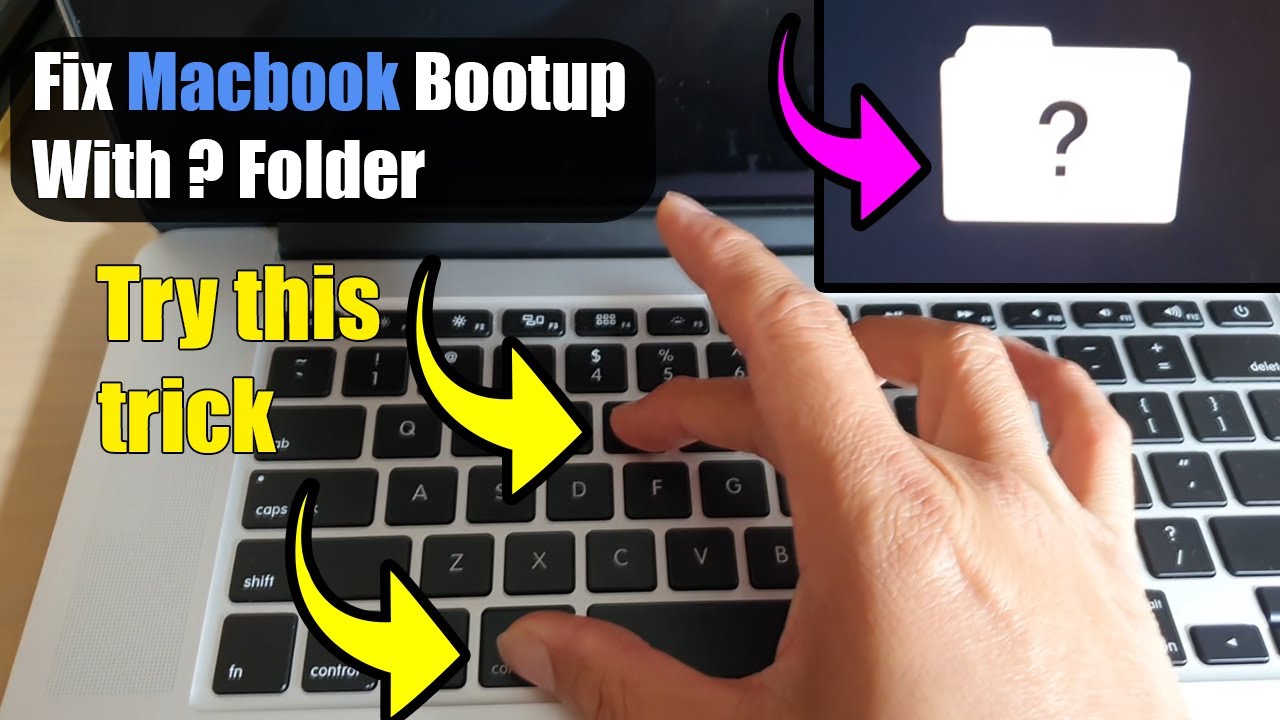
Learn simple steps to resolve MacBook boot issues showing a question mark folder on macOS or MacBook Pro/Air.

ITJungles
536.1K views • Nov 10, 2020
About this video
Learn how you can fix Macbook bootup to a question mark ? folder. For your Macbook Pro, Macbook Air or macOS. This can be a simple fix, because your computer is missing a bootable drive. Follow this trick to get it back to working order again.
FOLLOW US ON TWITTER: http://bit.ly/10Glst1
LIKE US ON FACEBOOK: http://on.fb.me/ZKP4nU
http://www.itjungles.com
ITJungles assumes no liability for property damage or injury incurred as a result of any of the information contained in this video. ITJungles recommends safe practices when working with electrical tools, power equipment, automotive lifts, lifting tools, electrical equipment, blunt instruments, chemicals, lubricants, expensive electronics, or any other tools or equipment seen or implied in this video. Due to factors beyond the control of ITJungles, no information contained in this video shall create any express or implied warranty or guarantee of any particular result. Any injury, damage or loss that may result from improper use of these tools, equipment, or the information contained in this video is the sole responsibility of the user and not ITJungles. Some repairs are easy while others maybe difficult. The level of difficulty depend on your personal experience. Only attempt your own repairs if you can accept personal responsibility for the results, whether they are good or bad.
The above may contain affiliate links.
FOLLOW US ON TWITTER: http://bit.ly/10Glst1
LIKE US ON FACEBOOK: http://on.fb.me/ZKP4nU
http://www.itjungles.com
ITJungles assumes no liability for property damage or injury incurred as a result of any of the information contained in this video. ITJungles recommends safe practices when working with electrical tools, power equipment, automotive lifts, lifting tools, electrical equipment, blunt instruments, chemicals, lubricants, expensive electronics, or any other tools or equipment seen or implied in this video. Due to factors beyond the control of ITJungles, no information contained in this video shall create any express or implied warranty or guarantee of any particular result. Any injury, damage or loss that may result from improper use of these tools, equipment, or the information contained in this video is the sole responsibility of the user and not ITJungles. Some repairs are easy while others maybe difficult. The level of difficulty depend on your personal experience. Only attempt your own repairs if you can accept personal responsibility for the results, whether they are good or bad.
The above may contain affiliate links.
Tags and Topics
Browse our collection to discover more content in these categories.
Video Information
Views
536.1K
Likes
3.8K
Duration
5:31
Published
Nov 10, 2020
User Reviews
4.3
(107) Related Trending Topics
LIVE TRENDSRelated trending topics. Click any trend to explore more videos.
No specific trending topics match this video yet.
Explore All Trends