Fix Harsh Vocals Quickly with De-Esser in FL Studio
Learn how to tame harsh 'S' sounds in vocals fast using a de-esser in FL Studio. Perfect for cleaner mixes! 🎶

Aaron On Audio | AP Studios
1.2K views • Nov 22, 2025
About this video
#FLStudio #Vocals #Mixing
Tired of harsh, sharp “S” sounds messing up your mix? Let’s fix that.
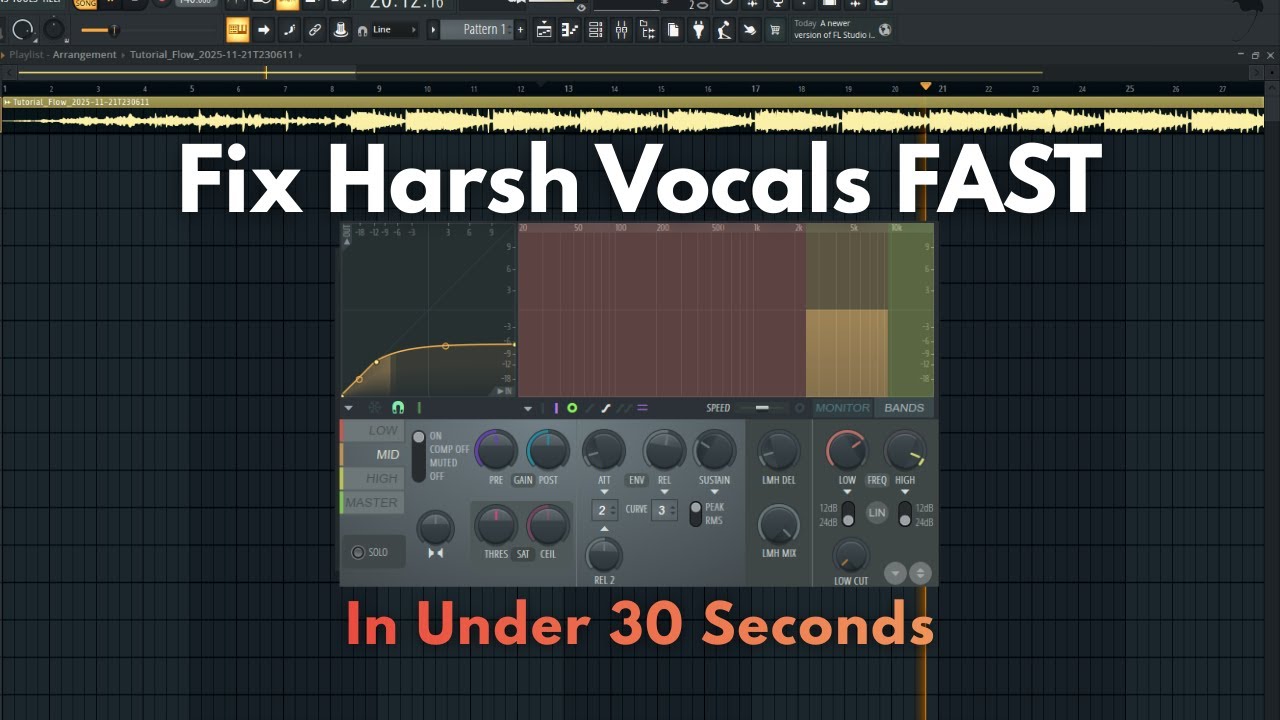
In this quick FL Studio breakdown, I’m showing you how to tame sibilance using the Maximus de-esser so your vocals sound clean, smooth, and ready for any track.
We’ll dial in the exact frequency range that causes those harsh spikes, control them without killing the brightness of your vocal, and get everything sitting perfectly in the mix.. fast.
If you're producing at home, mixing client vocals, or just trying to level up your sound, this is one tool you need in your workflow.
Need your audio edited?
Let's work together
www.APStudiosROC.com
Tired of harsh, sharp “S” sounds messing up your mix? Let’s fix that.
In this quick FL Studio breakdown, I’m showing you how to tame sibilance using the Maximus de-esser so your vocals sound clean, smooth, and ready for any track.
We’ll dial in the exact frequency range that causes those harsh spikes, control them without killing the brightness of your vocal, and get everything sitting perfectly in the mix.. fast.
If you're producing at home, mixing client vocals, or just trying to level up your sound, this is one tool you need in your workflow.
Need your audio edited?
Let's work together
www.APStudiosROC.com
Tags and Topics
Browse our collection to discover more content in these categories.
Video Information
Views
1.2K
Likes
29
Duration
0:20
Published
Nov 22, 2025
User Reviews
4.5
(1) Related Trending Topics
LIVE TRENDSRelated trending topics. Click any trend to explore more videos.
No specific trending topics match this video yet.
Explore All Trends