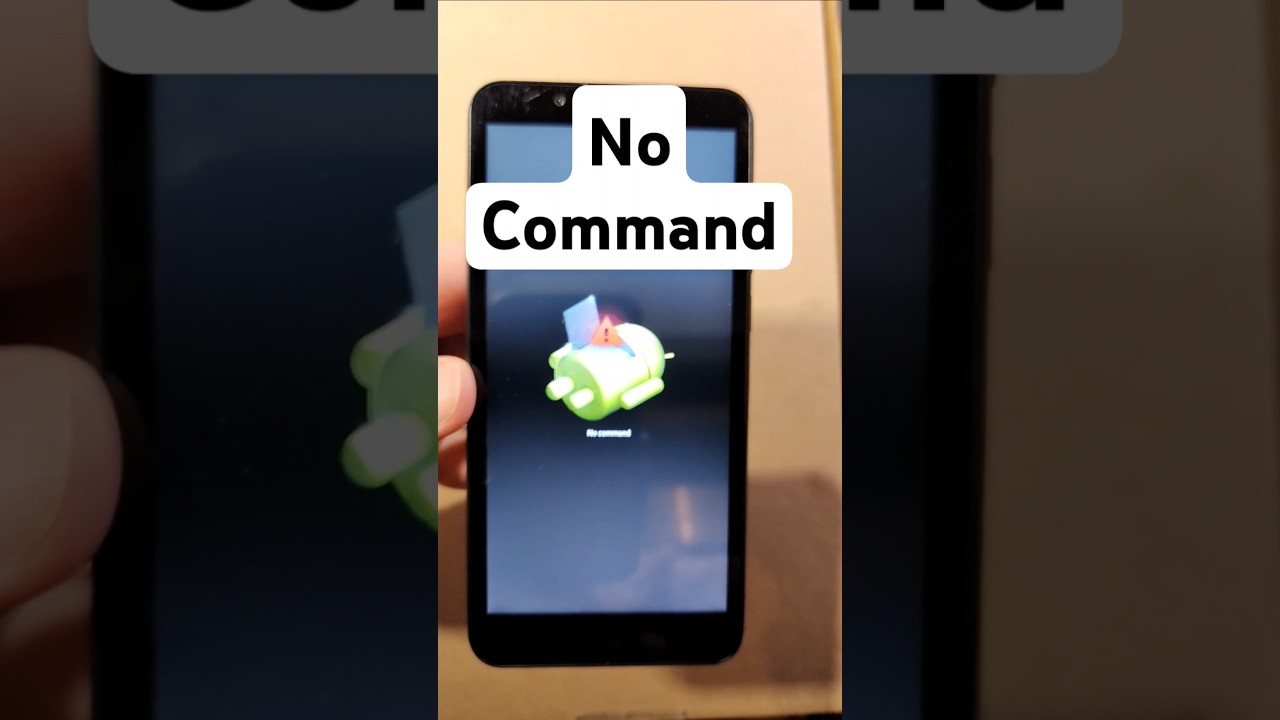
Fix the 'No Command' or 'Fallen Android' Screen Quickly 🔧
Learn a simple method to resolve the 'No Command' or 'Fallen Android' error on your device. Just hold the Power button and tap Volume Up to fix it easily!

Jason Clements
688.0K views • Jan 3, 2025
About this video
If you find yourself stuck on the No Command or the Fallen Android screen, here is the easy fix:
Hold down the Power Button and Quick Touch the Volume Up. That will get you to the Android Recovery Menu. From there, you can do what you need. You can Power Off and Start Again. Or you can Factory Reset. Or many other things.
#NoCommand #Android #FallenAndroid #stuck #screenstuck #FactoryReset
Hold down the Power Button and Quick Touch the Volume Up. That will get you to the Android Recovery Menu. From there, you can do what you need. You can Power Off and Start Again. Or you can Factory Reset. Or many other things.
#NoCommand #Android #FallenAndroid #stuck #screenstuck #FactoryReset
Video Information
Views
688.0K
Likes
4.7K
Duration
0:15
Published
Jan 3, 2025
User Reviews
4.3
(137) Related Trending Topics
LIVE TRENDSRelated trending topics. Click any trend to explore more videos.
No specific trending topics match this video yet.
Explore All Trends