Easily Install .NET on MacBook M1/M2 & Fix 'Command Not Found' Error 🛠️
Learn step-by-step how to install .NET on your MacBook with M1 or M2 chips and troubleshoot the common 'command not found: dotnet' error. Perfect for developers! 🚀

Zeuada Programming
10.7K views • Nov 7, 2022
About this video
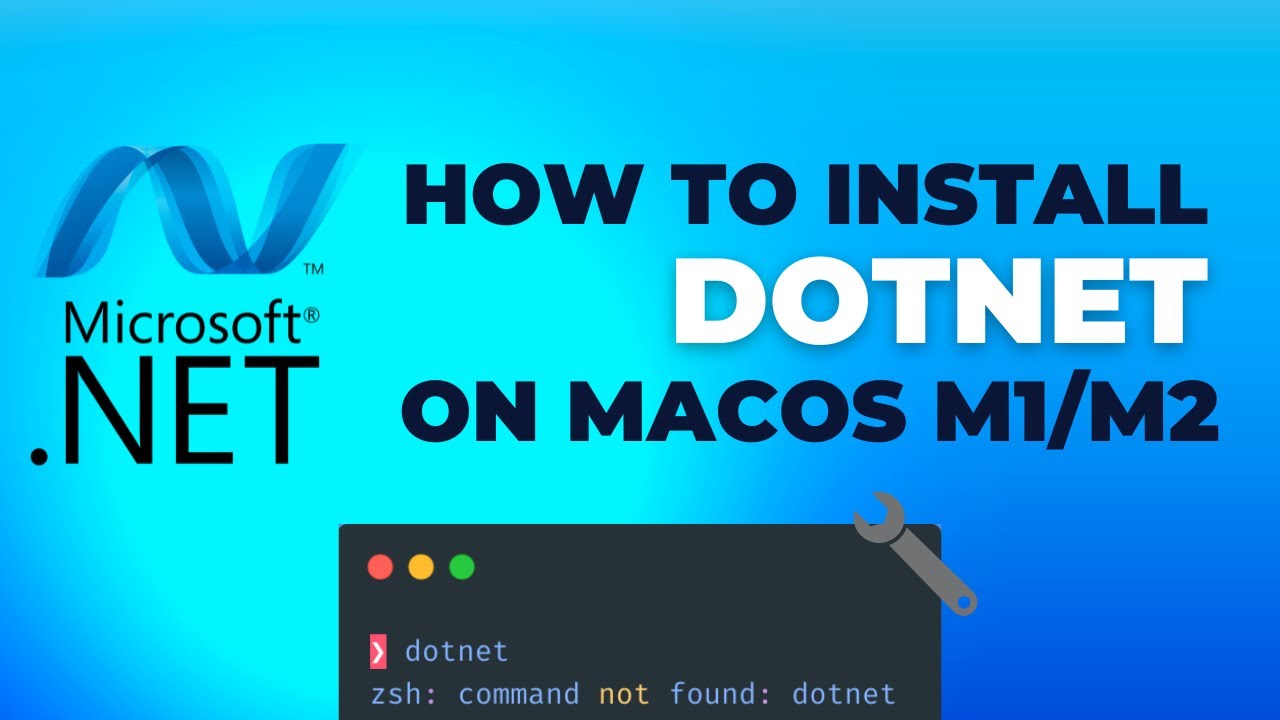
In this video we will see how we can install DotNET on MacBook M1/M2. Also we will see how to troubleshoot and solve the `command not found: dotnet ` error.
Subscribe to my channel for more videos also like this video.
.NET is a free and open-source project, developed and maintained on GitHub, the home for millions of developers who want to build great things together.
00:00 Intro
00:14 Download .NET for Mac
01:07 Installing .NET
01:35 Check if install has worked
01:52 Troubleshooting
03:28 Create a c# console app
04:27 Run C# console app
Subscribe to my channel for more videos also like this video.
.NET is a free and open-source project, developed and maintained on GitHub, the home for millions of developers who want to build great things together.
00:00 Intro
00:14 Download .NET for Mac
01:07 Installing .NET
01:35 Check if install has worked
01:52 Troubleshooting
03:28 Create a c# console app
04:27 Run C# console app
Tags and Topics
Browse our collection to discover more content in these categories.
Video Information
Views
10.7K
Likes
127
Duration
4:58
Published
Nov 7, 2022
User Reviews
4.4
(2) Related Trending Topics
LIVE TRENDSRelated trending topics. Click any trend to explore more videos.
No specific trending topics match this video yet.
Explore All Trends