How to Factory Reset Your MacBook (and Reinstall macOS)
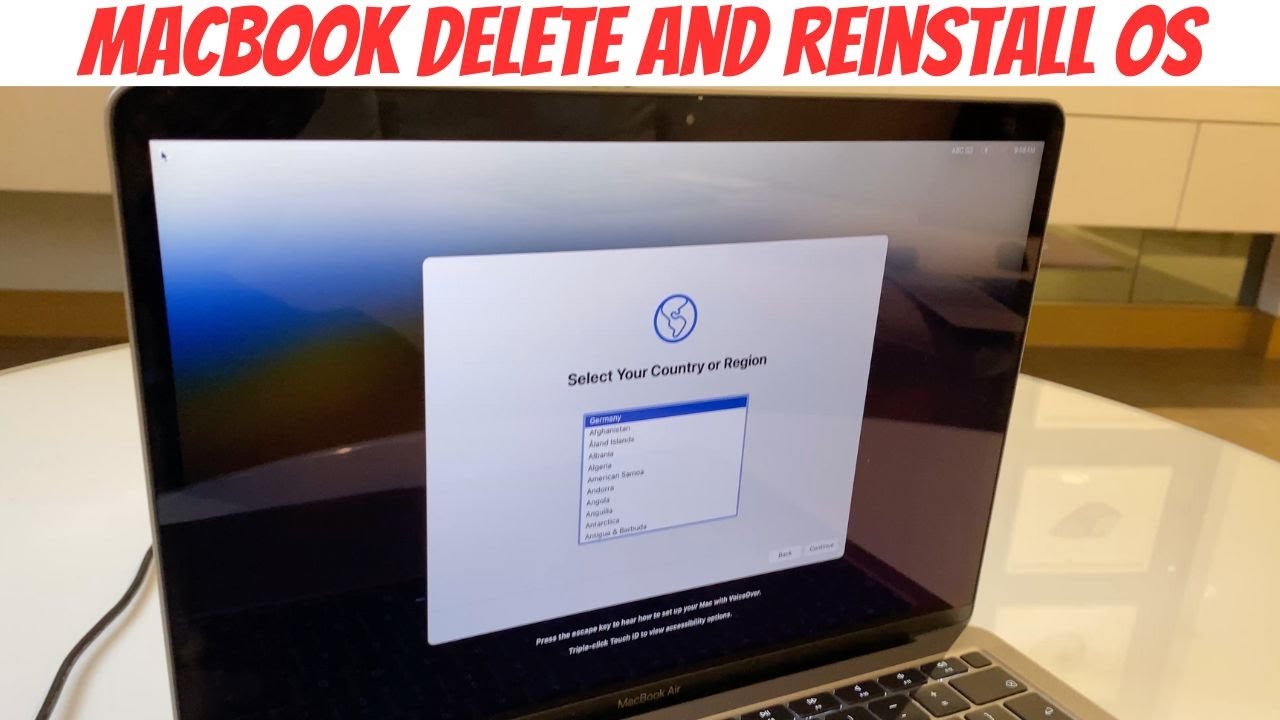
Here's how to factory reset / wipe all data from a M1 M2 M3 M4 MacBook and reinstall the operating system. This will format the MacBook as if it were the ver...
Team AG
26.8K views • Nov 10, 2024
About this video
Here's how to factory reset / wipe all data from a M1 M2 M3 M4 MacBook and reinstall the operating system. This will format the MacBook as if it were the very first installation. You can then set it up again as new and download a newer OS if one is available or use the existing.
Step by step instructions
* * If you've lost of forgotten your passcode and you need to get back into your MacBook, don't delete the data, watch this video below and follow the steps:
Get back into Macbook, no data loss - https://youtu.be/bSgpa7uC5c4
Setup MacBook - https://youtu.be/aiPw_z4Nw-k
Step by step instructions
* * If you've lost of forgotten your passcode and you need to get back into your MacBook, don't delete the data, watch this video below and follow the steps:
Get back into Macbook, no data loss - https://youtu.be/bSgpa7uC5c4
Setup MacBook - https://youtu.be/aiPw_z4Nw-k
Tags and Topics
Browse our collection to discover more content in these categories.
Video Information
Views
26.8K
Likes
211
Duration
3:20
Published
Nov 10, 2024
User Reviews
4.2
(5) Related Trending Topics
LIVE TRENDSRelated trending topics. Click any trend to explore more videos.
No specific trending topics match this video yet.
Explore All Trends