Reset & Restore MacBook Air M3 to Factory Settings 🖥️
Learn how to perform a factory reset on MacBook Air M3 running macOS Sonoma with this step-by-step guide.
Serg Tech
148.0K views • Jul 30, 2024
About this video
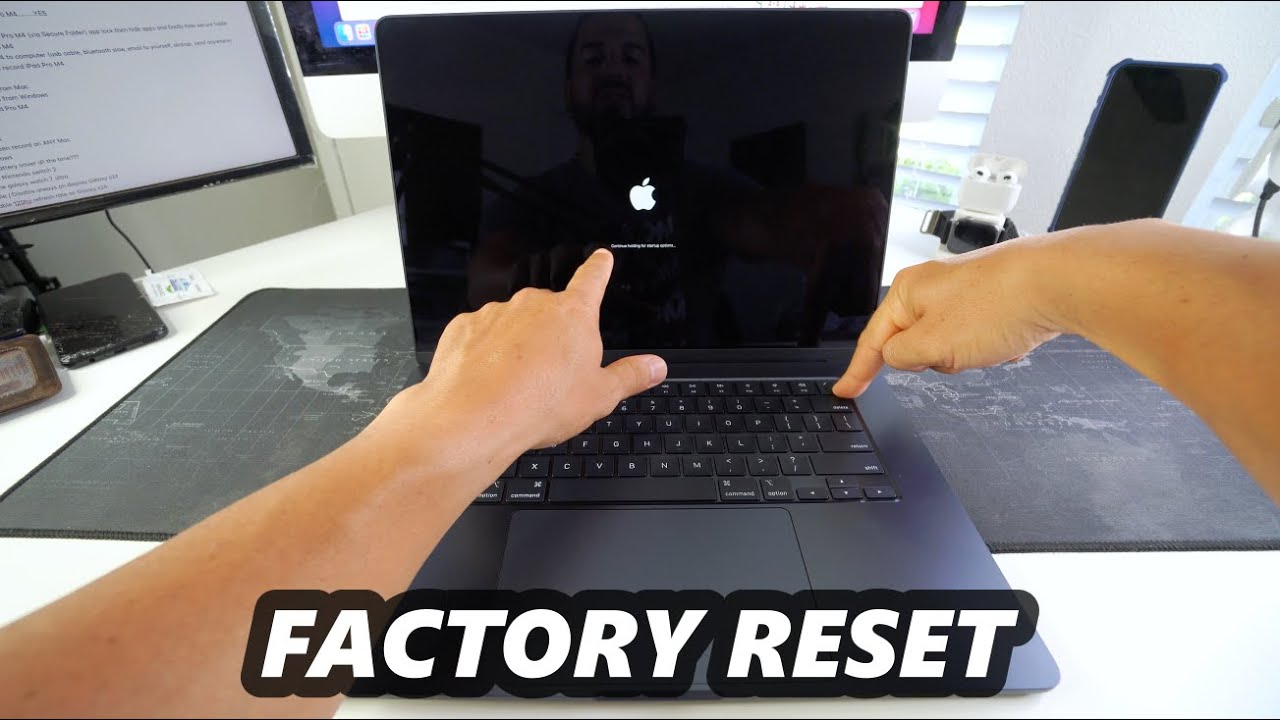
This is a video on how to perform a hard reset factory restore on the Apple MacBook Air M3 running MacOS Sonoma.
Best MacBook Pro / Air Accessory - https://amzn.to/3M2jy4E
Steps
1. Power off the MacBook
2. Power it on and hold "Power" key.
3. Hold until the black "Startup Options" screen appears.
4. Select "Options"
5. Click on "Disk Utility" select your Mac Hard Drive and "Erase"
6. After the HD is erased Follow the prompts to "Activate Mac"
7. Then Install "New macOS Sonoma"
8. Congrats if you got this far your MacBook M3 should have been reset.
0:00 - Intro
0:30 - Why Factory Reset?
1:10 - Reset with Settings
1:53 - Reset with Recovery Assistant
5:11 - Outro
Disclaimer - A factory data reset both hard or soft will erase all of your personal information on your device and return it to its out of the box state. You are doing this factory data wipe/reset on your device at your own risk. We are not responsible for any problems or technical difficulties caused from trying these techniques.
Follow Serg-Tech
- Instagram - https://www.instagram.com/serg.tech/
- Facebook - https://www.facebook.com/sergtechman
My Gear
- Camera - http://amzn.to/2DuPJbV
- Lighting Kit - http://amzn.to/2DqOKoI
- Microphone - http://amzn.to/2DWnDTV
- Video Editor - https://amzn.to/2sRfXxK
Disclaimer: Links in the description are typically affiliate links that let you help support the channel at no extra cost.
#macbookm3 #macbookairm3 #hardreset #factoryreset
Best MacBook Pro / Air Accessory - https://amzn.to/3M2jy4E
Steps
1. Power off the MacBook
2. Power it on and hold "Power" key.
3. Hold until the black "Startup Options" screen appears.
4. Select "Options"
5. Click on "Disk Utility" select your Mac Hard Drive and "Erase"
6. After the HD is erased Follow the prompts to "Activate Mac"
7. Then Install "New macOS Sonoma"
8. Congrats if you got this far your MacBook M3 should have been reset.
0:00 - Intro
0:30 - Why Factory Reset?
1:10 - Reset with Settings
1:53 - Reset with Recovery Assistant
5:11 - Outro
Disclaimer - A factory data reset both hard or soft will erase all of your personal information on your device and return it to its out of the box state. You are doing this factory data wipe/reset on your device at your own risk. We are not responsible for any problems or technical difficulties caused from trying these techniques.
Follow Serg-Tech
- Instagram - https://www.instagram.com/serg.tech/
- Facebook - https://www.facebook.com/sergtechman
My Gear
- Camera - http://amzn.to/2DuPJbV
- Lighting Kit - http://amzn.to/2DqOKoI
- Microphone - http://amzn.to/2DWnDTV
- Video Editor - https://amzn.to/2sRfXxK
Disclaimer: Links in the description are typically affiliate links that let you help support the channel at no extra cost.
#macbookm3 #macbookairm3 #hardreset #factoryreset
Tags and Topics
Browse our collection to discover more content in these categories.
Video Information
Views
148.0K
Likes
1.3K
Duration
5:41
Published
Jul 30, 2024
User Reviews
4.4
(29) Related Trending Topics
LIVE TRENDSRelated trending topics. Click any trend to explore more videos.
Trending Now