Download All Photos from Google Photos 📥
Learn how to download all your photos and videos from Google Photos efficiently, even beyond the 500-item limit.

Bhupinder Tube
186.2K views • Jun 10, 2021
About this video
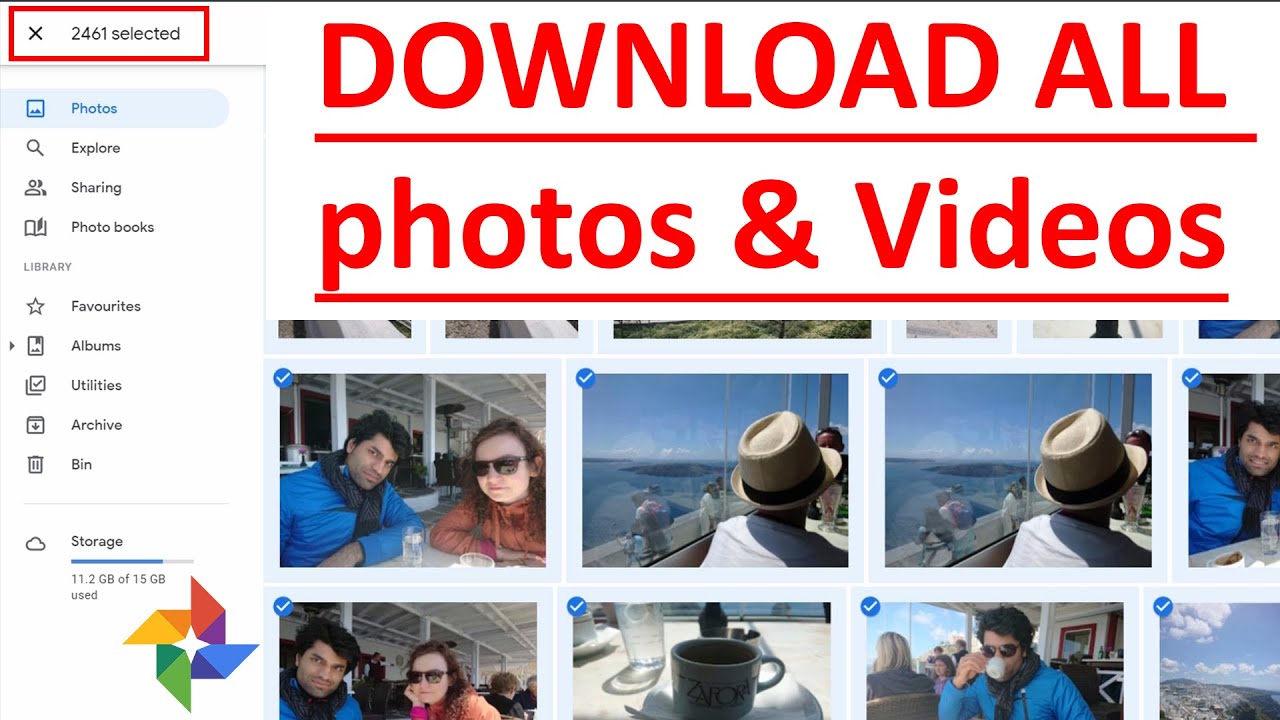
In this quick tutorial, I'll show you how to download all your photos and videos from Google Photos. In Google photos, you could only download 500 items at a time. The good news is that Google gives another option to export all your google photos and video.
IMPORTANT: If you watch at 4:28, it says "This process can take a long time (possibly hours or days) to complete. You'll receive an email when your export is done." In the video, because my data wasn't huge, I got the "Download" option by staying on the same page after a while. But, in your case, especially if your data is big, you should wait at least few days for the email with the download link! By just keep trying downloading again and again without waiting for the download link, you're delaying the process because then Google would have to keep creating new download package while still working on the old request. I guess that's why it says "You have downloaded these files maximum number of times!". Once again, make sure you follow the video exactly and don't skip any steps. I could've made it clearer by including the email with the download link. I wish you all the best!
If you found this video helpful, please consider subscribing and/or liking to help others find this video. If you have any questions, please let me know in the comments below 😊?
More related videos below 👇
👉 How to select multiple photos in Google Photos on computer - Step by Step - https://youtu.be/u2_lX3Jp8I4
👉 How to DOWNLOAD multiple photos in Google Photos on computer - https://youtu.be/kF2cAmSKB58
👉 How To Create An Album In Google Photos - https://youtu.be/_6vlgcGodP8
👉 how to select multiple photos on google photos on phone - https://youtu.be/ZXdwLoCYDa0
👉 Android Tutorials - https://youtube.com/playlist?list=PL6oDA8S3RmtGFmbUziIYK6j2aVRKp3B3k
👉 Google Tutorials https://youtube.com/playlist?list=PL6oDA8S3RmtHzd4gKFdr1P_a7JnKcsxAk
#BhupinderTube #googlephotos #tutorial
IMPORTANT: If you watch at 4:28, it says "This process can take a long time (possibly hours or days) to complete. You'll receive an email when your export is done." In the video, because my data wasn't huge, I got the "Download" option by staying on the same page after a while. But, in your case, especially if your data is big, you should wait at least few days for the email with the download link! By just keep trying downloading again and again without waiting for the download link, you're delaying the process because then Google would have to keep creating new download package while still working on the old request. I guess that's why it says "You have downloaded these files maximum number of times!". Once again, make sure you follow the video exactly and don't skip any steps. I could've made it clearer by including the email with the download link. I wish you all the best!
If you found this video helpful, please consider subscribing and/or liking to help others find this video. If you have any questions, please let me know in the comments below 😊?
More related videos below 👇
👉 How to select multiple photos in Google Photos on computer - Step by Step - https://youtu.be/u2_lX3Jp8I4
👉 How to DOWNLOAD multiple photos in Google Photos on computer - https://youtu.be/kF2cAmSKB58
👉 How To Create An Album In Google Photos - https://youtu.be/_6vlgcGodP8
👉 how to select multiple photos on google photos on phone - https://youtu.be/ZXdwLoCYDa0
👉 Android Tutorials - https://youtube.com/playlist?list=PL6oDA8S3RmtGFmbUziIYK6j2aVRKp3B3k
👉 Google Tutorials https://youtube.com/playlist?list=PL6oDA8S3RmtHzd4gKFdr1P_a7JnKcsxAk
#BhupinderTube #googlephotos #tutorial
Tags and Topics
Browse our collection to discover more content in these categories.
Video Information
Views
186.2K
Likes
2.0K
Duration
7:17
Published
Jun 10, 2021
User Reviews
4.5
(37) Related Trending Topics
LIVE TRENDSRelated trending topics. Click any trend to explore more videos.
No specific trending topics match this video yet.
Explore All Trends