Download All Google Photos & Videos with Google Takeout
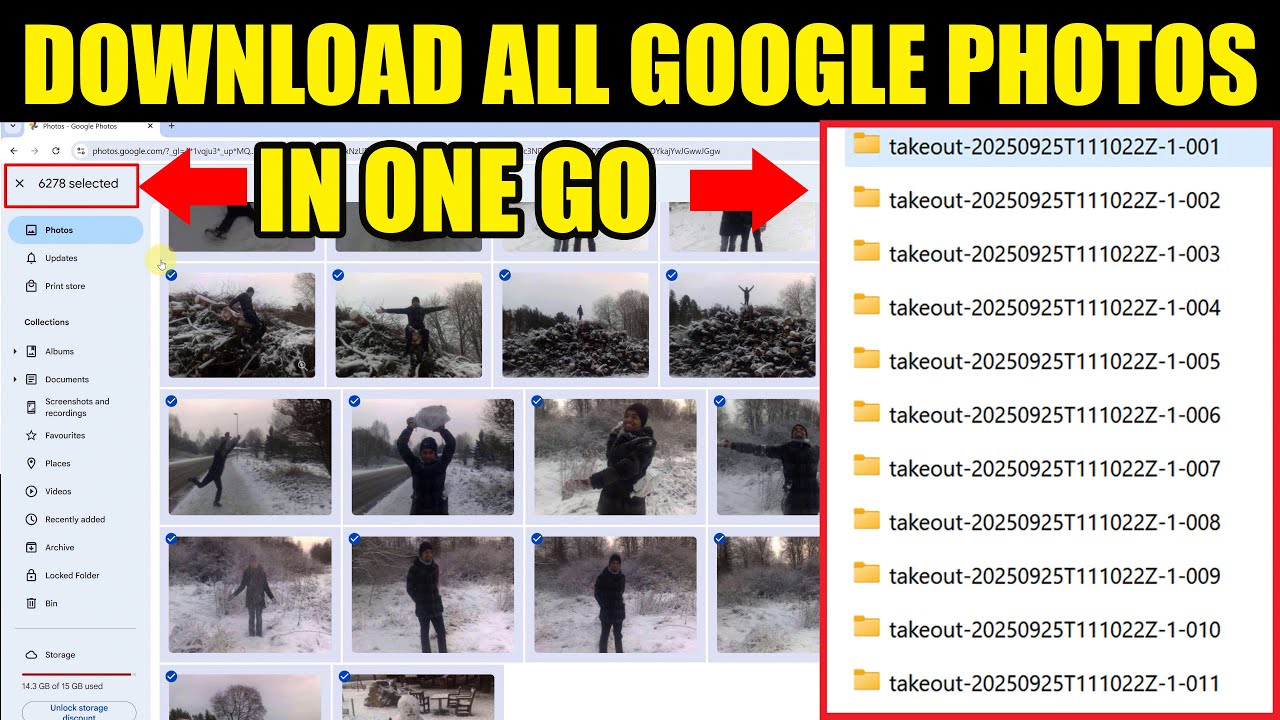
Learn how to easily download all your Google Photos and videos at once with this simple Google Takeout tutorial. 🚀

Bhupinder Tube
1.3K views • Oct 11, 2025
About this video
Want to download all your Google Photos and videos in one go? 🚀 In this complete step-by-step tutorial, I’ll show you exactly how to use Google Takeout to export and download your entire library — quickly and safely.
You’ll learn:
✔️ How to download all photos & videos from Google Photos at once
✔️ Why download links expire after a couple of days (and how to avoid losing them)
✔️ How to start all ZIP file downloads at the same time
✔️ How to check total file count, total size, and extract folders correctly
✔️ What JSON metadata files are — and when you can ignore them
👉 Also check out my related videos:
• Delete All Google Takeout JSON Files - https://youtu.be/1gHsGIy7jXc
• How to Delete All Google Photos Safely - https://youtu.be/ovIbKOhfcO0
🔔 Subscribe for more Google Photos & storage management tutorials!
💡 TIP: You’ll receive your Google Takeout download links in about 2 days.
⚠️ The links stay active for a limited time — check your email for the exact expiry date and download everything before it expires.
📢 Related videos
👉 How to delete Google Photos without Deleting from Phone - https://youtu.be/ayaRHhgn78k
👉 How to turn OFF Google Photos sync (Backup) - https://youtu.be/MmCQJYRSWGA
#GooglePhotos #GoogleTakeout #DownloadAll
You’ll learn:
✔️ How to download all photos & videos from Google Photos at once
✔️ Why download links expire after a couple of days (and how to avoid losing them)
✔️ How to start all ZIP file downloads at the same time
✔️ How to check total file count, total size, and extract folders correctly
✔️ What JSON metadata files are — and when you can ignore them
👉 Also check out my related videos:
• Delete All Google Takeout JSON Files - https://youtu.be/1gHsGIy7jXc
• How to Delete All Google Photos Safely - https://youtu.be/ovIbKOhfcO0
🔔 Subscribe for more Google Photos & storage management tutorials!
💡 TIP: You’ll receive your Google Takeout download links in about 2 days.
⚠️ The links stay active for a limited time — check your email for the exact expiry date and download everything before it expires.
📢 Related videos
👉 How to delete Google Photos without Deleting from Phone - https://youtu.be/ayaRHhgn78k
👉 How to turn OFF Google Photos sync (Backup) - https://youtu.be/MmCQJYRSWGA
#GooglePhotos #GoogleTakeout #DownloadAll
Tags and Topics
Browse our collection to discover more content in these categories.
Video Information
Views
1.3K
Likes
17
Duration
6:54
Published
Oct 11, 2025
User Reviews
4.4
(1) Related Trending Topics
LIVE TRENDSRelated trending topics. Click any trend to explore more videos.
No specific trending topics match this video yet.
Explore All Trends