Create Searchable PDFs with Table of Contents on Mac (Office 2011)
Learn how to make searchable PDFs with a table of contents on Mac using Office 2011 and other tools. 📄

SFUITSERVICESDS
924 views • Jan 15, 2013
About this video
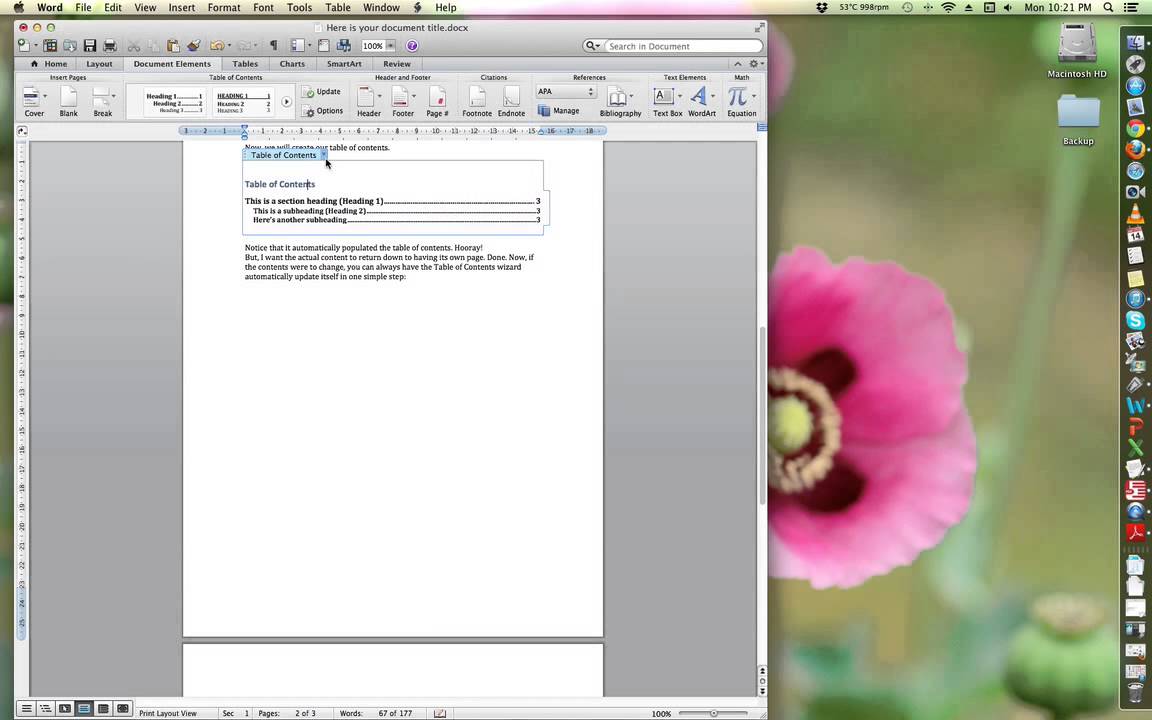
How to create a searchable PDF on a Mac with Office 2011, including table of contents.
Requires/assumes access to the following software:
1) Microsoft Office 2011 (In particular, Word 2011)
2) Adobe Reader (free download)
3) PDFOutliner (free, also paid $5 PRO version available)
Requires/assumes access to the following software:
1) Microsoft Office 2011 (In particular, Word 2011)
2) Adobe Reader (free download)
3) PDFOutliner (free, also paid $5 PRO version available)
Tags and Topics
Browse our collection to discover more content in these categories.
Video Information
Views
924
Duration
6:08
Published
Jan 15, 2013
Related Trending Topics
LIVE TRENDSRelated trending topics. Click any trend to explore more videos.
No specific trending topics match this video yet.
Explore All Trends