Create Searchable PDFs in Finder with OwlOCR 📝
Easily convert images and PDFs into searchable files using OwlOCR Quick Actions directly in MacOS Finder.
OO
1.0K views • Mar 5, 2021
About this video
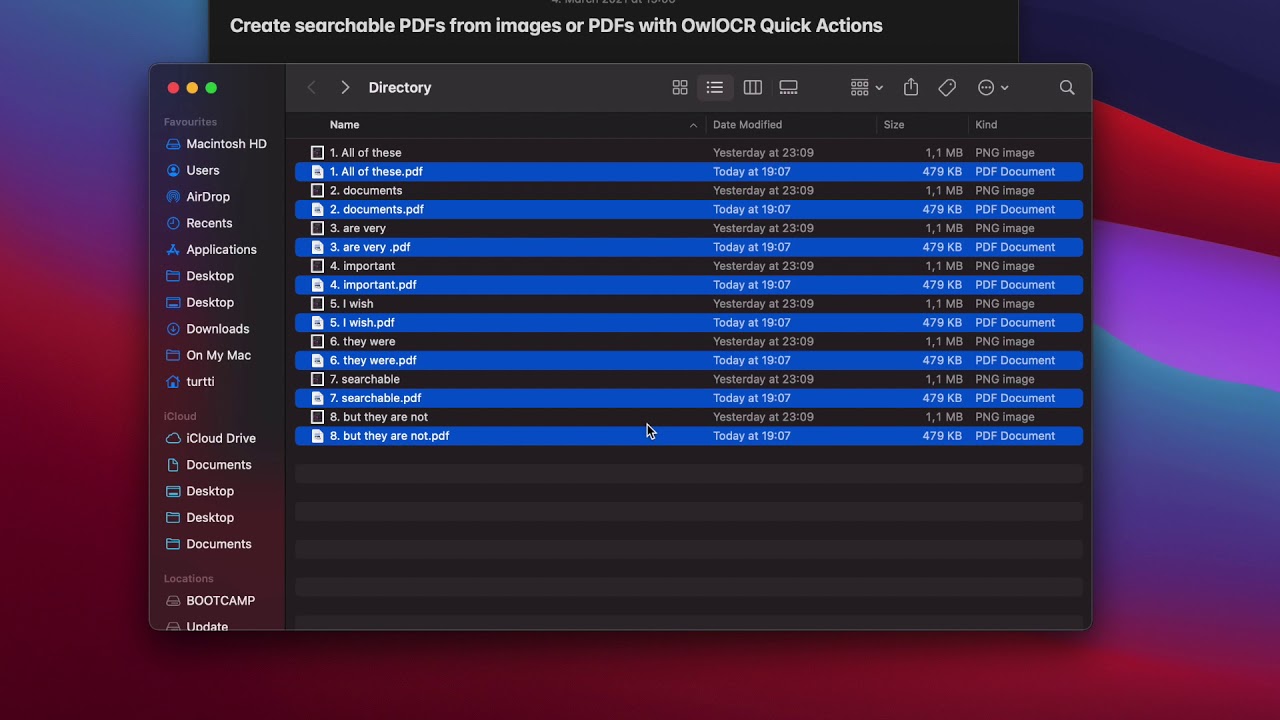
This a very easy way to create searchable PDFs using OwlOCR Quick Actions. Accessible right in MacOS Finder.
1. Select images and PDFs you want to convert.
2. Right-click and select Quick Actions, Create Searchable PDF.
If the option is not present, ensure you have OwlOCR 4.5 or newer installed and have enabled the extensions in the MacOS System Preferences, Extensions.
For more information, check https://owlocr.com.
1. Select images and PDFs you want to convert.
2. Right-click and select Quick Actions, Create Searchable PDF.
If the option is not present, ensure you have OwlOCR 4.5 or newer installed and have enabled the extensions in the MacOS System Preferences, Extensions.
For more information, check https://owlocr.com.
Video Information
Views
1.0K
Likes
3
Duration
0:27
Published
Mar 5, 2021
User Reviews
3.8
(1) Related Trending Topics
LIVE TRENDSRelated trending topics. Click any trend to explore more videos.
No specific trending topics match this video yet.
Explore All Trends