Convert Word to Markdown Free with Pandoc
Learn how to easily convert Word documents to Markdown for free using Pandoc, a powerful open-source tool. 📄

Federico Tartarini
19.5K views • Oct 10, 2022
About this video
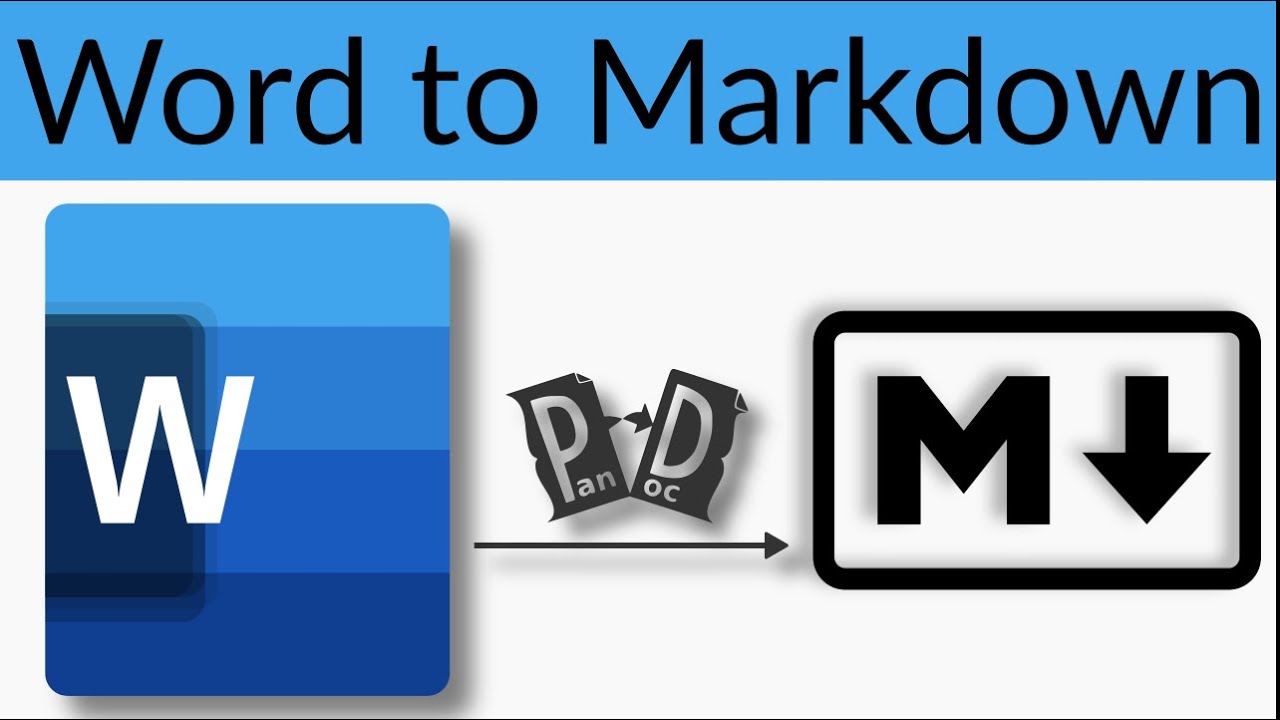
In this video, I'll show you how to convert a Microsoft Word document to Markdown using Pandoc, a powerful document conversion tool that is free and open-source. You'll learn how to install Pandoc on your computer, and how to use it to convert your Word document to Markdown, which is a lightweight markup language used to write content for the web.
I'll take you through the process step-by-step, and explain the benefits of using Markdown over Word for web content creation. I'll also show you how to customize your Markdown output using Pandoc's various options, such as adding metadata, tables, and images.
By the end of the video, you'll be able to convert your Word documents to Markdown quickly and easily, and have a much more flexible and portable format for your content.
Keywords: Pandoc, Word to Markdown, conversion tool, open-source, lightweight markup language, web content creation, metadata, tables, images, portable format
Hashtags: #Pandoc #WordToMarkdown #DocumentConversion #OpenSource #WebContentCreation #MarkdownFormatting
⚠️ Join my channel to get access to perks: https://www.youtube.com/channel/UCRjhrVMfeAurqHm4BnTNgyw/join
🙏 Support my channel on Patreon at https://www.patreon.com/federicotartarini
☕ Support my channel by buying me a coffee - https://www.buymeacoffee.com/FedericoT
✅ Let's connect:
🌍 My website - https://federicotartarini.github.io/
💻 GitHub - https://github.com/FedericoTartarini
Twitter - https://twitter.com/FedericoTartar1
LinkedIn – https://www.linkedin.com/in/federico-tartarini/
👨💻 Source code:
pandoc -t gfm --extract-media . "fan guide.docx" -o main.md
🎥 Content of this video:
00:00 - What you will learn
01:00 - How to convert docx to markdown
I'll take you through the process step-by-step, and explain the benefits of using Markdown over Word for web content creation. I'll also show you how to customize your Markdown output using Pandoc's various options, such as adding metadata, tables, and images.
By the end of the video, you'll be able to convert your Word documents to Markdown quickly and easily, and have a much more flexible and portable format for your content.
Keywords: Pandoc, Word to Markdown, conversion tool, open-source, lightweight markup language, web content creation, metadata, tables, images, portable format
Hashtags: #Pandoc #WordToMarkdown #DocumentConversion #OpenSource #WebContentCreation #MarkdownFormatting
⚠️ Join my channel to get access to perks: https://www.youtube.com/channel/UCRjhrVMfeAurqHm4BnTNgyw/join
🙏 Support my channel on Patreon at https://www.patreon.com/federicotartarini
☕ Support my channel by buying me a coffee - https://www.buymeacoffee.com/FedericoT
✅ Let's connect:
🌍 My website - https://federicotartarini.github.io/
💻 GitHub - https://github.com/FedericoTartarini
Twitter - https://twitter.com/FedericoTartar1
LinkedIn – https://www.linkedin.com/in/federico-tartarini/
👨💻 Source code:
pandoc -t gfm --extract-media . "fan guide.docx" -o main.md
🎥 Content of this video:
00:00 - What you will learn
01:00 - How to convert docx to markdown
Tags and Topics
Browse our collection to discover more content in these categories.
Video Information
Views
19.5K
Likes
332
Duration
11:45
Published
Oct 10, 2022
User Reviews
4.6
(3) Related Trending Topics
LIVE TRENDSRelated trending topics. Click any trend to explore more videos.
No specific trending topics match this video yet.
Explore All Trends