LlamaParse: Convert PDFs with Tables to Markdown 📄
Learn how to convert PDFs with tables into Markdown using Llama Index API in this tutorial.

Alejandro AO - Software & Ai
37.4K views • Jun 5, 2024
About this video
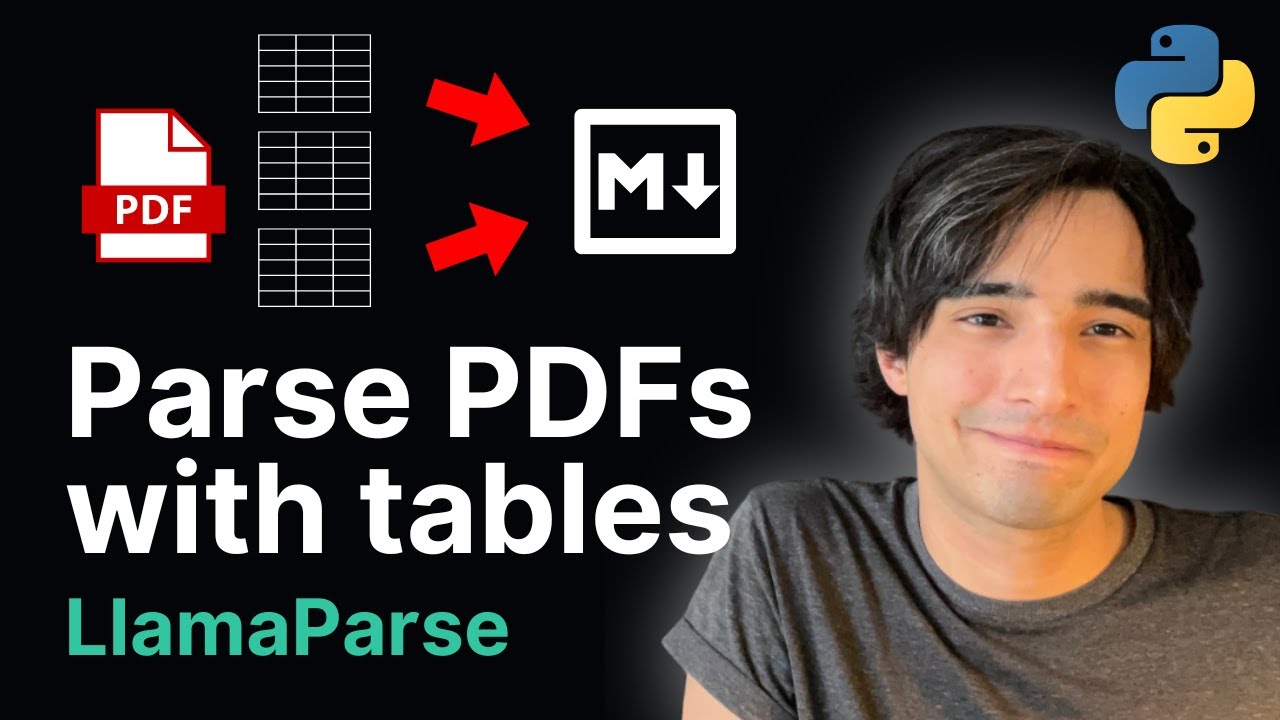
In this video tutorial, you'll learn how to parse a PDF file and convert it into a markdown file using an API from Lama Index. This method allows you to parse more complex parts of the PDF, such as tables, which can be a headache when using simple methods like OCR.
Useful links:
👉 Notebook: https://colab.research.google.com/gist/alejandro-ao/ba46f3f17aa6ef88570a30d35da1f5e8/intro-to-llamaparse.ipynb
☎️ Get something like this for your company: https://link.alejandro-ao.com/consulting-call
💬 Join the Discord Help Server: https://link.alejandro-ao.com/HrFKZn
❤️ Buy me a coffee... or a beer (thanks): https://link.alejandro-ao.com/l83gNq
✉️ Get the Newsletter: https://link.alejandro-ao.com/AIIguB
Timestamps:
0:00 - Introduction
2:02 - What is LlamaParse?
3:43 - Setup
6:41 - Parse the PDF
11:40 - Add a prompt to the parser
15:10 Conclusion
Learn how to parse a PDF file and convert it to markdown using LlamaParse API in this step-by-step tutorial. This method uses generative AI during the ingestion process to help you understand your document better, especially when dealing with tabular data. LlamaParse supports various file types, including PDF, PowerPoint, and Word documents, and offers a generous free plan of 1,000 pages per day.
By the end of this video, you'll know how to install Lama Pars, download and parse your PDF file, and export the markdown file. You'll also learn how to add a prompt to LlamaParse to summarize or perform other actions on your document.
Useful links:
👉 Notebook: https://colab.research.google.com/gist/alejandro-ao/ba46f3f17aa6ef88570a30d35da1f5e8/intro-to-llamaparse.ipynb
☎️ Get something like this for your company: https://link.alejandro-ao.com/consulting-call
💬 Join the Discord Help Server: https://link.alejandro-ao.com/HrFKZn
❤️ Buy me a coffee... or a beer (thanks): https://link.alejandro-ao.com/l83gNq
✉️ Get the Newsletter: https://link.alejandro-ao.com/AIIguB
Timestamps:
0:00 - Introduction
2:02 - What is LlamaParse?
3:43 - Setup
6:41 - Parse the PDF
11:40 - Add a prompt to the parser
15:10 Conclusion
Learn how to parse a PDF file and convert it to markdown using LlamaParse API in this step-by-step tutorial. This method uses generative AI during the ingestion process to help you understand your document better, especially when dealing with tabular data. LlamaParse supports various file types, including PDF, PowerPoint, and Word documents, and offers a generous free plan of 1,000 pages per day.
By the end of this video, you'll know how to install Lama Pars, download and parse your PDF file, and export the markdown file. You'll also learn how to add a prompt to LlamaParse to summarize or perform other actions on your document.
Tags and Topics
Browse our collection to discover more content in these categories.
Video Information
Views
37.4K
Likes
970
Duration
15:55
Published
Jun 5, 2024
User Reviews
4.7
(7) Related Trending Topics
LIVE TRENDSRelated trending topics. Click any trend to explore more videos.
No specific trending topics match this video yet.
Explore All Trends