How to Combine Files into a Single PDF Using PDFelement: 4 Solutions
Learn four methods to merge multiple files into one PDF with PDFelement's powerful PDF merge tool, demonstrated in this instructional video.
Wondershare PDFelement
35.5K views • Nov 22, 2022
About this video
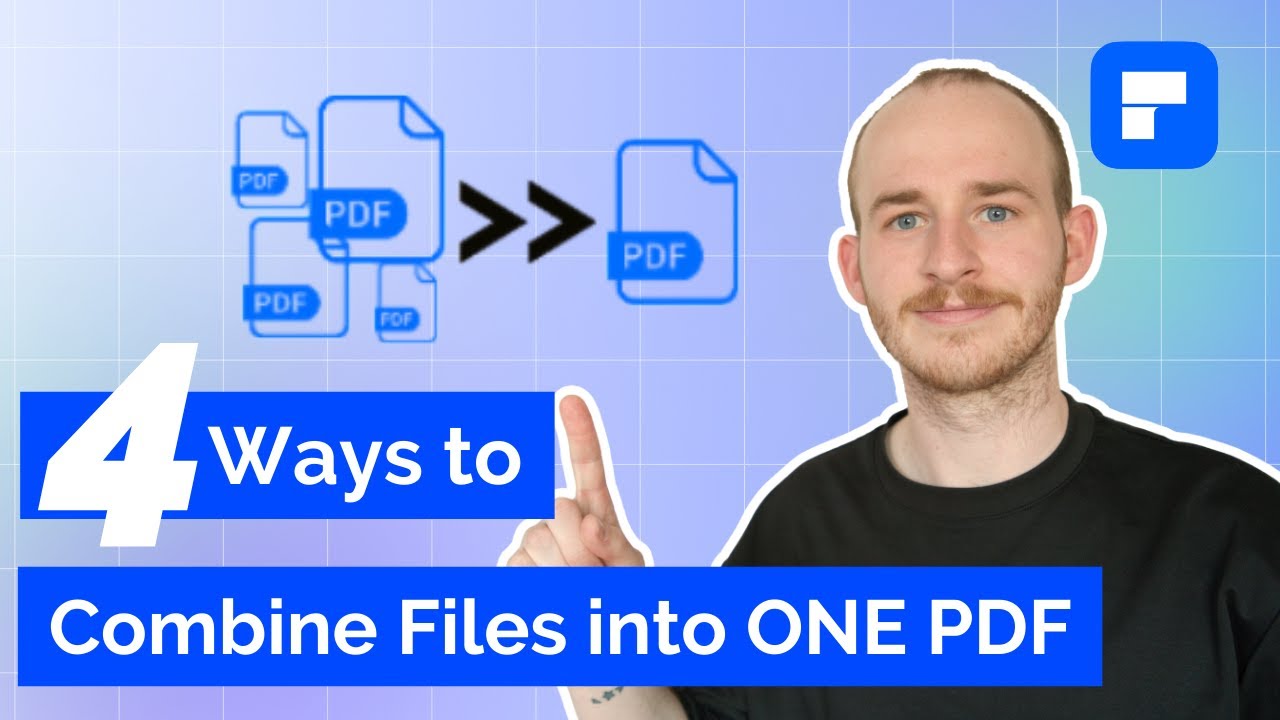
How to combine files into one PDF. In the video, there are 4 solutions to this situation. With PDFelement, it provides powerful PDF merge tool enables you to quickly combine PDFs, different files and images into one.
Solution 1 - Combine PDFs into one. You can add as many files as you want and combine PDF files into one single PDF that is easier to share and send. You can also arrange, reorder, and edit the combined PDF to make it look professional.
Solution 2 - Combine images into PDF. Combine JPG, JPEG, PNG, TIFF, and other images into one PDF. Just drag and drop all images to PDFelement and the images will be automatically merged into a beautiful PDF.
Solution 3 - Convert and merge different files. Need to combine word, ppt, or other files to PDF? Just add them to this PDF combiner and it will automatically convert and combine them into one PDF.
Solution 4 - Merge and compress PDF to make it smaller. After combining multiple files into one PDF, this PDF can be very large in size. PDFelement also provides PDF compressor to make the combined PDF smaller to share.
Find more information on how to combine pdf: http://bit.ly/3GBrcRu
#combinepdf #pdftutorial #pdfelement
⌚ Timestamps
0:00 Introduction
1:09 How to combine multiple PDFs into a single document
2:19 How to combine and merge into a PDF
3:18 Covert multiple file types and merge them into a PDF
4:25 How to merge and compress PDFs to save more space
5:57 Wrap up
📌About Wondershare PDFelement:
PDFelement is the easiest way to create, edit, convert and sign PDF forms and documents across desktop, mobile, and web. Sold globally in 9 different languages, PDFelement is the all-in-one PDF solution for users of all types, and the only complete PDF solution next to Adobe® Acrobat® available on Windows, Mac, iOS, & Android.
Download PDFelement for Windows or Mac: https://bit.ly/3GoxT9x
Download PDFelement for Mobile: https://app.adjust.com/10pvhh8q_117hbu5z
Online Free PDF Tools to handle simple tasks: https://bit.ly/44KLUZz
👀Watch related playlists and videos
- All PDF videos on Windows: https://www.youtube.com/playlist?list=PLcgFcn2LWvEcTqkRt6RJsb-bhP_wJPTKL
- All PDF videos on Mac: https://www.youtube.com/playlist?list=PLcgFcn2LWvEebmk6CIl-RYHsqaLmwgOEv
- All PDF videos on iOS: https://www.youtube.com/playlist?list=PLcgFcn2LWvEceSg5eZjscecncgbNor1XS
🚩 Connect with PDFelement on social
- Linkedin: https://www.linkedin.com/showcase/wondershare-pdfelement/
- Facebook: https://www.facebook.com/PDFelement/
- Twitter: https://twitter.com/pdfelement
- Instagram: https://www.instagram.com/wondershare_pdfelement/
Customer Support E-mail: customer_service@wondershare.com
At last, if you found this video helpful! Please give us a thumbs up 👍or leave a comment 💬 below! Also, you can SUBSCRIBE to our channel for a more helpful video! 🙆Thank you for watching!
Solution 1 - Combine PDFs into one. You can add as many files as you want and combine PDF files into one single PDF that is easier to share and send. You can also arrange, reorder, and edit the combined PDF to make it look professional.
Solution 2 - Combine images into PDF. Combine JPG, JPEG, PNG, TIFF, and other images into one PDF. Just drag and drop all images to PDFelement and the images will be automatically merged into a beautiful PDF.
Solution 3 - Convert and merge different files. Need to combine word, ppt, or other files to PDF? Just add them to this PDF combiner and it will automatically convert and combine them into one PDF.
Solution 4 - Merge and compress PDF to make it smaller. After combining multiple files into one PDF, this PDF can be very large in size. PDFelement also provides PDF compressor to make the combined PDF smaller to share.
Find more information on how to combine pdf: http://bit.ly/3GBrcRu
#combinepdf #pdftutorial #pdfelement
⌚ Timestamps
0:00 Introduction
1:09 How to combine multiple PDFs into a single document
2:19 How to combine and merge into a PDF
3:18 Covert multiple file types and merge them into a PDF
4:25 How to merge and compress PDFs to save more space
5:57 Wrap up
📌About Wondershare PDFelement:
PDFelement is the easiest way to create, edit, convert and sign PDF forms and documents across desktop, mobile, and web. Sold globally in 9 different languages, PDFelement is the all-in-one PDF solution for users of all types, and the only complete PDF solution next to Adobe® Acrobat® available on Windows, Mac, iOS, & Android.
Download PDFelement for Windows or Mac: https://bit.ly/3GoxT9x
Download PDFelement for Mobile: https://app.adjust.com/10pvhh8q_117hbu5z
Online Free PDF Tools to handle simple tasks: https://bit.ly/44KLUZz
👀Watch related playlists and videos
- All PDF videos on Windows: https://www.youtube.com/playlist?list=PLcgFcn2LWvEcTqkRt6RJsb-bhP_wJPTKL
- All PDF videos on Mac: https://www.youtube.com/playlist?list=PLcgFcn2LWvEebmk6CIl-RYHsqaLmwgOEv
- All PDF videos on iOS: https://www.youtube.com/playlist?list=PLcgFcn2LWvEceSg5eZjscecncgbNor1XS
🚩 Connect with PDFelement on social
- Linkedin: https://www.linkedin.com/showcase/wondershare-pdfelement/
- Facebook: https://www.facebook.com/PDFelement/
- Twitter: https://twitter.com/pdfelement
- Instagram: https://www.instagram.com/wondershare_pdfelement/
Customer Support E-mail: customer_service@wondershare.com
At last, if you found this video helpful! Please give us a thumbs up 👍or leave a comment 💬 below! Also, you can SUBSCRIBE to our channel for a more helpful video! 🙆Thank you for watching!
Tags and Topics
Browse our collection to discover more content in these categories.
Video Information
Views
35.5K
Likes
95
Duration
6:24
Published
Nov 22, 2022
User Reviews
4.0
(7) Related Trending Topics
LIVE TRENDSRelated trending topics. Click any trend to explore more videos.
No specific trending topics match this video yet.
Explore All Trends