Change Language in Google Chrome Easily 🌐
Learn how to quickly change Google Chrome's language to English or any other language with simple steps.

MDTechVideos
109.9K views • Oct 7, 2021
About this video
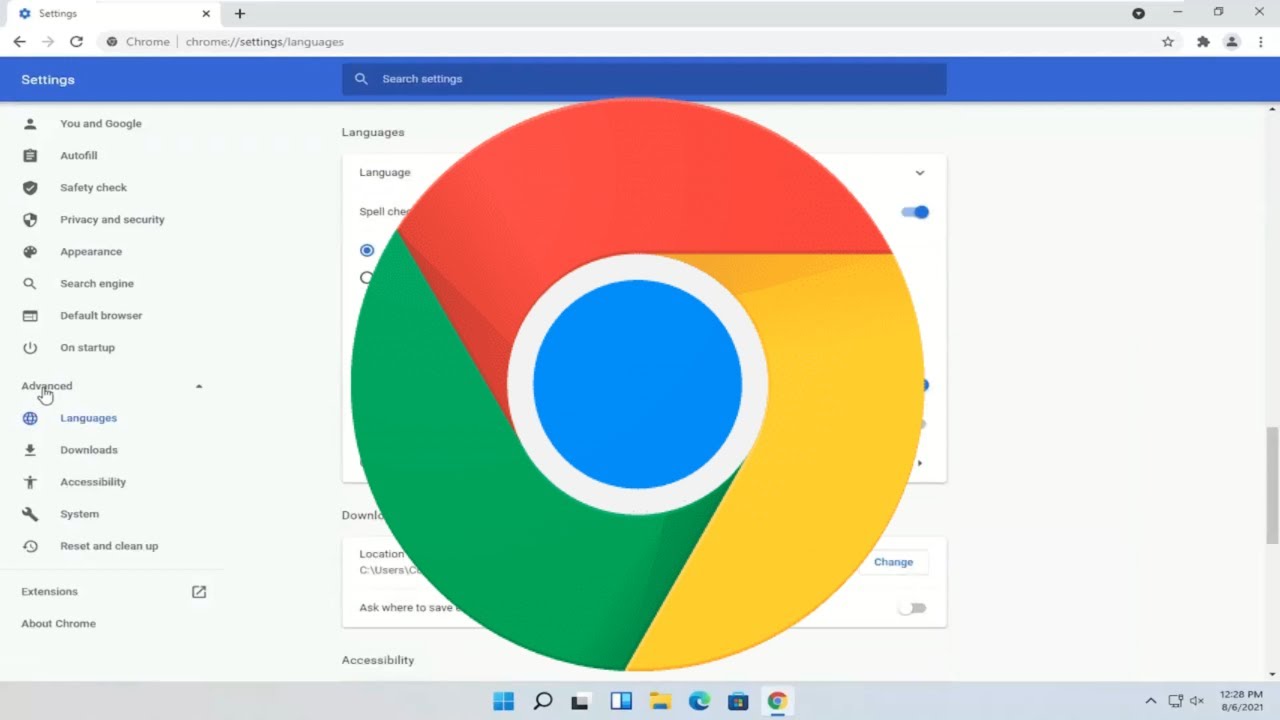
How to Change Language in Google Chrome to English or Any Other Language
Adjusting your language settings is an easy way to customize Google Chrome. The popular web browser supports a wide variety of languages making it easy to display the browser in your preferred language, such as Spanish, French, Japanese, English, and so forth. If you’ve never changed them before, you might be wondering where you can find these settings in the Google Chrome menu.
Here is what you need to know about changing your language settings and preferences in Chrome.
Google Chrome for Windows and Chrome OS lets you change its user interface language from over 110 available languages. So, if you want Chrome’s settings and menus to appear in another language, here’s how to change the default language.
macOS, Linux, iPhone, iPad, and Android users have to change the system’s default language in order for the language in Chrome to follow suit.
We use Google Chrome on Windows for this guide. Changing Chrome’s default language on Chrome OS, however, is virtually identical.
Issues addressed in this tutorial:
change language chrome windows 11
change language chrome from Japanese to English
change language chrome Russian to English
change language chrome browser
how to change language chrome to English
how can change chrome language
how to change chrome language to English
change google chrome language to English
google chrome language change Spanish
my google chrome language change
This tutorial will apply for computers, laptops, desktops, and tablets running the Windows 11, Windows 10, Windows 8/8.1, Windows 7 operating systems. Works for all major computer manufactures (Dell, HP, Acer, Asus, Toshiba, Lenovo, Huawei Samsung).
Adjusting your language settings is an easy way to customize Google Chrome. The popular web browser supports a wide variety of languages making it easy to display the browser in your preferred language, such as Spanish, French, Japanese, English, and so forth. If you’ve never changed them before, you might be wondering where you can find these settings in the Google Chrome menu.
Here is what you need to know about changing your language settings and preferences in Chrome.
Google Chrome for Windows and Chrome OS lets you change its user interface language from over 110 available languages. So, if you want Chrome’s settings and menus to appear in another language, here’s how to change the default language.
macOS, Linux, iPhone, iPad, and Android users have to change the system’s default language in order for the language in Chrome to follow suit.
We use Google Chrome on Windows for this guide. Changing Chrome’s default language on Chrome OS, however, is virtually identical.
Issues addressed in this tutorial:
change language chrome windows 11
change language chrome from Japanese to English
change language chrome Russian to English
change language chrome browser
how to change language chrome to English
how can change chrome language
how to change chrome language to English
change google chrome language to English
google chrome language change Spanish
my google chrome language change
This tutorial will apply for computers, laptops, desktops, and tablets running the Windows 11, Windows 10, Windows 8/8.1, Windows 7 operating systems. Works for all major computer manufactures (Dell, HP, Acer, Asus, Toshiba, Lenovo, Huawei Samsung).
Tags and Topics
Browse our collection to discover more content in these categories.
Video Information
Views
109.9K
Likes
251
Duration
1:48
Published
Oct 7, 2021
User Reviews
4.0
(21) Related Trending Topics
LIVE TRENDSRelated trending topics. Click any trend to explore more videos.
No specific trending topics match this video yet.
Explore All Trends