Create an Excel Dashboard with Upload in ChatGPT 📊
Learn to build an interactive Excel dashboard with upload features using ChatGPT—no coding needed, quick and easy visualizations.

Skillsofted
347 views • Jul 16, 2025
About this video
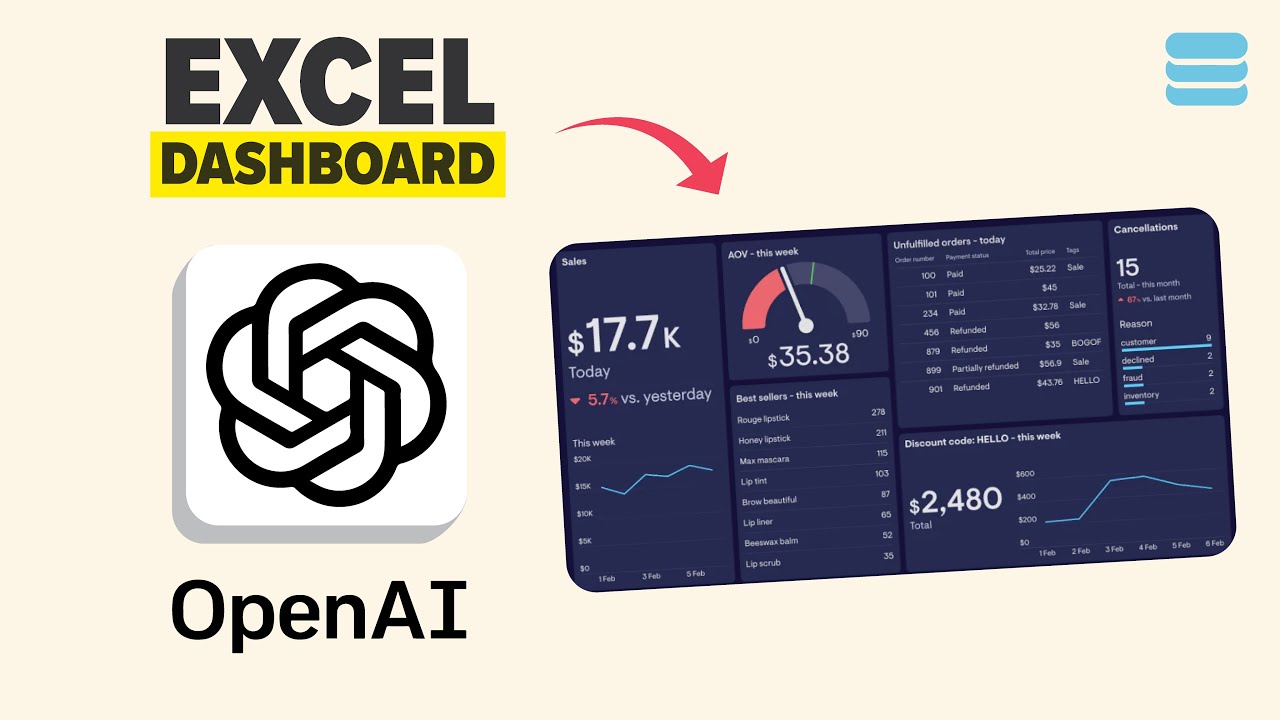
Build an Interactive Excel Dashboard in Minutes Using ChatGPT’s Upload Feature (No Coding!)
Transform raw data into powerful visualizations without Excel expertise!
In this tutorial, I’ll show you how to upload CSV files directly into ChatGPT, use strategic prompts to generate dashboard suggestions (like charts, KPIs, and trends), and convert your data into actionable insights.
Prompt 1:
"Suggest ideas for my dashboard visualisation
This is my (data), suggest me data visualization metrics that would best fit to create an interactive dashboard. Also, explain why?"
Prompt 2:
"Now, I want you to create an interactive dashboard using HTML and JavaScript. Use the latest version of Plotly.js CDN and include an upload feature so that I can upload the JSON file. It should generate the dashboard based on the uploaded data. Note: I need to upload the data from my local computer, and it should create the dashboard based on that data."
Prompt 3:
"Can you change the dashboard design to a modern design. Can you also finalize this as a downloadable HTML file with local storage."
Discover how to:
1️⃣ Upload your CSV and ask ChatGPT to suggest dashboard visualizations tailored to your data.
2️⃣ Generate a complete dashboard with ChatGPT’s code output—no manual Excel formulas!
3️⃣ Convert CSV to JSON within ChatGPT for flexible data structuring.
4️⃣ Upload JSON to your dashboard tool (like Google Data Studio or Power BI) for dynamic updates.
5️⃣ Download your interactive dashboard as an HTML/Excel file for instant use.
Perfect for analysts, marketers, or business owners, this workflow automates reporting and turns spreadsheets into stunning, shareable dashboards. Subscribe for more AI data hacks and jump to key steps.
🔑 Keywords: Build Excel dashboard ChatGPT, upload CSV to ChatGPT, generate data visualizations, convert CSV to JSON, download interactive dashboard, automate Excel reports, ChatGPT data analysis, no-code dashboard.
#exceldashboardstutorial #chatgpt #dataanalysis #datavisualization #automation #nocode #businessintelligence #aitools
Learn to build a dynamic Excel dashboard with ChatGPT, featuring an upload feature for your own data! This tutorial covers using example sales data to automatically generate charts for effective data visualization. Subscribe for more excel tips!
Transform raw data into powerful visualizations without Excel expertise!
In this tutorial, I’ll show you how to upload CSV files directly into ChatGPT, use strategic prompts to generate dashboard suggestions (like charts, KPIs, and trends), and convert your data into actionable insights.
Prompt 1:
"Suggest ideas for my dashboard visualisation
This is my (data), suggest me data visualization metrics that would best fit to create an interactive dashboard. Also, explain why?"
Prompt 2:
"Now, I want you to create an interactive dashboard using HTML and JavaScript. Use the latest version of Plotly.js CDN and include an upload feature so that I can upload the JSON file. It should generate the dashboard based on the uploaded data. Note: I need to upload the data from my local computer, and it should create the dashboard based on that data."
Prompt 3:
"Can you change the dashboard design to a modern design. Can you also finalize this as a downloadable HTML file with local storage."
Discover how to:
1️⃣ Upload your CSV and ask ChatGPT to suggest dashboard visualizations tailored to your data.
2️⃣ Generate a complete dashboard with ChatGPT’s code output—no manual Excel formulas!
3️⃣ Convert CSV to JSON within ChatGPT for flexible data structuring.
4️⃣ Upload JSON to your dashboard tool (like Google Data Studio or Power BI) for dynamic updates.
5️⃣ Download your interactive dashboard as an HTML/Excel file for instant use.
Perfect for analysts, marketers, or business owners, this workflow automates reporting and turns spreadsheets into stunning, shareable dashboards. Subscribe for more AI data hacks and jump to key steps.
🔑 Keywords: Build Excel dashboard ChatGPT, upload CSV to ChatGPT, generate data visualizations, convert CSV to JSON, download interactive dashboard, automate Excel reports, ChatGPT data analysis, no-code dashboard.
#exceldashboardstutorial #chatgpt #dataanalysis #datavisualization #automation #nocode #businessintelligence #aitools
Learn to build a dynamic Excel dashboard with ChatGPT, featuring an upload feature for your own data! This tutorial covers using example sales data to automatically generate charts for effective data visualization. Subscribe for more excel tips!
Tags and Topics
Browse our collection to discover more content in these categories.
Video Information
Views
347
Likes
7
Duration
5:30
Published
Jul 16, 2025
Related Trending Topics
LIVE TRENDSRelated trending topics. Click any trend to explore more videos.
Trending Now