FlipaClip Tutorial: How to Animate Walking 🚶♂️
Learn how to animate walking in FlipaClip with this beginner-friendly tutorial. Get tips and tricks for smooth animation!

Jesse J. Jones
805.2K views • Jun 25, 2021
About this video
►GET MY ANIMATION COURSE HERE: https://bit.ly/AnimCourse
►Subscribe to Stay Updated on Tutorials – http://bit.ly/sub4toons
►Here's the pencil I am using to draw: https://amzn.to/3WphF4U :)
►Watch Live on Twitch – http://www.twitch.tv/jessejayjones
►Support Me and Get Rewards on Patreon –https://www.patreon.com/jessejayjones
►My Portfolio – http://www.JesseJayJones.com
Video Editing by - Kyle Charles (Kylazaur)
DOWNLOAD FLIPACLIP FOR FREE: https://amzn.to/37BQygL
--
TIMECODES:
0:00 - Intro
1:19 - How to draw the first pose
4:30 - How to draw the second pose
8:42 - How to draw the Down and Up poses
14:46 - How to In-between in FlipaClip
21:00 - Final finished walk cycle!
--
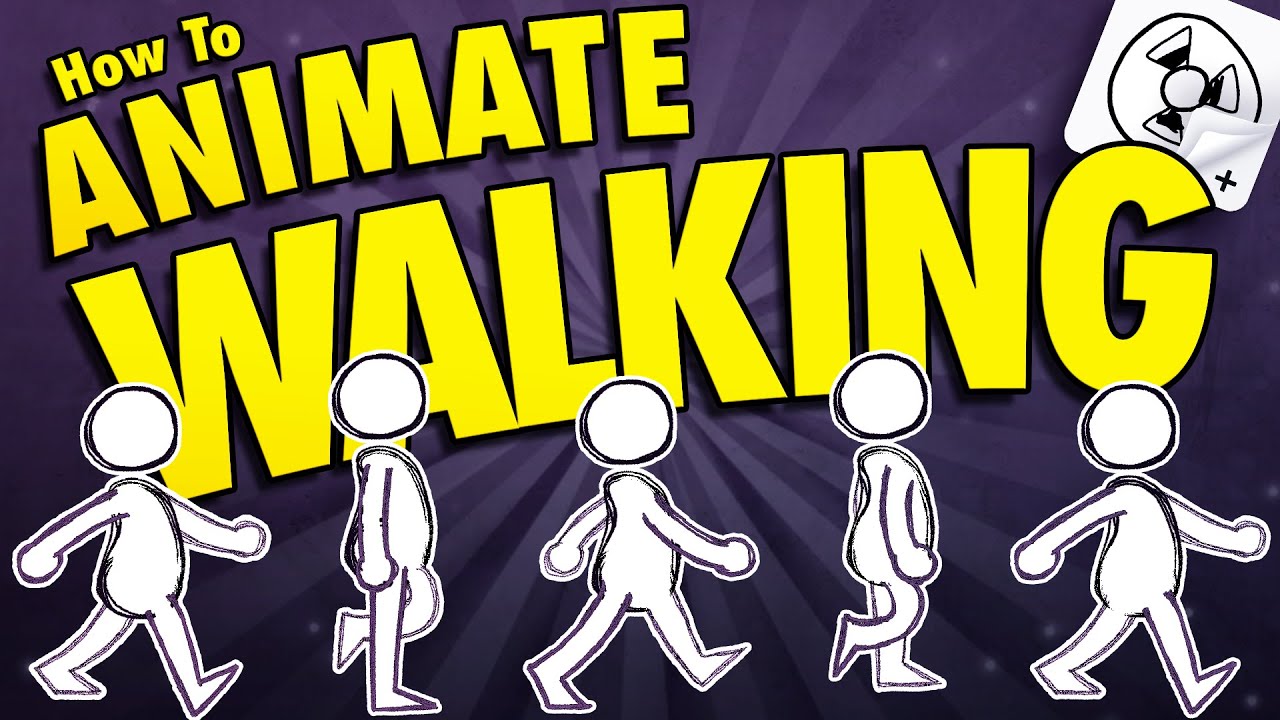
Have you ever wanted to animate a character walking but didn't know where to start? By the end of this tutorial, you will learn how to animate a full body character walking even if you've never tried it before!
You can also follow along in this tutorial with any animation software!
We will learn how to animate a walk cycle by breaking it down into easy to follow steps. We'll also learn how to animate without drawing a new drawing every single frame by using copy, paste, and transform. This is a FlipaClip tutorial for beginners, but you can follow along with this tutorial using Clip Studio Paint, Adobe Animate, Krita, pencil and paper... or any animation software you are comfortable with!
Thanks for watching! Don't forget to like, comment, and subscribe!! ♥
--
Note--This content uses referral links. Jesse J. Jones may be compensated in exchange for featured placement of certain sponsored products and services, or your clicking on links posted on this channel. You will be supporting the channel at no cost to you. Thank you for your help! :)
►Subscribe to Stay Updated on Tutorials – http://bit.ly/sub4toons
►Here's the pencil I am using to draw: https://amzn.to/3WphF4U :)
►Watch Live on Twitch – http://www.twitch.tv/jessejayjones
►Support Me and Get Rewards on Patreon –https://www.patreon.com/jessejayjones
►My Portfolio – http://www.JesseJayJones.com
Video Editing by - Kyle Charles (Kylazaur)
DOWNLOAD FLIPACLIP FOR FREE: https://amzn.to/37BQygL
--
TIMECODES:
0:00 - Intro
1:19 - How to draw the first pose
4:30 - How to draw the second pose
8:42 - How to draw the Down and Up poses
14:46 - How to In-between in FlipaClip
21:00 - Final finished walk cycle!
--
Have you ever wanted to animate a character walking but didn't know where to start? By the end of this tutorial, you will learn how to animate a full body character walking even if you've never tried it before!
You can also follow along in this tutorial with any animation software!
We will learn how to animate a walk cycle by breaking it down into easy to follow steps. We'll also learn how to animate without drawing a new drawing every single frame by using copy, paste, and transform. This is a FlipaClip tutorial for beginners, but you can follow along with this tutorial using Clip Studio Paint, Adobe Animate, Krita, pencil and paper... or any animation software you are comfortable with!
Thanks for watching! Don't forget to like, comment, and subscribe!! ♥
--
Note--This content uses referral links. Jesse J. Jones may be compensated in exchange for featured placement of certain sponsored products and services, or your clicking on links posted on this channel. You will be supporting the channel at no cost to you. Thank you for your help! :)
Tags and Topics
Browse our collection to discover more content in these categories.
Video Information
Views
805.2K
Likes
22.6K
Duration
21:47
Published
Jun 25, 2021
User Reviews
4.8
(161) Related Trending Topics
LIVE TRENDSRelated trending topics. Click any trend to explore more videos.
No specific trending topics match this video yet.
Explore All Trends