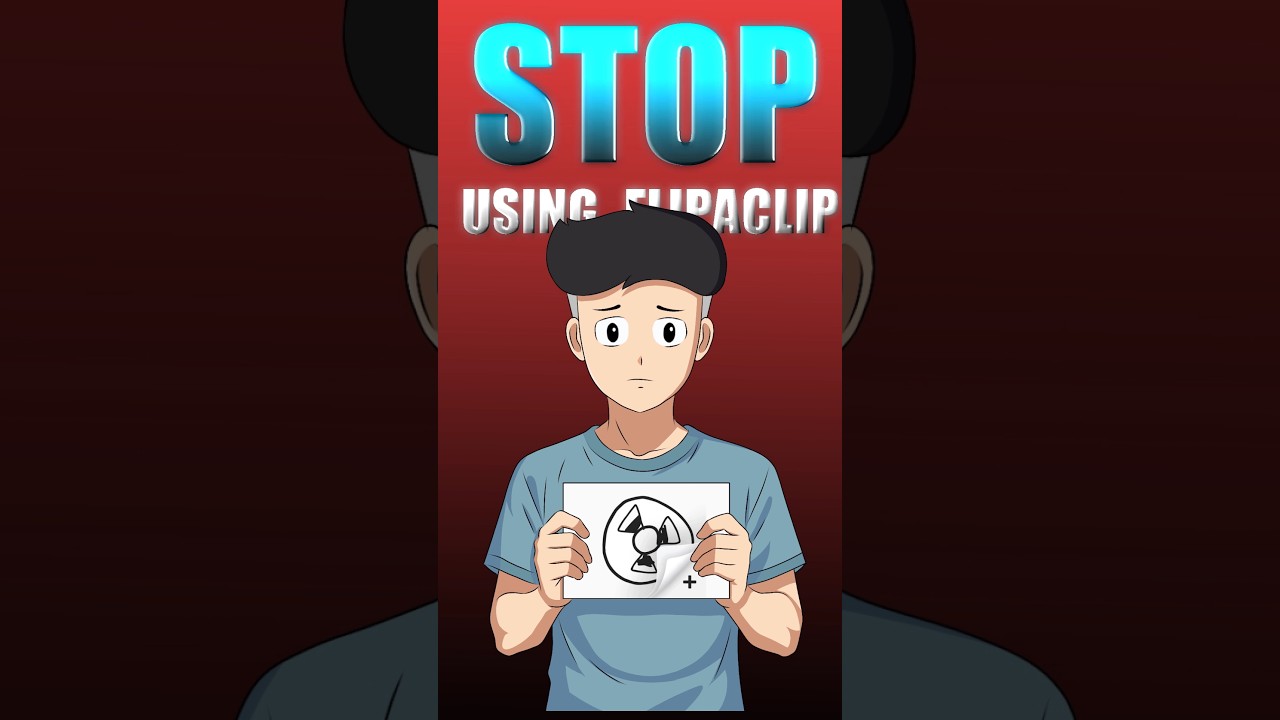
🚫 Say Goodbye to Flipaclip! Watch the Full Mobile Animation Tutorial
Discover the complete process of creating animations on your mobile device using Ibis Paint X and alternative methods. Perfect for beginners and pros alike! 🎨

Op Animation
250.4K views • May 31, 2025
About this video
🎬 Learn How to Animate on Mobile Using Flipaclip & Ibis Paint X (Full Process)
In this video, I’ll walk you through the entire mobile animation workflow using two powerful apps – Flipaclip for rough animation and Ibis Paint X for final clean-up and coloring. Whether you're a beginner or an aspiring animator, this step-by-step tutorial will help you create professional-looking animation right from your phone!
✅ What You’ll Learn in This Video:
How to do rough animation in Flipaclip
Cleaning and detailing frames in Ibis Paint X
Importing final frames back into Flipaclip
Adding lipsync and effects
Tips to improve your animation workflow on mobile
📱 All Done Using Mobile Only – No PC or Expensive Software Needed!
🎨 Flipaclip is great for animating rough scenes, timing, and lipsync, while Ibis Paint X gives you the tools for smooth, polished art. Together, they make a powerful combo for mobile animators!
🔧 Apps Used:
Flipaclip (Free/Paid versions available)
Ibis Paint X (Free with optional premium tools)
💡 Who Is This For?
This video is perfect for:
Beginners who want to learn animation on mobile
Artists looking to improve their workflow
Creators without a PC or expensive setup
Anyone interested in Flipaclip or Ibis Paint X tutorials
👉 Don’t forget to like, share, and subscribe if you found this helpful!
📢 Have questions or suggestions? Drop them in the comments!
#Flipaclip #IbisPaintX #MobileAnimation #HowToAnimateOnPhone #AnimationTutorial #DrawAndAnimate #AnimationProcess #FlipaclipTutorial #IbisPaintTutorial #MobileAnimator
In this video, I’ll walk you through the entire mobile animation workflow using two powerful apps – Flipaclip for rough animation and Ibis Paint X for final clean-up and coloring. Whether you're a beginner or an aspiring animator, this step-by-step tutorial will help you create professional-looking animation right from your phone!
✅ What You’ll Learn in This Video:
How to do rough animation in Flipaclip
Cleaning and detailing frames in Ibis Paint X
Importing final frames back into Flipaclip
Adding lipsync and effects
Tips to improve your animation workflow on mobile
📱 All Done Using Mobile Only – No PC or Expensive Software Needed!
🎨 Flipaclip is great for animating rough scenes, timing, and lipsync, while Ibis Paint X gives you the tools for smooth, polished art. Together, they make a powerful combo for mobile animators!
🔧 Apps Used:
Flipaclip (Free/Paid versions available)
Ibis Paint X (Free with optional premium tools)
💡 Who Is This For?
This video is perfect for:
Beginners who want to learn animation on mobile
Artists looking to improve their workflow
Creators without a PC or expensive setup
Anyone interested in Flipaclip or Ibis Paint X tutorials
👉 Don’t forget to like, share, and subscribe if you found this helpful!
📢 Have questions or suggestions? Drop them in the comments!
#Flipaclip #IbisPaintX #MobileAnimation #HowToAnimateOnPhone #AnimationTutorial #DrawAndAnimate #AnimationProcess #FlipaclipTutorial #IbisPaintTutorial #MobileAnimator
Tags and Topics
Browse our collection to discover more content in these categories.
Video Information
Views
250.4K
Likes
6.9K
Duration
0:34
Published
May 31, 2025
User Reviews
4.7
(50) Related Trending Topics
LIVE TRENDSRelated trending topics. Click any trend to explore more videos.
Trending Now