Reset Clack WS1 Water Softener Easily 🔧
Learn how to reset your Clack WS1 water softener to clear error codes or diagnostics quickly and simply.

Water eStore
63.9K views • Sep 18, 2021
About this video
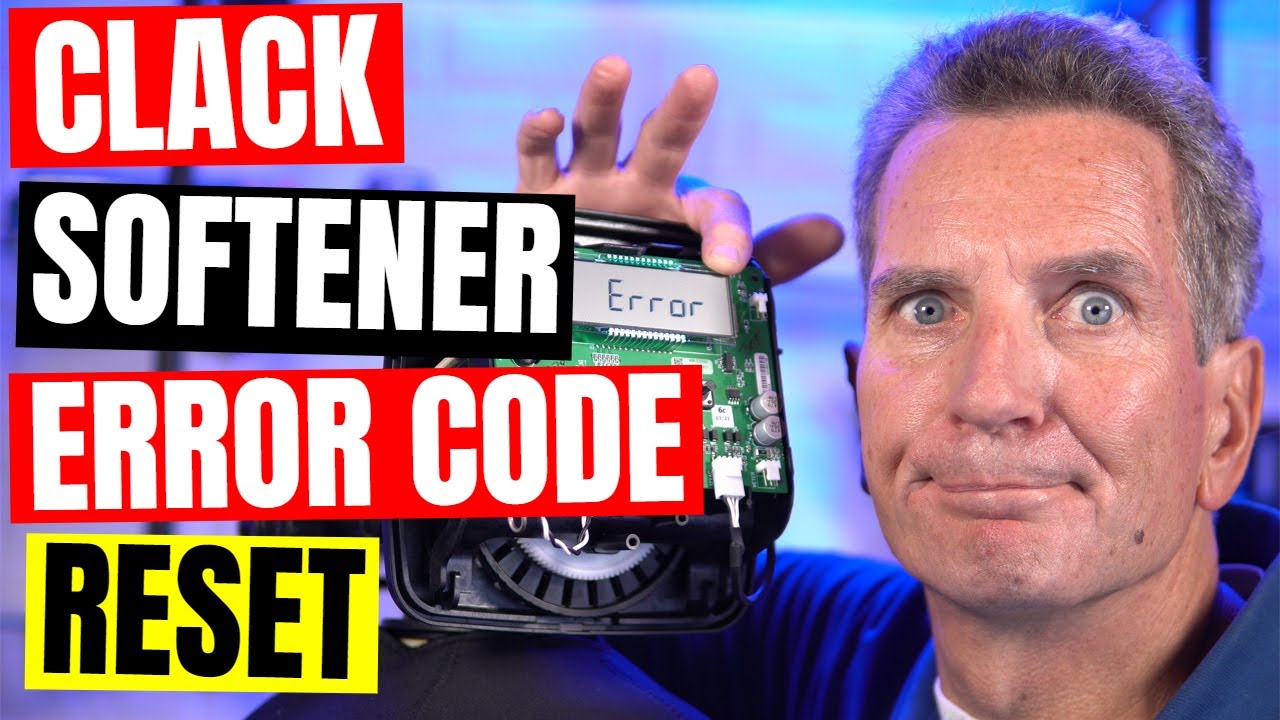
You’ll need to reset your water softener if you’re getting an error code or want to erase all of the diagnostics info. It’s super easy, check this out!
To reset from an error code press and hold NEXT and REGEN buttons for 3 seconds. Or you can unplug power source jack from the printed circuit board (black wire) and plug back in. This resets the electronics and establishes the service piston position. The display should flash all wording, then flash the software version (e.g. 181) and then reset the valve to the service position.
When desired (e.g. when the valve is installed in a new location) certain diagnostics information on the valve can be reset to zero. Table 14 identifies which information can be reset. To reset to zero, press NEXT and ∇ buttons simultaneously for 3 seconds and release. Press ∆ and ∇ simultaneously for 3 seconds to reset diagnostic values to zero.
Check out our Clack Water Filtration Solutions Here https://waterestore.ca/search?type=product&q=hum*%20soft*
Subscribe for more water filtration videos, and I’ll see you there!
Want to learn even more about Clack Water Filtration Valves? Check out my Playlist here https://www.youtube.com/playlist?list=PLmnBltD77jBVJSD6f3GjT8bIXx7Xq9Ml_
LOVE GARY THE WATER GUY AND WANT TO LEARN MORE ABOUT WATER FILTRATION FOR YOUR FAMILY? HERE ARE SOME NEXT STEPS!
1) SUBSCRIBE https://www.youtube.com/user/WaterStoreMidland?sub_confirmation=1
2) LET’S CONNECT!
https://www.facebook.com/WaterEstore/
https://twitter.com/WaterEstore
https://www.linkedin.com/company/the-water-filter-estore/
https://www.instagram.com/Water_Estore/
https://www.instagram.com/WaterStoreMidland/
3) CONTACT!
info@WaterEstore.com or info@WaterStoreMidland.com
4) SHOP!
Midland https://www.WaterStoreMidland.com
Canada https://www.WaterEstore.ca
USA https://waterestore.com/
Please share this video https://youtu.be/hQ764ZYzXyA
Please comment or ask questions below.
#shorts#clackws1#watersoftener
To reset from an error code press and hold NEXT and REGEN buttons for 3 seconds. Or you can unplug power source jack from the printed circuit board (black wire) and plug back in. This resets the electronics and establishes the service piston position. The display should flash all wording, then flash the software version (e.g. 181) and then reset the valve to the service position.
When desired (e.g. when the valve is installed in a new location) certain diagnostics information on the valve can be reset to zero. Table 14 identifies which information can be reset. To reset to zero, press NEXT and ∇ buttons simultaneously for 3 seconds and release. Press ∆ and ∇ simultaneously for 3 seconds to reset diagnostic values to zero.
Check out our Clack Water Filtration Solutions Here https://waterestore.ca/search?type=product&q=hum*%20soft*
Subscribe for more water filtration videos, and I’ll see you there!
Want to learn even more about Clack Water Filtration Valves? Check out my Playlist here https://www.youtube.com/playlist?list=PLmnBltD77jBVJSD6f3GjT8bIXx7Xq9Ml_
LOVE GARY THE WATER GUY AND WANT TO LEARN MORE ABOUT WATER FILTRATION FOR YOUR FAMILY? HERE ARE SOME NEXT STEPS!
1) SUBSCRIBE https://www.youtube.com/user/WaterStoreMidland?sub_confirmation=1
2) LET’S CONNECT!
https://www.facebook.com/WaterEstore/
https://twitter.com/WaterEstore
https://www.linkedin.com/company/the-water-filter-estore/
https://www.instagram.com/Water_Estore/
https://www.instagram.com/WaterStoreMidland/
3) CONTACT!
info@WaterEstore.com or info@WaterStoreMidland.com
4) SHOP!
Midland https://www.WaterStoreMidland.com
Canada https://www.WaterEstore.ca
USA https://waterestore.com/
Please share this video https://youtu.be/hQ764ZYzXyA
Please comment or ask questions below.
#shorts#clackws1#watersoftener
Tags and Topics
Browse our collection to discover more content in these categories.
Video Information
Views
63.9K
Likes
321
Duration
0:59
Published
Sep 18, 2021
User Reviews
4.1
(12) Related Trending Topics
LIVE TRENDSRelated trending topics. Click any trend to explore more videos.
No specific trending topics match this video yet.
Explore All Trends