Hide Music Titles on Instagram Stories for a Sleek Look 🎶
Learn simple steps to add music to your Instagram stories without revealing the song title. Keep your music choices private and maintain a clean, minimalist aesthetic easily!
online
359 views • May 22, 2025
About this video
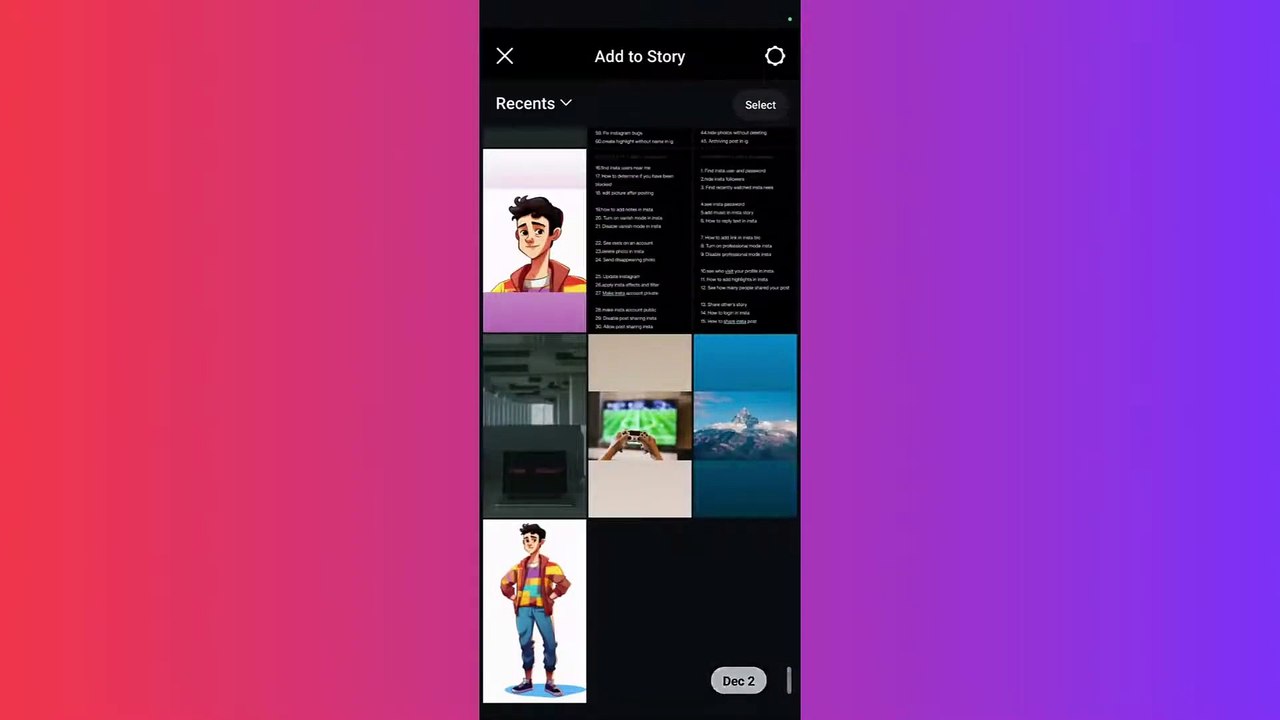
Want to add music to your Instagram stories without showing the song title? Whether you’re going for a minimalist aesthetic or just want to keep the focus on your content, hiding the music title on your Instagram story is easy! Follow this quick guide to learn how.<br /><br />✅ Steps to Hide the Music Title on Instagram Stories:<br /><br />Open the Instagram app and tap the "+" icon to create a new story.<br />Select your photo or video, then tap the Music icon to add a song.<br />Choose your desired audio from the list and adjust its length or start point.<br />When the song title appears on your story, tap and drag the music sticker off the screen until it’s no longer visible.<br />Share your story without showing the song title, while keeping the music in the background.<br />💡 Pro Tips:<br /><br />You can resize the music sticker to make it less noticeable.<br />Experiment with other sticker placements to complement your story's aesthetic.<br />🎶 Keep the focus on your content while still enjoying background music! Start creating clean, professional-looking Instagram stories with this handy trick.
Video Information
Views
359
Duration
1:28
Published
May 22, 2025
Related Trending Topics
LIVE TRENDSRelated trending topics. Click any trend to explore more videos.