Hadoop Installation Series: How to Set Up SSH Keys for Trusted Hosts 🔑
Learn step-by-step how to configure SSH keys for seamless communication between Hadoop nodes, ensuring a smooth and secure setup process.
Saqib24x7
54 views • Jun 18, 2014
About this video
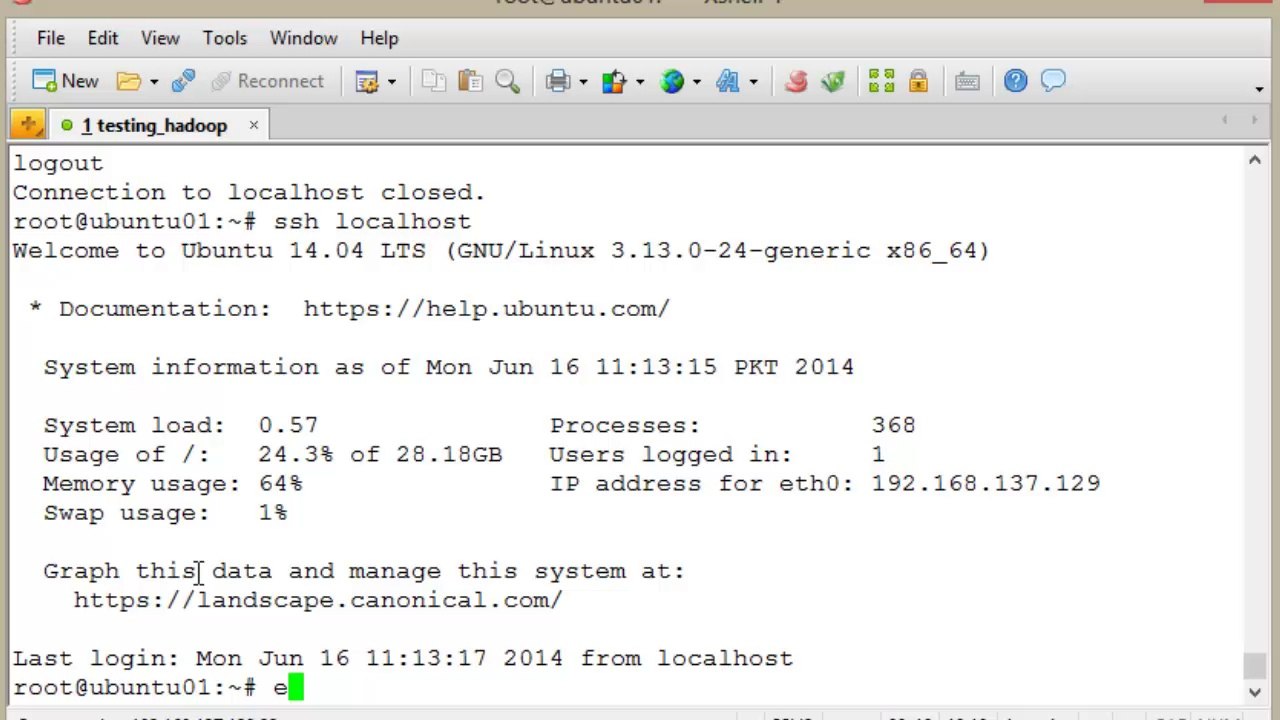
Because Hadoop requires communication between multiple processes on one or more <br />machines, we need to ensure that the user we are using for Hadoop can connect to each <br />required host without needing a password. We do this by creating a Secure Shell (SSH) key <br />pair that has an empty passphrase. We use the ssh-keygen command to start this process <br />and accept the offered defaults. <br /> <br />Once we create the key pair, we need to add the new public key to the stored list of trusted <br />keys; this means that when trying to connect to this machine, the public key will be trusted. <br />After doing so, we use the ssh command to connect to the local machine and should expect <br />to get a warning about trusting the host certificate as just shown. After confirming this, we <br />should then be able to connect without further passwords or prompts.
Video Information
Views
54
Duration
1:06
Published
Jun 18, 2014
Related Trending Topics
LIVE TRENDSRelated trending topics. Click any trend to explore more videos.
No specific trending topics match this video yet.
Explore All Trends