GPT OSS: OpenAI Just Released FREE & OPEN-SOURCE ChatGPT (Run LOCALLY)
Get My Course Linux Mastery Express (The FASTEST WAY to learn Linux): https://linuxtex.thinkific.com OpenAI just shocked the AI world by releasing GPT-OSS 1...

Linux Tex
4.7K views • Aug 12, 2025
About this video
Get My Course Linux Mastery Express (The FASTEST WAY to learn Linux):
https://linuxtex.thinkific.com
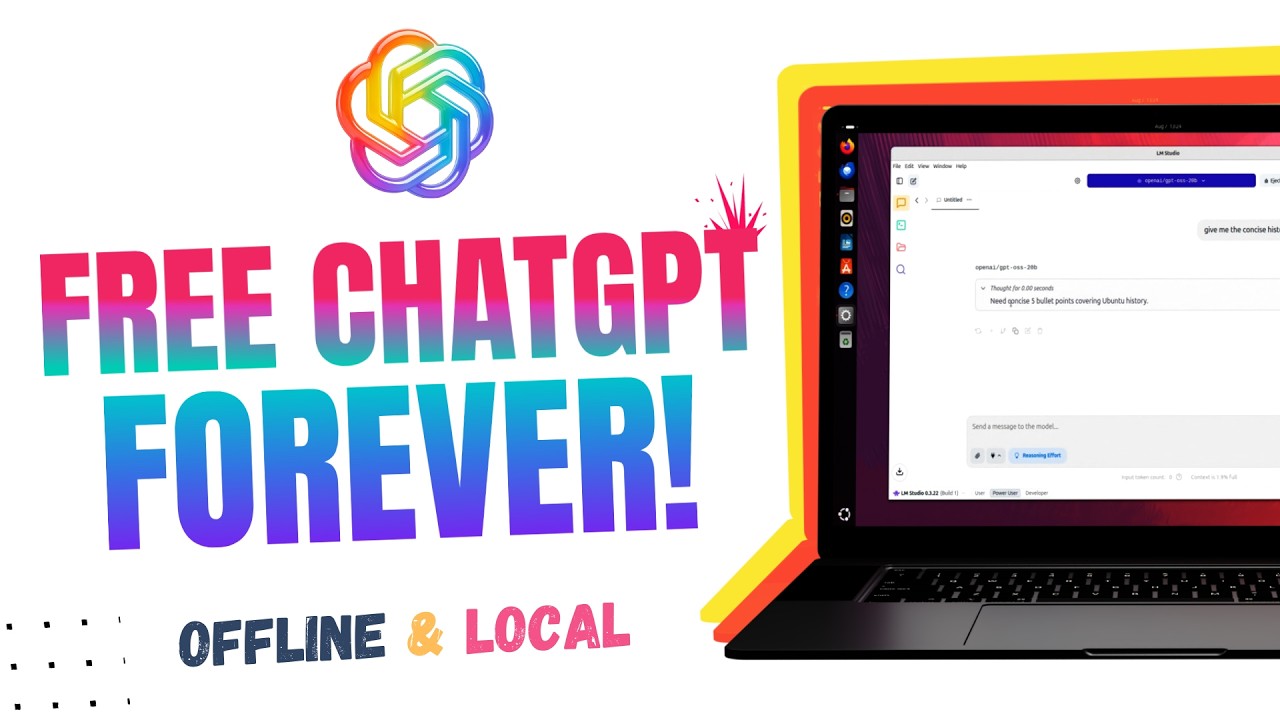
OpenAI just shocked the AI world by releasing GPT-OSS 120B and GPT-OSS 20B – two powerful free and open-weight ChatGPT alternatives you can run locally on your own computer. No subscription. No API. No internet connection required.
In this video, I’ll walk you through:
✅ What GPT-OSS is and why it’s a big deal for the open-source AI community
✅ The difference between open-weight and open-source AI models
✅ How Mixture-of-Experts (MoE) and MXFP4 quantization make these massive models run on consumer hardware
✅ How to install GPT-OSS on your PC or laptop using LM Studio or Ollama
✅ Benchmarks & real-world performance of GPT-OSS 20B and 120B
✅ My personal thoughts after running GPT-OSS locally
✅ Privacy advantages of running ChatGPT-style AI completely offline
Whether you’re a developer, Linux enthusiast, AI hobbyist, or privacy-conscious user, this video will show you how to get ChatGPT-level reasoning without sending your data to the cloud.
Download LM Studio:
https://lmstudio.ai/
Model Link (HuggingFace):
https://huggingface.co/openai/gpt-oss-120b
https://huggingface.co/openai/gpt-oss-20b
1) What exactly are GPT-OSS 120B and 20B?
Two open-weight, reasoning-focused LLMs from OpenAI (117B-param “120B” and 21B-param “20B”) designed for high-quality performance with a 128k context window.
2) Are they truly open-source?
No — they’re open-weight. The model weights are released under Apache-2.0, but the full training data and recipe remain closed.
3) How are they different from ChatGPT?
ChatGPT is a hosted, fine-tuned GPT-4o model with OpenAI-controlled infrastructure. GPT-OSS is downloadable and runs locally, giving you control over data, hardware, and customization.
4) Can GPT-OSS give ChatGPT-level answers?
In many reasoning tasks, yes — especially the 120B model. But ChatGPT may still outperform in speed, integration features, and some specialized fine-tuning.
5) What’s the key difference between 120B and 20B?
120B targets higher-end and production workloads; 20B is tuned for local/on-device use. Thanks to Mixture-of-Experts, only a fraction of parameters are active per token (≈5.1B for 120B; ≈3.6B for 20B).
6) What hardware do I need?
20B runs in ~16 GB VRAM or unified memory. 120B typically requires 80 GB VRAM (or quantized multi-GPU setups).
7) Why do these big models run locally at all?
Because Mixture-of-Experts routes each token to only a few specialist sub-models, and MXFP4 quantization compresses weights without major quality loss.
8) Can I fine-tune GPT-OSS like ChatGPT’s custom GPTs?
Yes — but instead of OpenAI’s hosted “Custom GPT” UI, you fine-tune locally or in the cloud using PEFT methods (LoRA/QLoRA).
9) How good are they on benchmarks?
Strong results: MMLU ≈90%/85% and AIME ≈96% with tool-use. However, ChatGPT’s broader training and plugins give it extra versatility in real-world tasks.
10) Should I use GPT-OSS instead of ChatGPT?
If you want privacy, offline use, and custom control — yes, GPT-OSS is ideal. If you want instant access, faster responses, and integrations, ChatGPT may suit better.
Keywords:
Free ChatGPT, Open Source ChatGPT, GPT OSS 20B, GPT OSS 120B, Run ChatGPT Locally, Local AI Model, OpenAI Open-Source, Mixture of Experts AI, MXFP4 Quantization, Linux AI, AI without Subscription, Offline ChatGPT, Install GPT OSS, AI Privacy, ChatGPT Alternative
https://linuxtex.thinkific.com
OpenAI just shocked the AI world by releasing GPT-OSS 120B and GPT-OSS 20B – two powerful free and open-weight ChatGPT alternatives you can run locally on your own computer. No subscription. No API. No internet connection required.
In this video, I’ll walk you through:
✅ What GPT-OSS is and why it’s a big deal for the open-source AI community
✅ The difference between open-weight and open-source AI models
✅ How Mixture-of-Experts (MoE) and MXFP4 quantization make these massive models run on consumer hardware
✅ How to install GPT-OSS on your PC or laptop using LM Studio or Ollama
✅ Benchmarks & real-world performance of GPT-OSS 20B and 120B
✅ My personal thoughts after running GPT-OSS locally
✅ Privacy advantages of running ChatGPT-style AI completely offline
Whether you’re a developer, Linux enthusiast, AI hobbyist, or privacy-conscious user, this video will show you how to get ChatGPT-level reasoning without sending your data to the cloud.
Download LM Studio:
https://lmstudio.ai/
Model Link (HuggingFace):
https://huggingface.co/openai/gpt-oss-120b
https://huggingface.co/openai/gpt-oss-20b
1) What exactly are GPT-OSS 120B and 20B?
Two open-weight, reasoning-focused LLMs from OpenAI (117B-param “120B” and 21B-param “20B”) designed for high-quality performance with a 128k context window.
2) Are they truly open-source?
No — they’re open-weight. The model weights are released under Apache-2.0, but the full training data and recipe remain closed.
3) How are they different from ChatGPT?
ChatGPT is a hosted, fine-tuned GPT-4o model with OpenAI-controlled infrastructure. GPT-OSS is downloadable and runs locally, giving you control over data, hardware, and customization.
4) Can GPT-OSS give ChatGPT-level answers?
In many reasoning tasks, yes — especially the 120B model. But ChatGPT may still outperform in speed, integration features, and some specialized fine-tuning.
5) What’s the key difference between 120B and 20B?
120B targets higher-end and production workloads; 20B is tuned for local/on-device use. Thanks to Mixture-of-Experts, only a fraction of parameters are active per token (≈5.1B for 120B; ≈3.6B for 20B).
6) What hardware do I need?
20B runs in ~16 GB VRAM or unified memory. 120B typically requires 80 GB VRAM (or quantized multi-GPU setups).
7) Why do these big models run locally at all?
Because Mixture-of-Experts routes each token to only a few specialist sub-models, and MXFP4 quantization compresses weights without major quality loss.
8) Can I fine-tune GPT-OSS like ChatGPT’s custom GPTs?
Yes — but instead of OpenAI’s hosted “Custom GPT” UI, you fine-tune locally or in the cloud using PEFT methods (LoRA/QLoRA).
9) How good are they on benchmarks?
Strong results: MMLU ≈90%/85% and AIME ≈96% with tool-use. However, ChatGPT’s broader training and plugins give it extra versatility in real-world tasks.
10) Should I use GPT-OSS instead of ChatGPT?
If you want privacy, offline use, and custom control — yes, GPT-OSS is ideal. If you want instant access, faster responses, and integrations, ChatGPT may suit better.
Keywords:
Free ChatGPT, Open Source ChatGPT, GPT OSS 20B, GPT OSS 120B, Run ChatGPT Locally, Local AI Model, OpenAI Open-Source, Mixture of Experts AI, MXFP4 Quantization, Linux AI, AI without Subscription, Offline ChatGPT, Install GPT OSS, AI Privacy, ChatGPT Alternative
Tags and Topics
Browse our collection to discover more content in these categories.
Video Information
Views
4.7K
Likes
169
Duration
13:39
Published
Aug 12, 2025
User Reviews
4.6
(4) Related Trending Topics
LIVE TRENDSRelated trending topics. Click any trend to explore more videos.
Trending Now