Edit View-Only & Comment Files in Google Sheets
Learn how to edit view-only or comment-only Google Sheets files with this step-by-step guide. 🔧 Data validation included.

Tip Bytes
183.1K views • May 18, 2020
About this video
This video will show you how to edit a view only or comment only file in google sheets.
Data Validation https://youtu.be/kcD5XIutAfo
Filtering Data by Color https://youtu.be/DAiiNlaa4QY
If you want to follow along with the video, here is a view only sheet.
https://docs.google.com/spreadsheets/d/1RaSqdN-XtI-jx9Z004avvafiGW2tps9_3SzNODoGMG8/edit?usp=sharing
If you are trying to work on a google sheet that you did not create you may not be able to make any edits because the owner of the sheet has only given you view or comment access.
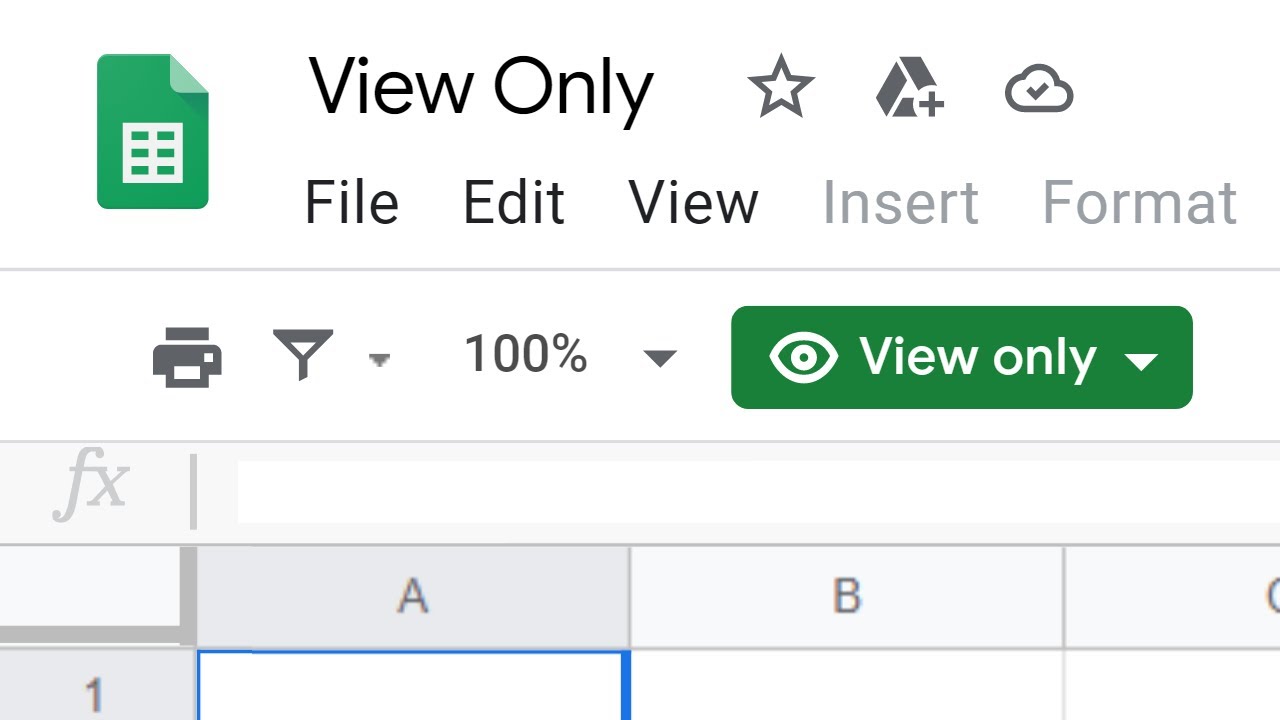
The easiest way to get around this is to click on the “View only” or “Comment only” dropdown option in the menu bar and Select “Request Edit Access”. This will send a message to the owner of the sheet notifying them that you would like edit permissions.
However, if the owner is out of the office or does not want to give you edit access you are still able to create an editable version of this file.
To create an editable copy go to “File” in the menu bar and then select “Make a Copy”. Choose a name for the new file and select what location you would like to save it in. By default it will be named “Copy of” the original file name and be saved in your drive. Once you have assigned a name and location click OK and then you can start editing that version of the file.
There is an example of a view only file in the description below if you want to try and make an edible copy now.
Data Validation https://youtu.be/kcD5XIutAfo
Filtering Data by Color https://youtu.be/DAiiNlaa4QY
If you want to follow along with the video, here is a view only sheet.
https://docs.google.com/spreadsheets/d/1RaSqdN-XtI-jx9Z004avvafiGW2tps9_3SzNODoGMG8/edit?usp=sharing
If you are trying to work on a google sheet that you did not create you may not be able to make any edits because the owner of the sheet has only given you view or comment access.
The easiest way to get around this is to click on the “View only” or “Comment only” dropdown option in the menu bar and Select “Request Edit Access”. This will send a message to the owner of the sheet notifying them that you would like edit permissions.
However, if the owner is out of the office or does not want to give you edit access you are still able to create an editable version of this file.
To create an editable copy go to “File” in the menu bar and then select “Make a Copy”. Choose a name for the new file and select what location you would like to save it in. By default it will be named “Copy of” the original file name and be saved in your drive. Once you have assigned a name and location click OK and then you can start editing that version of the file.
There is an example of a view only file in the description below if you want to try and make an edible copy now.
Tags and Topics
Browse our collection to discover more content in these categories.
Video Information
Views
183.1K
Likes
538
Duration
1:26
Published
May 18, 2020
User Reviews
4.1
(36) Related Trending Topics
LIVE TRENDSRelated trending topics. Click any trend to explore more videos.
No specific trending topics match this video yet.
Explore All Trends