SketchUp 2025 Part 2: 3D Modeling Basics 🏗️
Master SketchUp 2025 with our essentials course and get a free keyboard shortcuts guide to kickstart your 3D modeling journey.

TheSketchUpEssentials
41.8K views • Apr 9, 2025
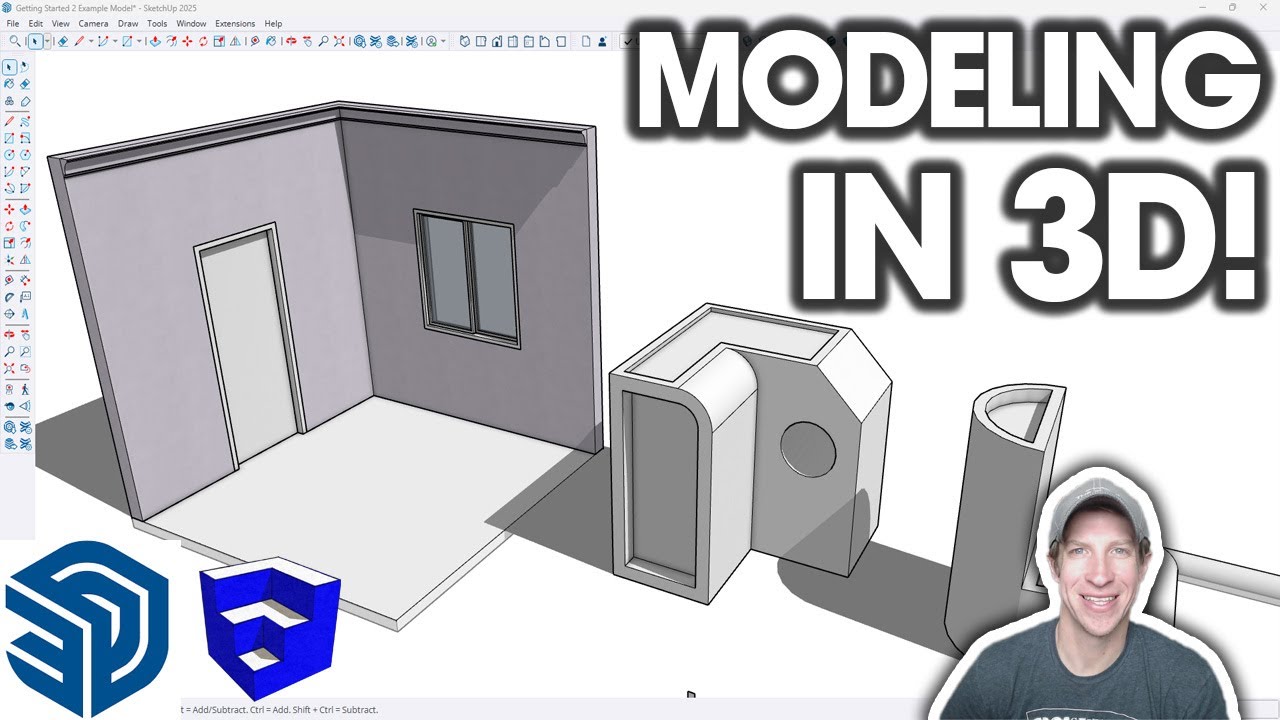
About this video
Learn SketchUp in THE SKETCHUP ESSENTIALS COURSE
https://www.thesketchupessentials.com/course
Free Keyboard Shortcuts Guide
https://www.thesketchupessentials.com/beginner
TIMESTAMPS
0:00 - Introduction
0:13 - How 3D Shapes in SketchUp Work
0:55 - Using the Push Pull Tool to extrude to 3D
2:25 - Extruding non-rectangular shapes
3:15 - Why you can't push pull flat faces
4:05 - Using Push Pull to Remove Material
5:22 - Using Push Pull and offset to create walls
7:09 - How to cut holes with Push Pull
9:13 - How to cut door holes in walls
10:08 - Extruding profiles along paths with the Follow Me Tool
12:20 - How continuous paths affect the follow me tool
12:45 - Adding molding or trim with follow me
13:30 - Using Follow Me along closed paths (and to remove material!)
14:17 - Sticky Geometry and why it matters
15:45 - Using Groups to keep geometry from sticking together
17:05 - Why Components are a BIG deal for repeating objects
18:45 - Modeling windows in SketchUp
21:08 - Using the Move tool to create copies
21:33 - Adding a glass material with the paint bucket
22:00 - Modeling Doors in SketchUp
https://www.thesketchupessentials.com/course
Free Keyboard Shortcuts Guide
https://www.thesketchupessentials.com/beginner
TIMESTAMPS
0:00 - Introduction
0:13 - How 3D Shapes in SketchUp Work
0:55 - Using the Push Pull Tool to extrude to 3D
2:25 - Extruding non-rectangular shapes
3:15 - Why you can't push pull flat faces
4:05 - Using Push Pull to Remove Material
5:22 - Using Push Pull and offset to create walls
7:09 - How to cut holes with Push Pull
9:13 - How to cut door holes in walls
10:08 - Extruding profiles along paths with the Follow Me Tool
12:20 - How continuous paths affect the follow me tool
12:45 - Adding molding or trim with follow me
13:30 - Using Follow Me along closed paths (and to remove material!)
14:17 - Sticky Geometry and why it matters
15:45 - Using Groups to keep geometry from sticking together
17:05 - Why Components are a BIG deal for repeating objects
18:45 - Modeling windows in SketchUp
21:08 - Using the Move tool to create copies
21:33 - Adding a glass material with the paint bucket
22:00 - Modeling Doors in SketchUp
Tags and Topics
Browse our collection to discover more content in these categories.
Video Information
Views
41.8K
Likes
696
Duration
23:29
Published
Apr 9, 2025
User Reviews
4.7
(8) Related Trending Topics
LIVE TRENDSRelated trending topics. Click any trend to explore more videos.
No specific trending topics match this video yet.
Explore All Trends