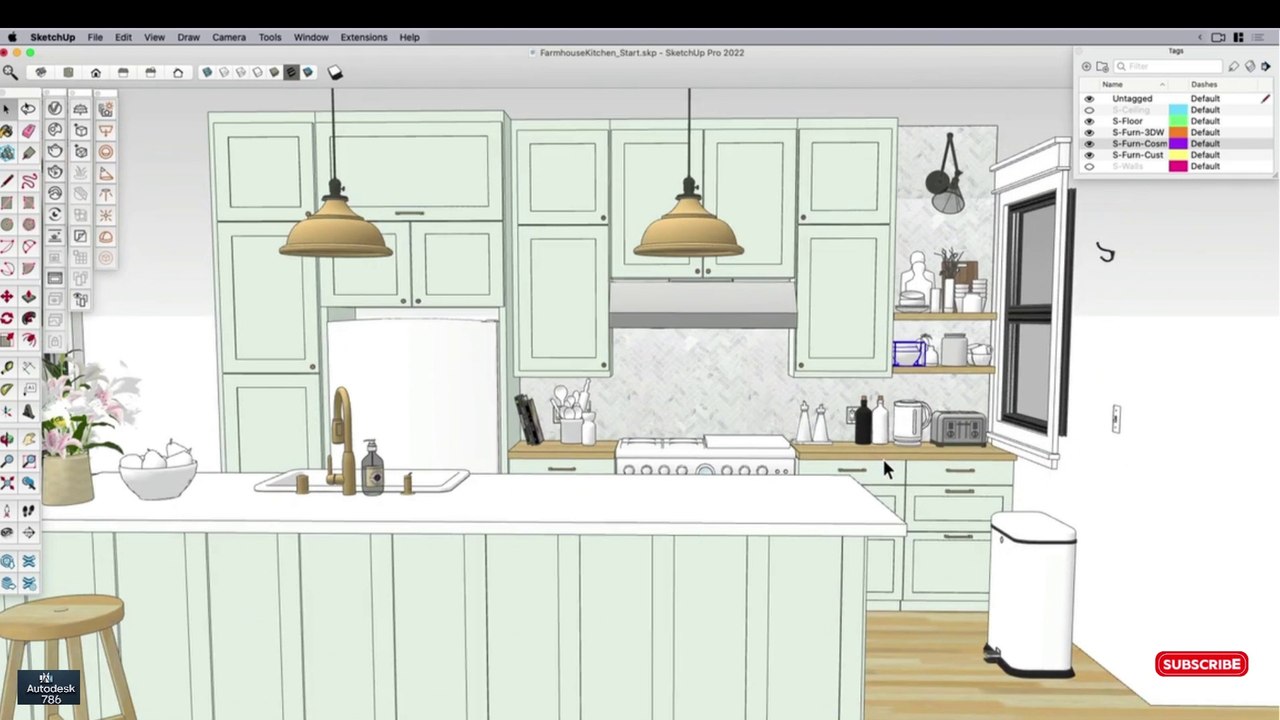
Modeling V-Ray Randomization Techniques in SketchUp – Part 07
An in-depth guide on implementing V-Ray randomization in SketchUp to enhance interior design and 3D modeling workflows. Part 07 in the series covers advanced techniques for realistic rendering.
Autodesk786
526 views • Mar 22, 2025
About this video
#interiordesign #sketchup #civil3d #revit #3dmodeling <br />#viralshort #viralvideo <br />✅ Modeling for V-Ray Randomization in SketchUp<br />Randomization in V-Ray for SketchUp helps create realistic variations in textures, colors, object placement, and lighting. This is essential for achieving a natural, non-repetitive look in renders.<br /><br />🎯 Step 1: Texture Randomization with V-Ray UVW Placement<br />Open V-Ray Asset Editor Select your Material.<br /><br />Go to "Texture Placement" Enable UVW Randomizer.<br /><br />Adjust Random Offset, Rotation, and Scale to remove repetition.<br /><br />✅ Best for:<br /><br />Wood flooring <br /><br />Brick walls 🧱<br /><br />Grass textures 🌿<br /><br />🛠️ Step 2: Color Randomization with V-Ray Multi-Sub Texture<br />Open V-Ray Material Editor.<br /><br />Add Multi-Sub Texture to Diffuse Color.<br /><br />Choose "By Object ID" or "By Random" for variation.<br /><br />Add different color swatches or textures for randomness.<br /><br />✅ Best for:<br /><br />Trees and leaves 🌳<br /><br />Fabric and furniture 🎨<br /><br />Tiles and bricks 🏡<br /><br />✨ Step 3: Random Object Placement with Skatter or V-Ray Proxy<br />Use Skatter Plugin for controlled randomness.<br /><br />Or, convert objects to V-Ray Proxies and manually rotate/scale for variation.<br /><br />✅ Best for:<br /><br />Random rocks and pebbles <br /><br />Park benches and urban elements 🏙️<br /><br />Outdoor landscapes 🌲<br /><br />💡 Step 4: Randomize Lighting for Realism<br />Add multiple V-Ray Lights with slight intensity variations.<br /><br />Use IES Lights for varied spotlights.<br /><br />Adjust Color Temperature Randomization in Light Settings.<br /><br />✅ Best for:<br /><br />Interior scenes 🏠<br /><br />Outdoor night lighting 🌃<br /><br />🎬 Step 5: Render with High-Quality Settings<br />Enable Global Illumination (GI) & Ambient Occlusion (AO).<br /><br />Use Adaptive Dome Light for balanced shadows.<br /><br />Increase Render Quality to eliminate noise.<br /><br />✅ Pro Tips:<br />✔ Use Chaos Scatter for easy object randomization.<br />✔ Combine Multi-Sub Texture + UVW Randomizer for ultra-realistic surfaces.<br />✔ Add slight imperfections in object placement for a natural look.
Video Information
Views
526
Duration
4:55
Published
Mar 22, 2025
Related Trending Topics
LIVE TRENDSRelated trending topics. Click any trend to explore more videos.
No specific trending topics match this video yet.
Explore All Trends