Fusion 360 Beginner: Model a Box & Lid with Screws
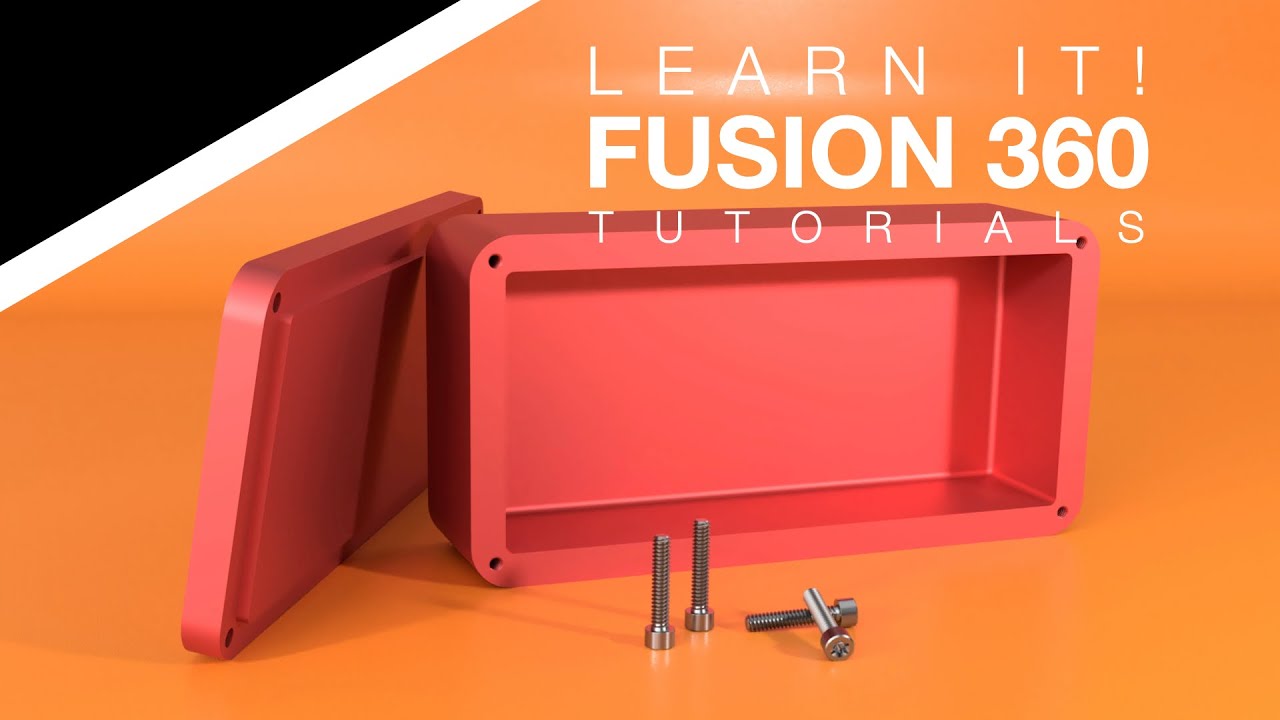
Learn to model a box with a lid and screws using In-Context Design in Fusion 360. Fix screw issues with this tutorial 🔧.
Learn It!
153.9K views • Jul 23, 2023
About this video
To see the fix for the problem involving the screws, check out this tutorial: https://www.patreon.com/posts/user-requests-to-124835334?utm_medium=clipboard_copy&utm_source=copyLink&utm_campaign=postshare_creator&utm_content=join_link
In this tutorial, you will learn an absolute ton about sketches, extruding, in-context design, joints, fasteners, and so much more! Hope that you benefit from these videos. If you do, please like and subscribe. If there is something else that you’d like to learn or are finding difficult with Fusion 360, please drop a comment below. We will do our best to tackle that problem in the near future.
For the following, click here: https://bio.site/learnitalready
- Social and Contact
- Memberships
- Discounts, Specials, and Freebies
- Support Us
- Business Partners, Sponsors, & Portfolio
- Courses
- Recommended Hardware (Including 3D SpaceMouse Pro)
- Private Consultation, Instruction, & CAD/CAM work
00:00 - Intro
1:17 - Let's dig into it - What we'll learn
1:45 - Look at the drawings
3:01 - Create your components
3:35 - PLEASE TAKE NOTE - Component Activation
4:00 - Box drawing
4:55 - Model the box already!
7:08 - Offset sketch feature
10:16 - Create them tapped holes
15:06 - In-context design
19:55 - Project tapped holes to c-bore
22:55 - Joints
24:57 - Mate the lid to the box
26:52 - Insert them screws
27:47 - McMaster
29:44 - Capture position?
31:05 - Join the screw to the hole
32:23 - Review
#learnit #fusion360 #tutorial #drawings #manufacturing #beginners
In this tutorial, you will learn an absolute ton about sketches, extruding, in-context design, joints, fasteners, and so much more! Hope that you benefit from these videos. If you do, please like and subscribe. If there is something else that you’d like to learn or are finding difficult with Fusion 360, please drop a comment below. We will do our best to tackle that problem in the near future.
For the following, click here: https://bio.site/learnitalready
- Social and Contact
- Memberships
- Discounts, Specials, and Freebies
- Support Us
- Business Partners, Sponsors, & Portfolio
- Courses
- Recommended Hardware (Including 3D SpaceMouse Pro)
- Private Consultation, Instruction, & CAD/CAM work
00:00 - Intro
1:17 - Let's dig into it - What we'll learn
1:45 - Look at the drawings
3:01 - Create your components
3:35 - PLEASE TAKE NOTE - Component Activation
4:00 - Box drawing
4:55 - Model the box already!
7:08 - Offset sketch feature
10:16 - Create them tapped holes
15:06 - In-context design
19:55 - Project tapped holes to c-bore
22:55 - Joints
24:57 - Mate the lid to the box
26:52 - Insert them screws
27:47 - McMaster
29:44 - Capture position?
31:05 - Join the screw to the hole
32:23 - Review
#learnit #fusion360 #tutorial #drawings #manufacturing #beginners
Video Information
Views
153.9K
Likes
5.0K
Duration
33:56
Published
Jul 23, 2023
User Reviews
4.7
(30) Related Trending Topics
LIVE TRENDSRelated trending topics. Click any trend to explore more videos.
No specific trending topics match this video yet.
Explore All Trends