Build WhatsApp-Style Bottom Navigation in Flutter 📱
Follow this step-by-step tutorial to create a WhatsApp-like bottom navigation bar in Flutter for a sleek app interface.
Smoq Dev
331 views • Sep 11, 2025
About this video
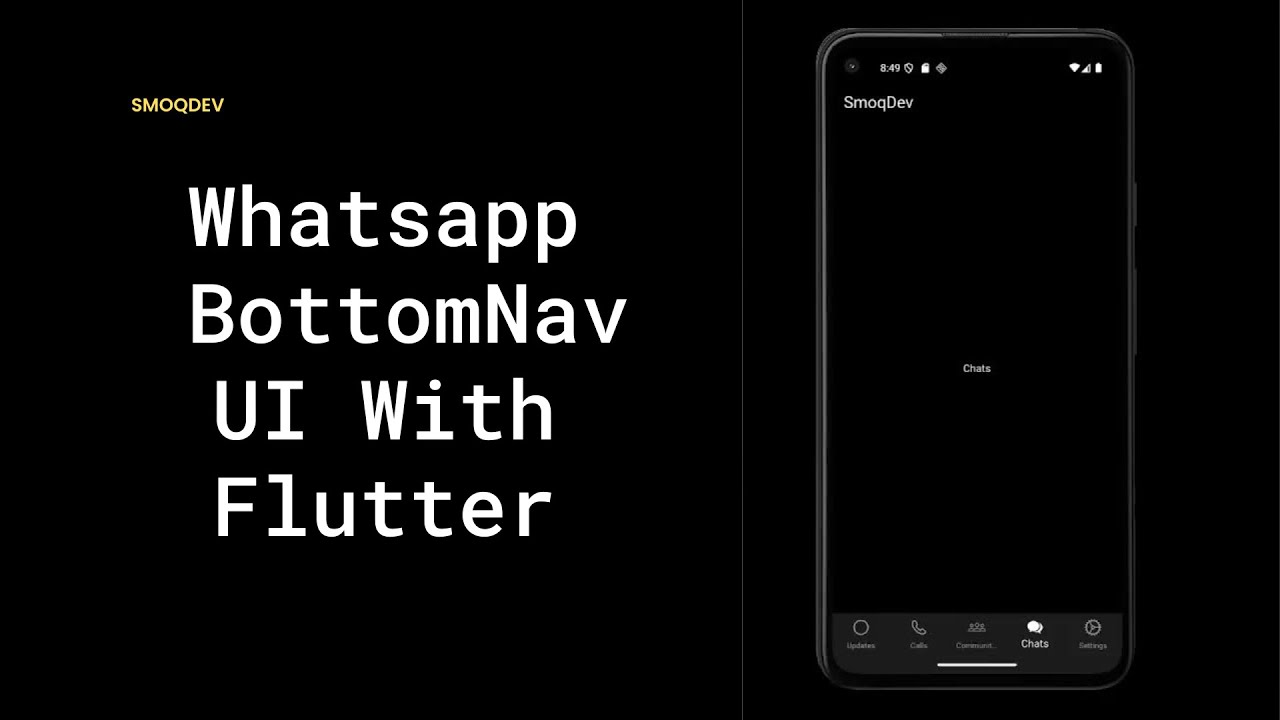
Learn how to build a WhatsApp-style Bottom Navigation Bar in Flutter step by step!
In this tutorial, we’ll create a custom bottom nav bar that looks just like WhatsApp, complete with icons, tabs, and smooth navigation. Perfect if you’re working on a chat app, social app, or WhatsApp clone in Flutter.
By the end of this video, you’ll know how to:
✅ Create a Flutter Bottom Navigation Bar
✅ Add WhatsApp-style icons and active tab highlight
✅ Build a reusable widget for clean UI design
✅ Apply these concepts to your own projects
⏱️ Chapters (Timestamps)
0:00 — Intro
0:10— Demo project
0:35— Project setup in Flutter
1:43 — Creating the bottom navigation bar widget
3:00 — Adding WhatsApp-style icons
3:23— Handling tab selection & navigation
4:06 — Adding Screens
8:08 — Styling the nav bar (active vs inactive icons)
11:00 — Final walkthrough & testing
11:43 — Outro + what’s next
📌 Related Flutter Tutorials:
👉 WhatsApp AppBar in Flutter: [https://youtu.be/cXt-rByR2rQ?si=a-pll6GX1efpn5DW]
👉 More Flutter UI tutorials on Smoq Dev: [https://youtube.com/playlist?list=PLbR8HckVfNpIRyyCSPinnGvvUcrbZcSFr&si=9HXs6rXwNJxHsk9O]
💡 Don’t forget to like 👍, share 🔁, and subscribe 🔔 for more Flutter tutorials from Smoq Dev!
#Flutter #WhatsAppClone #FlutterUI #FlutterTutorial #FlutterBottomNavigation #MobileAppDevelopment #SmoqDev
In this tutorial, we’ll create a custom bottom nav bar that looks just like WhatsApp, complete with icons, tabs, and smooth navigation. Perfect if you’re working on a chat app, social app, or WhatsApp clone in Flutter.
By the end of this video, you’ll know how to:
✅ Create a Flutter Bottom Navigation Bar
✅ Add WhatsApp-style icons and active tab highlight
✅ Build a reusable widget for clean UI design
✅ Apply these concepts to your own projects
⏱️ Chapters (Timestamps)
0:00 — Intro
0:10— Demo project
0:35— Project setup in Flutter
1:43 — Creating the bottom navigation bar widget
3:00 — Adding WhatsApp-style icons
3:23— Handling tab selection & navigation
4:06 — Adding Screens
8:08 — Styling the nav bar (active vs inactive icons)
11:00 — Final walkthrough & testing
11:43 — Outro + what’s next
📌 Related Flutter Tutorials:
👉 WhatsApp AppBar in Flutter: [https://youtu.be/cXt-rByR2rQ?si=a-pll6GX1efpn5DW]
👉 More Flutter UI tutorials on Smoq Dev: [https://youtube.com/playlist?list=PLbR8HckVfNpIRyyCSPinnGvvUcrbZcSFr&si=9HXs6rXwNJxHsk9O]
💡 Don’t forget to like 👍, share 🔁, and subscribe 🔔 for more Flutter tutorials from Smoq Dev!
#Flutter #WhatsAppClone #FlutterUI #FlutterTutorial #FlutterBottomNavigation #MobileAppDevelopment #SmoqDev
Video Information
Views
331
Likes
7
Duration
11:58
Published
Sep 11, 2025
Related Trending Topics
LIVE TRENDSRelated trending topics. Click any trend to explore more videos.
No specific trending topics match this video yet.
Explore All Trends