Fix Missing Security Updates on Windows 11 🔄
Learn how to resolve Windows 11 update errors and ensure your device gets important security patches. Try 4DDiG Partition Manager for smooth updates. ✅

Victor Explains
49.7K views • Oct 8, 2025
About this video
👉 Try 4DDiG Partition Manager (https://bit.ly/4pX12Mc) to optimize system partitions and restore smooth Windows 11 updates. ✅🚀
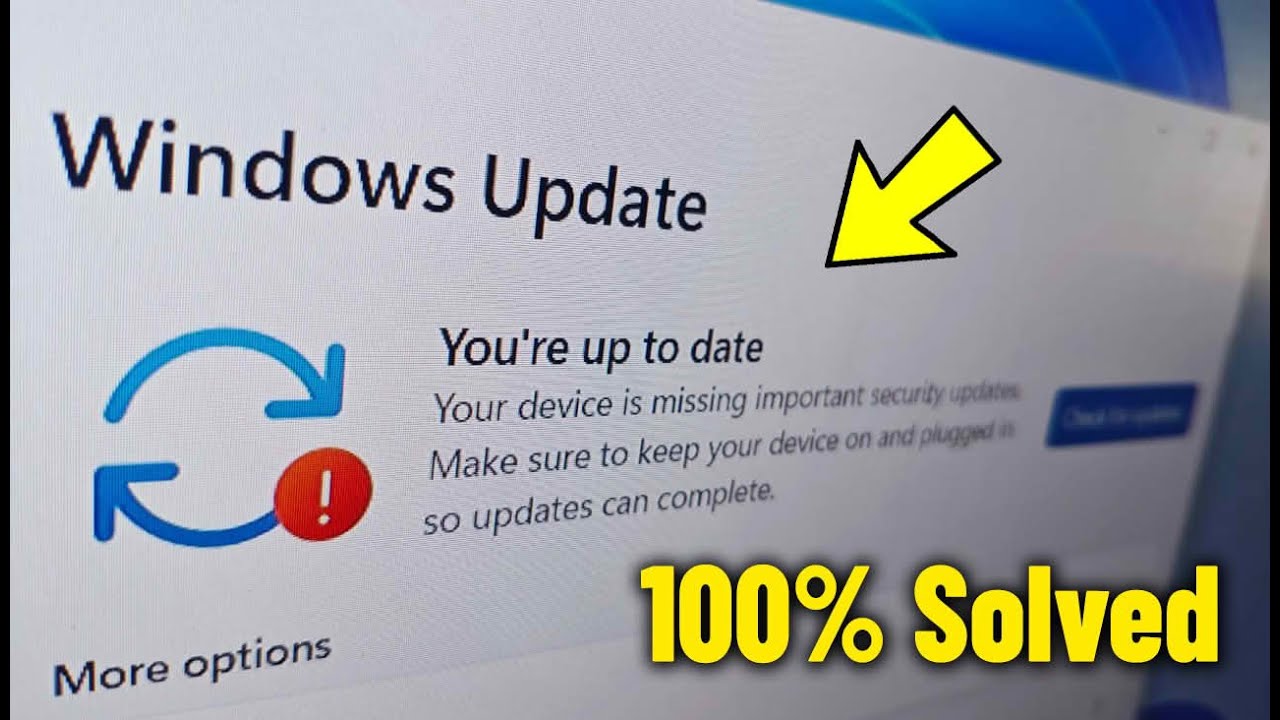
👉 Is your Windows 11 device showing the message “Your device is missing important security updates”? 😟 Don’t worry — in this step-by-step video, I’ll show you 4 easy and effective methods to fix this Windows 11 Update error on any version of Windows 11, whether you’re using a laptop, PC, or computer.
💡 The full related problem:
“Your device is missing important security updates. Make sure to keep your device on and plugged in so updates can complete.”
🖥️ Works on all Windows 11 releases, including:
Windows 11 21H2 (OS Build 22000)
Windows 11 22H2 (OS Build 22621)
Windows 11 23H2 (OS Build 22631)
Windows 11 24H2 (OS Build 26100)
✅ Compatible with all major laptop and PC brands — HP, Dell, Lenovo, ASUS, Acer, MSI, Samsung, Toshiba, Microsoft Surface, and more.
Whether you’re using Windows 11 Home, Pro, or Enterprise, these tested solutions will help you restore missing updates, fix Windows Update errors, and keep your computer protected and up to date.
💡 This tutorial includes:
🧩 Method 1 – Check Windows Update Service
🧹 Method 2 – Clear Temporary Update Files (SoftwareDistribution)
🧩 Method 3 – Uninstall Problematic Updates
⚙️ Method 4 – Run System File Checker (SFC) and DISM Tools
If your Windows says “You’re up to date” but still shows “Your device is missing important security updates”, this guide will walk you through fixing it safely — no reinstall required!
💻 Supports desktop PCs, laptops, notebooks, and gaming computers.
⏱ Timestamps / Chapters
0:00 – Intro
0:10 - How To Fix Your Device is missing Important Security Update Error in Windoows 11 with 4 Methods
0:26 - Method 1 : Fix Your Device is missing Important Security Update (Check Windows Update Service)
1:06 - Method 2 : Solve Your Device is missing Important Security Update (Clear Temporary Update Files)
2:27 - Method 3 : Repair Your Device is missing Important Security Update (Uninstall Problematic Updates)
3:13 - Method 4 : Solve Issue Your Device is missing Important Security Update (Run System File Checker (SFC))
3:53 - More Suggested Videos
📺 More Related Videos
▶️ Windows 11 Tutorials: https://www.youtube.com/playlist?list=PLFStktVg2e4lzGCbhRYBPhCB8vFncdToj
▶️ Windows 10 Tutorials: https://www.youtube.com/playlist?list=PLFStktVg2e4leA44bjCdxOg4u4sGB1ZGQ
👍 Support This Channel
If you found this video helpful, please:
✔️ Like the video
✔️ Subscribe for more helpful content: https://bit.ly/Click-Here-To-Sub
✔️ Comment your questions or feedback
✔️ Share with friends so they can benefit too
💲 Donate via PayPal to support: https://paypal.com/paypalme/VictorExplains
☕ Buy Me a Coffee: If you'd like to support the channel directly, every coffee helps a ton! https://ko-fi.com/victorexplains
🛒 Upgrade Your Tech : https://www.amazon.com/shop/victorexplains
🌐 Join Us on Social Media
🌎 Website: https://www.victorexplains.com/
📘 Facebook: https://www.facebook.com/Victorexplains
🐦 Twitter / X: https://twitter.com/VictorExplains
📸 Instagram: https://instagram.com/victorexplains
📌 Pinterest: https://pinterest.co.uk/VictorExplains
❓ Have a Question?
Drop your question in the comments below or reach out via social media. I’ll try to respond as soon as possible ✍️.
📢 Disclaimer
This video is for educational purposes only. Copyright Disclaimer under Section 107 of the Copyright Act 1976 allows for “fair use” for teaching, comment, research, and more.
🔍 Hashtags
#windows11 #WindowsUpdate #VictorExplains
👉 Is your Windows 11 device showing the message “Your device is missing important security updates”? 😟 Don’t worry — in this step-by-step video, I’ll show you 4 easy and effective methods to fix this Windows 11 Update error on any version of Windows 11, whether you’re using a laptop, PC, or computer.
💡 The full related problem:
“Your device is missing important security updates. Make sure to keep your device on and plugged in so updates can complete.”
🖥️ Works on all Windows 11 releases, including:
Windows 11 21H2 (OS Build 22000)
Windows 11 22H2 (OS Build 22621)
Windows 11 23H2 (OS Build 22631)
Windows 11 24H2 (OS Build 26100)
✅ Compatible with all major laptop and PC brands — HP, Dell, Lenovo, ASUS, Acer, MSI, Samsung, Toshiba, Microsoft Surface, and more.
Whether you’re using Windows 11 Home, Pro, or Enterprise, these tested solutions will help you restore missing updates, fix Windows Update errors, and keep your computer protected and up to date.
💡 This tutorial includes:
🧩 Method 1 – Check Windows Update Service
🧹 Method 2 – Clear Temporary Update Files (SoftwareDistribution)
🧩 Method 3 – Uninstall Problematic Updates
⚙️ Method 4 – Run System File Checker (SFC) and DISM Tools
If your Windows says “You’re up to date” but still shows “Your device is missing important security updates”, this guide will walk you through fixing it safely — no reinstall required!
💻 Supports desktop PCs, laptops, notebooks, and gaming computers.
⏱ Timestamps / Chapters
0:00 – Intro
0:10 - How To Fix Your Device is missing Important Security Update Error in Windoows 11 with 4 Methods
0:26 - Method 1 : Fix Your Device is missing Important Security Update (Check Windows Update Service)
1:06 - Method 2 : Solve Your Device is missing Important Security Update (Clear Temporary Update Files)
2:27 - Method 3 : Repair Your Device is missing Important Security Update (Uninstall Problematic Updates)
3:13 - Method 4 : Solve Issue Your Device is missing Important Security Update (Run System File Checker (SFC))
3:53 - More Suggested Videos
📺 More Related Videos
▶️ Windows 11 Tutorials: https://www.youtube.com/playlist?list=PLFStktVg2e4lzGCbhRYBPhCB8vFncdToj
▶️ Windows 10 Tutorials: https://www.youtube.com/playlist?list=PLFStktVg2e4leA44bjCdxOg4u4sGB1ZGQ
👍 Support This Channel
If you found this video helpful, please:
✔️ Like the video
✔️ Subscribe for more helpful content: https://bit.ly/Click-Here-To-Sub
✔️ Comment your questions or feedback
✔️ Share with friends so they can benefit too
💲 Donate via PayPal to support: https://paypal.com/paypalme/VictorExplains
☕ Buy Me a Coffee: If you'd like to support the channel directly, every coffee helps a ton! https://ko-fi.com/victorexplains
🛒 Upgrade Your Tech : https://www.amazon.com/shop/victorexplains
🌐 Join Us on Social Media
🌎 Website: https://www.victorexplains.com/
📘 Facebook: https://www.facebook.com/Victorexplains
🐦 Twitter / X: https://twitter.com/VictorExplains
📸 Instagram: https://instagram.com/victorexplains
📌 Pinterest: https://pinterest.co.uk/VictorExplains
❓ Have a Question?
Drop your question in the comments below or reach out via social media. I’ll try to respond as soon as possible ✍️.
📢 Disclaimer
This video is for educational purposes only. Copyright Disclaimer under Section 107 of the Copyright Act 1976 allows for “fair use” for teaching, comment, research, and more.
🔍 Hashtags
#windows11 #WindowsUpdate #VictorExplains
Tags and Topics
Browse our collection to discover more content in these categories.
#Victor Explains #Your device is missing important security and quality fixes windows 11 #your device is missing important security and quality fixes #your device is missing important security updates make sure to keep your device #Al dispositivo le faltan actualizaciones importantes de seguridad windows 11
Video Information
Views
49.7K
Likes
473
Duration
4:02
Published
Oct 8, 2025
User Reviews
4.3
(9) Related Trending Topics
LIVE TRENDSRelated trending topics. Click any trend to explore more videos.
No specific trending topics match this video yet.
Explore All Trends